


Trusted by 1M+ creators
Sound Bite Maker
Create engaging sound bites from longer videos. Trim your recordings in one click
No credit card required
4.6
2,100+ reviews















Make sound bites that hook your audience
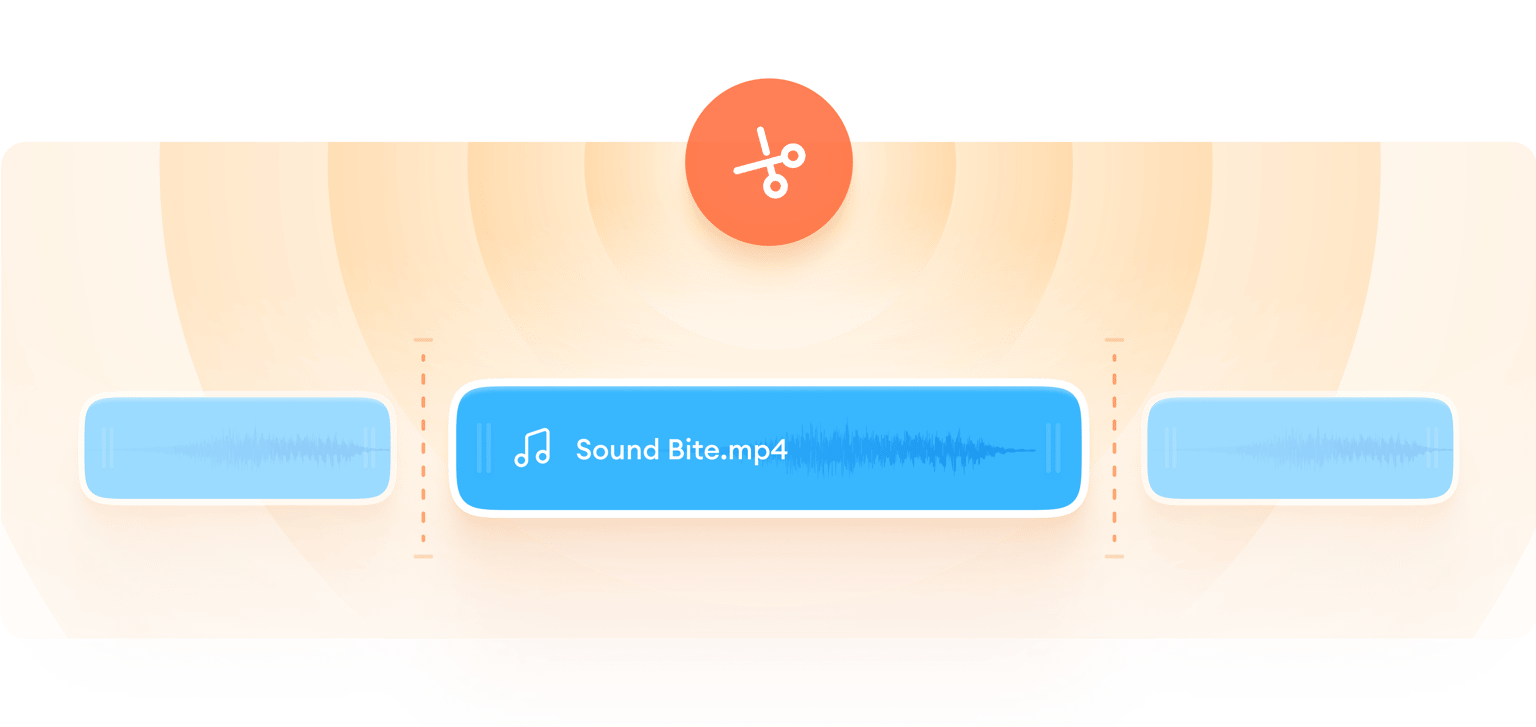
Extract the most compelling sound bites from any video. With VEED, splitting, trimming, and exporting audio is a breeze. Making video sound bites? Our Magic Cut tool automatically trims your video, removing filler words and interruptions.
You can enhance your sound bites with text, stock music, and auto captions. And with our brand kit, you can upload your logo and easily apply it across videos. Create polished social media snippets, promo teasers, and YouTube shorts that draw in your viewers.
How to make a sound bite:
Step 01
Upload or record a video
Upload a video or record one using our built-in webcam recorder. You can also upload an audio file.
Step 02
Trim with Magic Cut
Click ‘Magic Cut’ to automatically remove awkward pauses, interruptions, and filler words. Manually extend or trim clips as needed.
Step 03
Enhance and export
Export your sound bite as a video or audio file. Or use our video editor to enhance your video with text, captions, and graphics.
Learn More
Learn how to make sound bites with Magic Cut:
Auto-cut awkward pauses and interruptions
No need to manually edit your videos to remove silences, interruptions, and filler words. With Magic Cut, you can trim down your footage in one click. Then, refine your sound bites by extending or cutting clips. Save precious time and effort while creating professional-level content.
Add subtitles to highlight sound bites
Subtitles can emphasize your most impactful sound bites. With VEED's auto subtitle feature, you can generate accurate captions in minutes and customize their style to match your brand's aesthetic. Create sound bites that stand out on social media feeds, even when played without sound.
Enhance your videos in minutes
Enhance your audio and video – all in one convenient video editor. Remove background noise and get crystal-clear audio. Add music from our extensive library to set the perfect mood and elevate your content. VEED gives you all the tools you need to create stunning videos in minutes.
FAQ
A sound bite is a short, memorable clip extracted from a longer piece of audio or video content. It captures the essence of the message or the most engaging part of the content. Sound bites are commonly used in news reports, social media, podcasts, and promotional materials.
Sound bites are typically brief, ranging from a few seconds to around 30 seconds. The ideal length depends on the context and purpose of the sound bite. Shorter sound bites (5-10 seconds) are ideal for social media teasers or ads where you need to quickly capture attention. Longer sound bites (20-30 seconds) work well for podcast highlights, interviews, or testimonials.
To create a sound bite, follow these steps:
- Upload your video or audio file into VEED's video editor.
- Choose a segment that summarizes the main point or captures a meaningful phrase.
- Trim the video down to the desired section.
Look for moments that evoke emotion, provide a unique perspective, or deliver a powerful statement that resonates with your audience. A good sound bite is insightful, concise, and captures the most interesting or important parts of your content.
Loved by creators.
Loved by the Fortune 500
“
With VEED I didn't need 15 tutorials - I jumped straight in and started editing.

Gwenne Wilcox
Founder,
Brand Brainery
“
You can go beyond choppping things. VEED actually makes my videos look great.

Michael Glover
Demand Gen Manager,
ConvertFlow
“
The first four videos i created with VEED got over 40,000 impressions on LinkedIn.

Travis Tyler
Senior Content Producer,
PandaDoc
“
I found VEED at the right time: if you're making UGC ads and not using Eye Contact Correction and Noise Reduction on VEED you're missing out on ROI.

Sebastian Schurgers
Head of Growth Marketing,
Gronda
“
With VEED I didn't need 15 tutorials - I jumped straight in and started editing.
Gwenne Wilcox
Founder,
Brand Brainery
“
You can go beyond choppping things. VEED actually makes my videos look great.
Michael Glover
Demand Gen Manager,
ConvertFlow
“
The first four videos i created with VEED got over 40,000 impressions on LinkedIn.
Travis Tyler
Senior Content Producer,
PandaDoc
“
I found VEED at the right time: if you're making UGC ads and not using Eye Contact Correction and Noise Reduction on VEED you're missing out on ROI.
Sebastian Schurgers
Head of Growth Marketing,
Gronda
“
The first four videos i created with VEED got over 40,000 impressions on LinkedIn.
Travis Tyler
Senior Content Producer,
PandaDoc
“
I found VEED at the right time: if you're making UGC ads and not using Eye Contact Correction and Noise Reduction on VEED you're missing out on ROI.
Sebastian Schurgers
Head of Growth Marketing,
Gronda
“
With VEED I didn't need 15 tutorials - I jumped straight in and started editing.
Gwenne Wilcox
Founder,
Brand Brainery
“
You can go beyond choppping things. VEED actually makes my videos look great.
Michael Glover
Demand Gen Manager,
ConvertFlow
Discover more
More from VEED
How to Make a YouTube Short (+ Best Practices to Help You Go Viral)
Learn how to make a YouTube short step-by-step and dive into our tried-and-tested tactics that helped us go viral in this guide.

How to Clean Up Audio in a Video With This One-Click Trick
Remove distracting background noises in a single click using VEED. Learn how in this guide!

105 YouTube video ideas for when you don't know what to post
Want to grow your YouTube channel but are stuck on what to post? We did the work and curated a list of 105 ideas every creator should know about.
Trusted by 1M+ creators
When it comes to amazing videos, all you need is VEED
No credit card required
More than a sound bite maker
VEED is your all-in-one video editor that goes beyond sound bite creation. With our intuitive tools and AI-powered features, anyone can make professional-quality videos. Create engaging product demos, quote videos, event highlight reels, and more. We also offer a wide range of customizable video templates, making it easy to create stunning videos in minutes. Streamline your content creation process now. Try VEED right from your browser.