


Trusted by 1M+ creators
Remove Text from Video
Repurpose and create new content by removing text from your videos. Replace it with your logo, captions, and more
No credit card required
4.6
2,100+ reviews















Create fresh content: Remove text from videos effortlessly
Remove text from video using our online video editor. You can crop the video to remove the part that shows the text or cover it with various elements like stickers, drawings, shapes, captions, and even add photos to your videos. The editor also works as a watermark remover. Remove your old watermark to create fresh content. No need to navigate complex video editing software.
How to remove text from a video:
Step 01
Upload your video
Open the editor and upload your video file. Drag and drop it onto the timeline or use the upload button to bring in your clip.
Step 02
Cover or crop the text
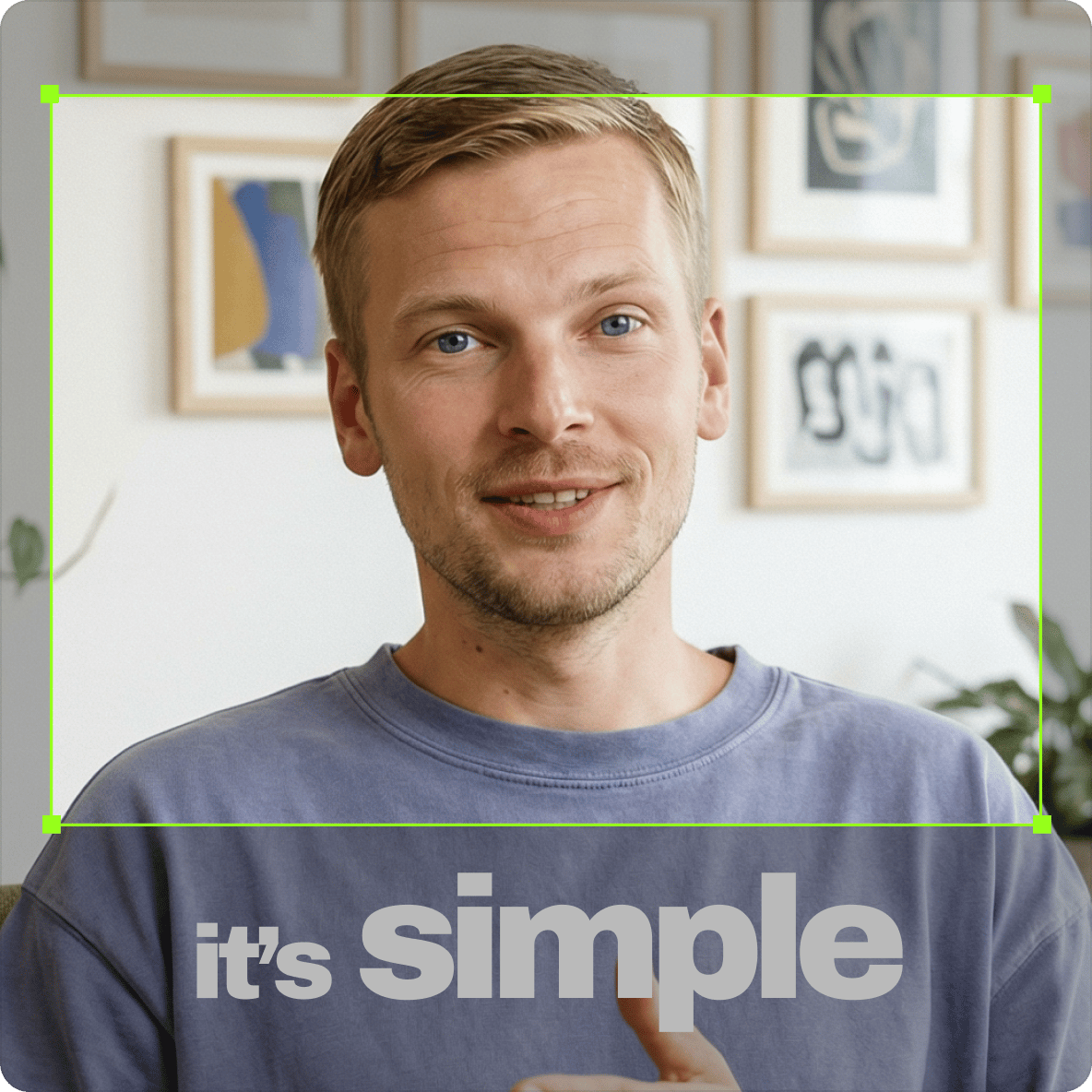
Use the crop tool to drag the text out of frame. Or place an element directly over the text area: a sticker, shape, GIF, or your own logo. You can also add a text or subtitle layer with a solid background to cover the text cleanly.
Step 03
Export your clean video
Once the text is covered or cropped out, export your video in the format you need. Download it and repost to TikTok, Instagram Reels, YouTube, or any other platform.
Learn More
Learn more about our text removal tool:
Remove watermarks, photos, and other unwanted elements
If you’ve uploaded videos with your own watermark and can no longer edit them, you can use VEED’s online video editor to remove them using our wide array of tools. Take your pick from our selection of stickers, shapes, GIFs, drawings, arrows, and callouts.
Text and photo eraser, background remover, and more
VEED also offers an instant video background remover, which is useful in creating professional videos such as training videos, educational videos, and sales videos. Record your webcam using our webcam recorder from the comfort of your home.
One platform for creating and repurposing videos
VEED gives you everything you need to create and repurpose videos quickly, so you can focus on work that matters. Crop your videos and resize your videos for reposting on any platform. You can also expand video backgrounds to adapt horizontal videos for vertical Reels and TikToks. No awkward black bars.
FAQ
Yes. You can crop text from a video frame or cover the text with a logo, sticker, photo, GIF, or a different text overlay. If you want to remove subtitles, load your video on VEED and delete the captions from the timeline (possible only if you also used VEED to add captions).
If you’ve created a video on TikTok and can no longer access the original, you can still remove the TikTok watermark using VEED. Cover the watermark with your own logo or a sticker, shape, GIF, and other elements. Or you can crop the watermark out of the frame.
You can use VEED’s free tools to function as text remover; tools such as our crop tool, stickers, music visualizers, and more. You can also use the same tools to remove any other unwanted objects from a video, like a watermark, logo, etc.
You can remove your video’s background in one click using VEED—straight from your browser. Use our one-click video background remover and edit your video using our complete set of tools!
Loved by creators.
Loved by the Fortune 500
“
With VEED I didn't need 15 tutorials - I jumped straight in and started editing.

Gwenne Wilcox
Founder,
Brand Brainery
“
You can go beyond choppping things. VEED actually makes my videos look great.

Michael Glover
Demand Gen Manager,
ConvertFlow
“
The first four videos i created with VEED got over 40,000 impressions on LinkedIn.

Travis Tyler
Senior Content Producer,
PandaDoc
“
I found VEED at the right time: if you're making UGC ads and not using Eye Contact Correction and Noise Reduction on VEED you're missing out on ROI.

Sebastian Schurgers
Head of Growth Marketing,
Gronda
“
With VEED I didn't need 15 tutorials - I jumped straight in and started editing.
Gwenne Wilcox
Founder,
Brand Brainery
“
You can go beyond choppping things. VEED actually makes my videos look great.
Michael Glover
Demand Gen Manager,
ConvertFlow
“
The first four videos i created with VEED got over 40,000 impressions on LinkedIn.
Travis Tyler
Senior Content Producer,
PandaDoc
“
I found VEED at the right time: if you're making UGC ads and not using Eye Contact Correction and Noise Reduction on VEED you're missing out on ROI.
Sebastian Schurgers
Head of Growth Marketing,
Gronda
“
The first four videos i created with VEED got over 40,000 impressions on LinkedIn.
Travis Tyler
Senior Content Producer,
PandaDoc
“
I found VEED at the right time: if you're making UGC ads and not using Eye Contact Correction and Noise Reduction on VEED you're missing out on ROI.
Sebastian Schurgers
Head of Growth Marketing,
Gronda
“
With VEED I didn't need 15 tutorials - I jumped straight in and started editing.
Gwenne Wilcox
Founder,
Brand Brainery
“
You can go beyond choppping things. VEED actually makes my videos look great.
Michael Glover
Demand Gen Manager,
ConvertFlow
Discover more
Explore related tools
More from VEED

How to Crop a Video (Free and Paid Easy-to-Use Methods)
The easiest way to crop videos (free & paid ways) whether on Windows 10 with VLC or online with VEED. Here's how!

Best Unscreen Alternatives for Video Background Removal in 2026
Discover why Unscreen is shutting down on December 1st, learn which alternative matches your exact workflow, avoid the migration mistakes that cause quality drops, and master the cost comparison framework that saves you money on your new background removal tool.
How to Scale Video Creation and Remain On-Brand
Empower your teams to efficiently create, edit, and repurpose more on-brand videos with VEED. Learn more here.
Trusted by 1M+ creators
When it comes to amazing videos, all you need is VEED
No credit card required
More than a text remover
Removing text is one step in repurposing a video. With VEED, you can also caption, resize, and rebrand your clip in the same place. VEED is an AI video creation platform where you can generate, refine, and export videos. After cleaning up your clip, use the AI subtitle generator to add fresh captions, apply your branding, and export for any platform. No exporting between apps, no starting over. Get started for free.