Text to Speech Using My Own Voice
Create AI voiceovers from your own voice profile with VEED’s text-to-speech voice cloner
4.6
319 reviews















Convert text to speech using your own voice with AI
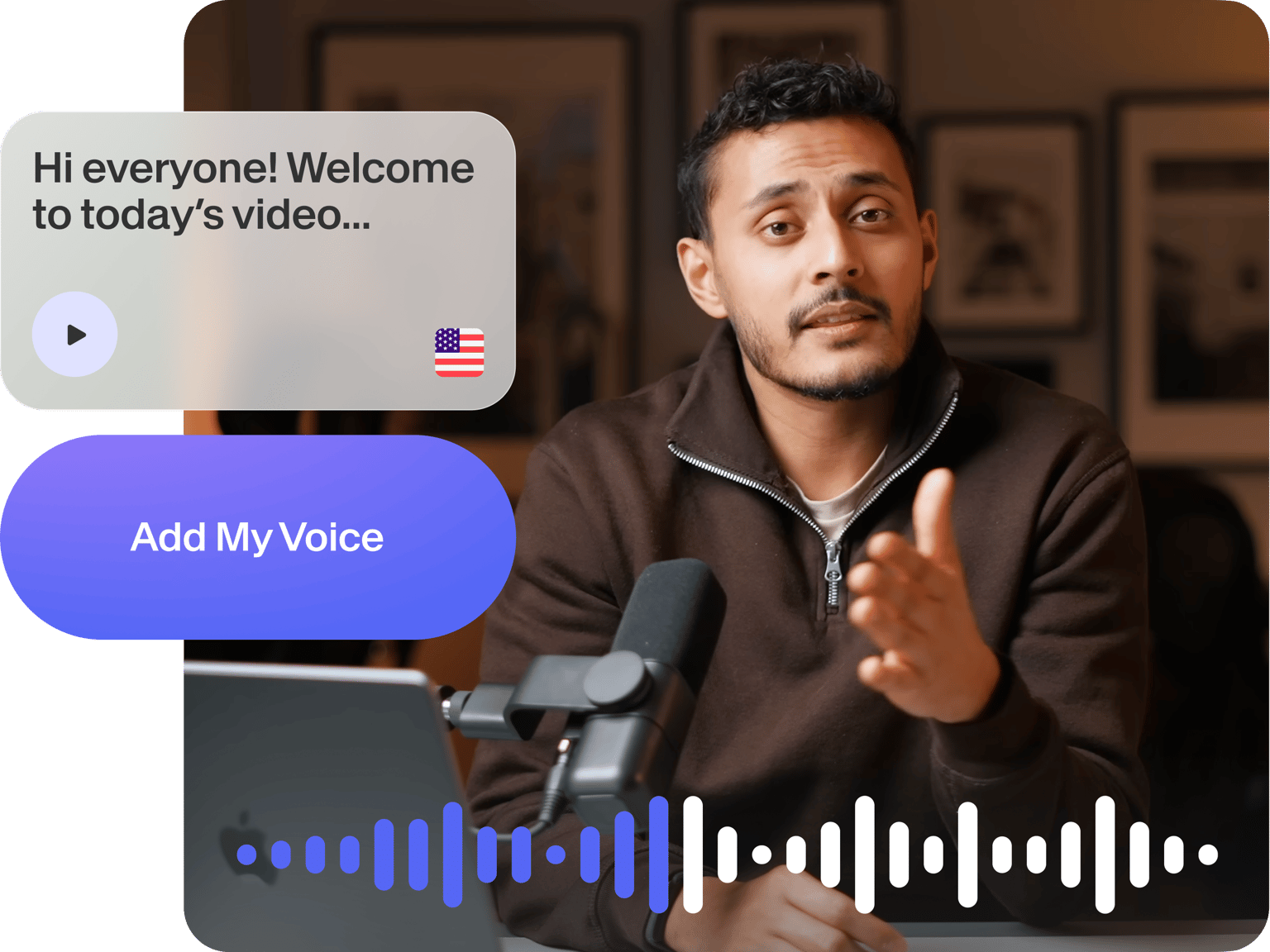
Record your voice and create a personalized voice profile. Add your custom AI voiceovers to your videos. Create content by instantly converting written text to speech using your voice. Revolutionize how you communicate by adding this personal touch—whether with your online community, business colleagues, peers, or clients.
How to use VEED’s voice cloning TTS tool:
Step 1
Record your voice
Click Text-to-Speech in the Audio tab, select “Voice Clone,” and hit record. Read the script on the popup screen, including the Terms of Service agreement.
Step 2
Clone your voice and convert text to speech
Once your voice profile is saved, type a text and select your name under Voice Clone. Our artificial intelligence software will now read your text with your customized voice profile.
Step 3
Add your voiceover to your project
Add your voiceover to your project. You can create a video, export the audio file with your replicated voice, or keep exploring our AI video tools to make the best content.
Learn More
Watch this walkthrough of our AI voice cloner:
Experience text-to-speech voice cloning with authenticity
Transform your written words into spoken expressions with VEED’s AI voice generator, capturing the essence of your personality and individuality in every message. Create influencer videos for your channel, animated videos with voiceovers, and more. You only need to record your voice once. Use your voice profile in all types of projects.
Clone your voice with AI and discover infinite possibilities
VEED offers revolutionary communication using artificial intelligence and text-to-speech voice cloning technology. Our AI tool seamlessly replicates the richness of human expression. From voice cloning to AI avatars, you can make your online content feel more real and engaging. Unlock possibilities for how you connect with your audience digitally.
Your all-in-one solution for content creation
You don’t need to exit VEED to refine your video. VEED is your one-stop professional video editor for all your audio and video editing needs. Use text-to-video to create entire videos from just text. Add automatic captions, music, and sound effects. VEED offers seamless AI integrations like automatic video background removal, instant translations, and more.
FAQ
Discover more
- AI Voice Maker
- AI Voice Mimic
- AI Voice Replicator
- Dutch Voice Cloning
- French Voice Cloning
- Hindi Voice Cloning
- Italian AI Voice Cloning
- Japanese Voice Cloning
- Korean Voice Cloning
- Overdub
- Polish Voice Cloning
- Portuguese Voice Cloning
- Real Time Voice Cloning
- Russian Voice Cloning
- Spanish Voice Cloning
- Turkish Voice Cloning
- Video Voice Changer
- Voice Emulator
- Voice to Voice AI
Loved by creators.
Loved by the Fortune 500
VEED has been game-changing. It's allowed us to create gorgeous content for social promotion and ad units with ease.

Max Alter
Director of Audience Development, NBCUniversal

I love using VEED. The subtitles are the most accurate I've seen on the market. It's helped take my content to the next level.

Laura Haleydt
Brand Marketing Manager, Carlsberg Importers

I used Loom to record, Rev for captions, Google for storing and Youtube to get a share link. I can now do this all in one spot with VEED.

Cedric Gustavo Ravache
Enterprise Account Executive, Cloud Software Group

VEED is my one-stop video editing shop! It's cut my editing time by around 60%, freeing me to focus on my online career coaching business.

Nadeem L
Entrepreneur and Owner, TheCareerCEO.com

When it comes to amazing videos, all you need is VEED
No credit card required
Text-to-speech using your own voice and more!
VEED offers much more than just instant text-to-speech conversion using your own voice. It’s a complete professional video-editing suite that lets you create stunning videos—minus the learning curve. Create content with a combination of our AI tools in minutes. Try VEED today and start creating captivating videos that tell powerful stories in just a few clicks.
