


Trusted by 1M+ creators
Video to Text
AI video transcriber — convert any video to text in 125+ languages. Free to try, no upfront signup required
No credit card required
4.6
2,100+ reviews















Convert any video to text with our AI video transcript generator
Upload any video and get a clean, editable transcript in minutes. VEED's AI video transcriber delivers 99.9% accuracy across 125+ languages — transcribing social media videos, interviews, podcasts, meetings, and YouTube content automatically. Download your transcript as TXT, SRT, or VTT, or embed subtitles directly into your video.
Extract text from video to repurpose as captions, blog posts, or social copy. Want to expand your reach? Translate video audio to text in multiple languages. Or auto-generate subtitles and export your video for posting on TikTok, Reels, or YouTube. Try our free video transcript generator now.
How to transcribe a video to text:
Step 01
Upload your video
Upload your video file to VEED: MP4, MOV, WebM, AVI, and more. Transcribe social media videos, interviews, Zoom recordings, explainer videos, and any other video format.
Step 02
Auto-transcribe video
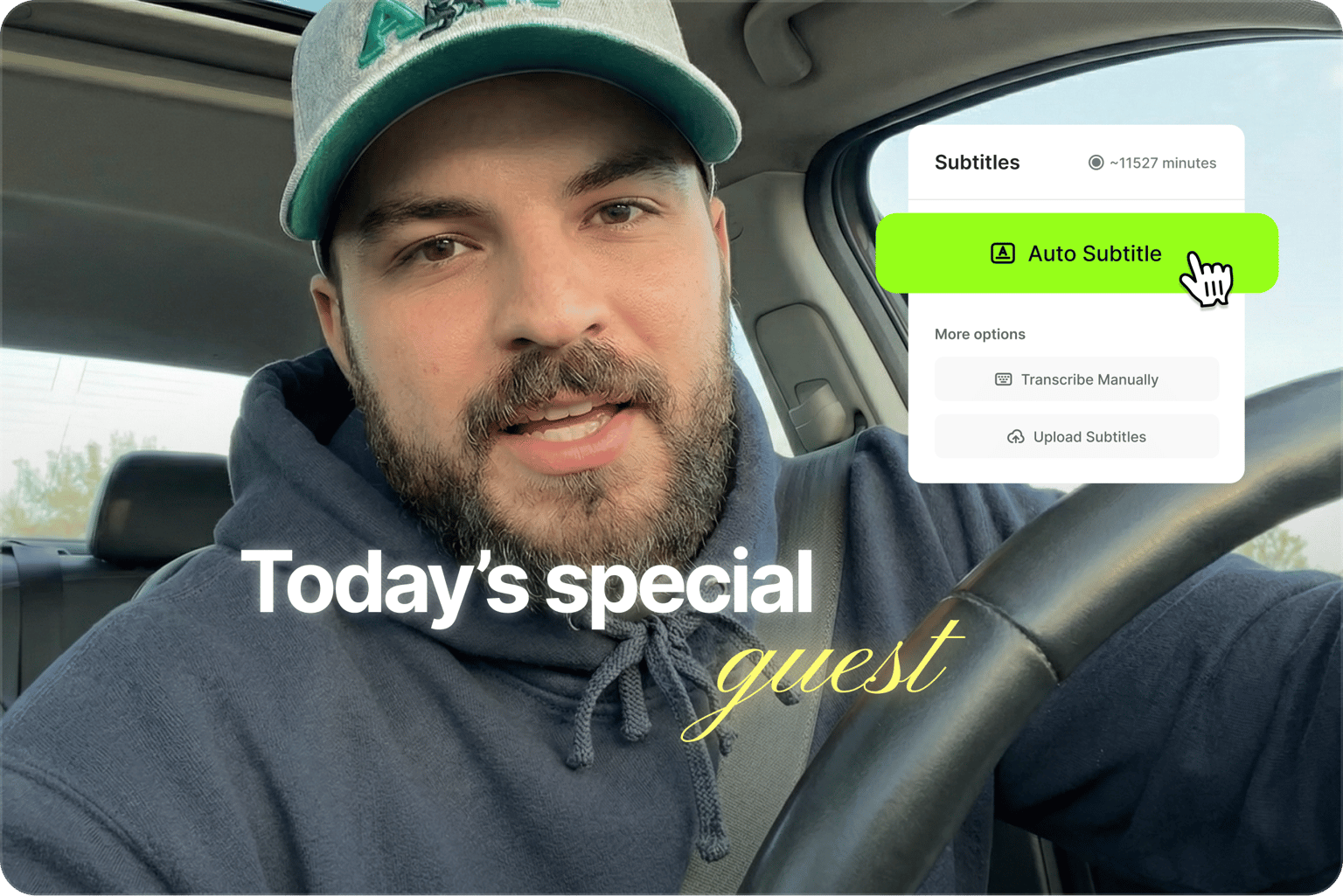
Select the video clip in the timeline and click ‘Subtitles’ in the left menu. Our AI delivers 99.9% accuracy across 125+ languages. Simply choose the spoken language and click the ‘auto-subtitle’ button.
Step 03
Review, edit, and export
Fine-tune your transcript—just click any text line to make changes. Export your watermarked video with embedded subtitles for free. Or upgrade to download your transcript as VTT, SRT, or TXT files for repurposing content.
Learn More
Learn more about our video-to-text tool in this video:
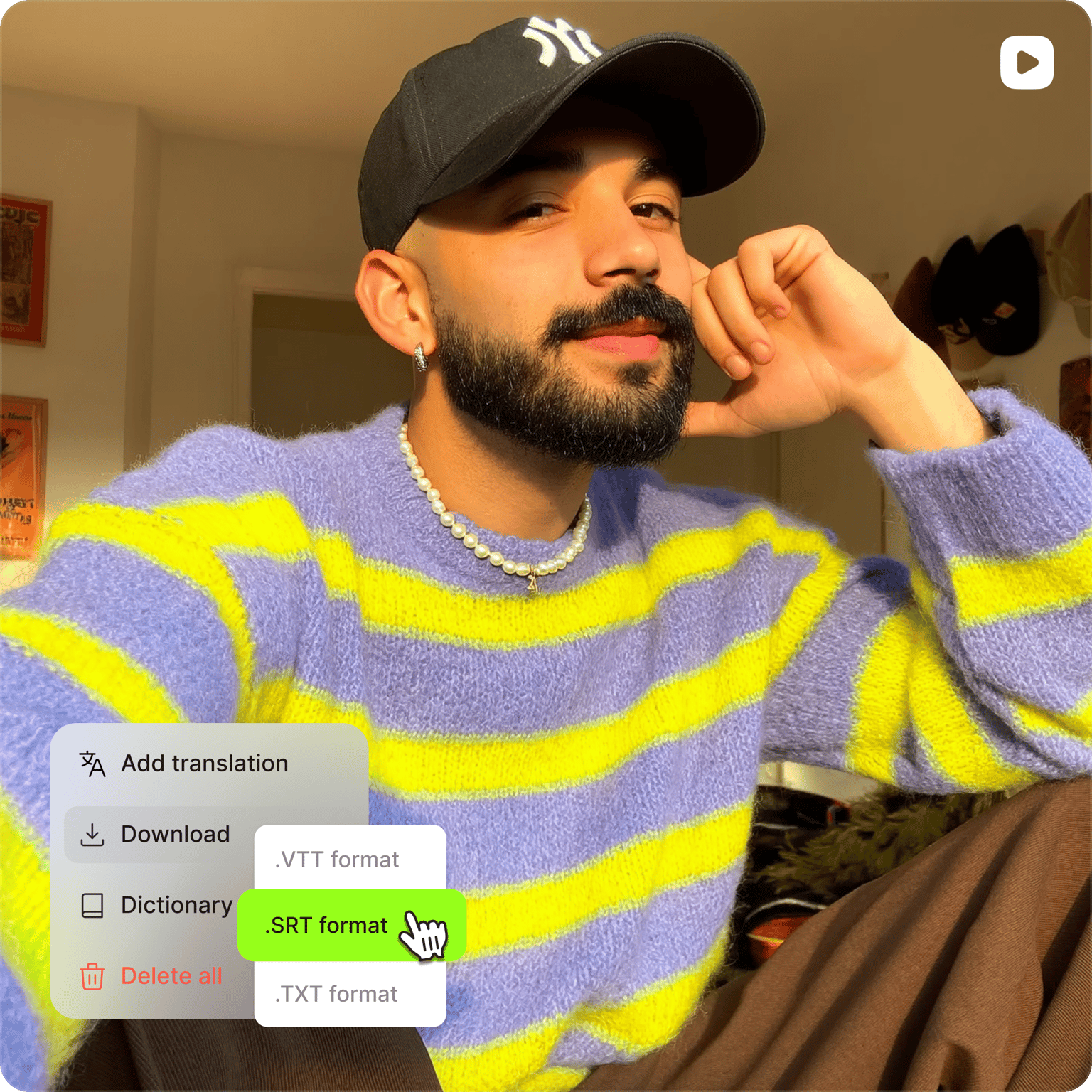
Transcribe video to text, translate automatically
VEED's AI video transcriber detects 125+ languages and converts any recording to text with near-perfect accuracy. Make your YouTube videos searchable worldwide. Transcripts help index your spoken words so more viewers discover your content. Translate videos to reach more audiences. Works with video files or voice recordings. Start transcribing video to text for free online, no initial signup required.
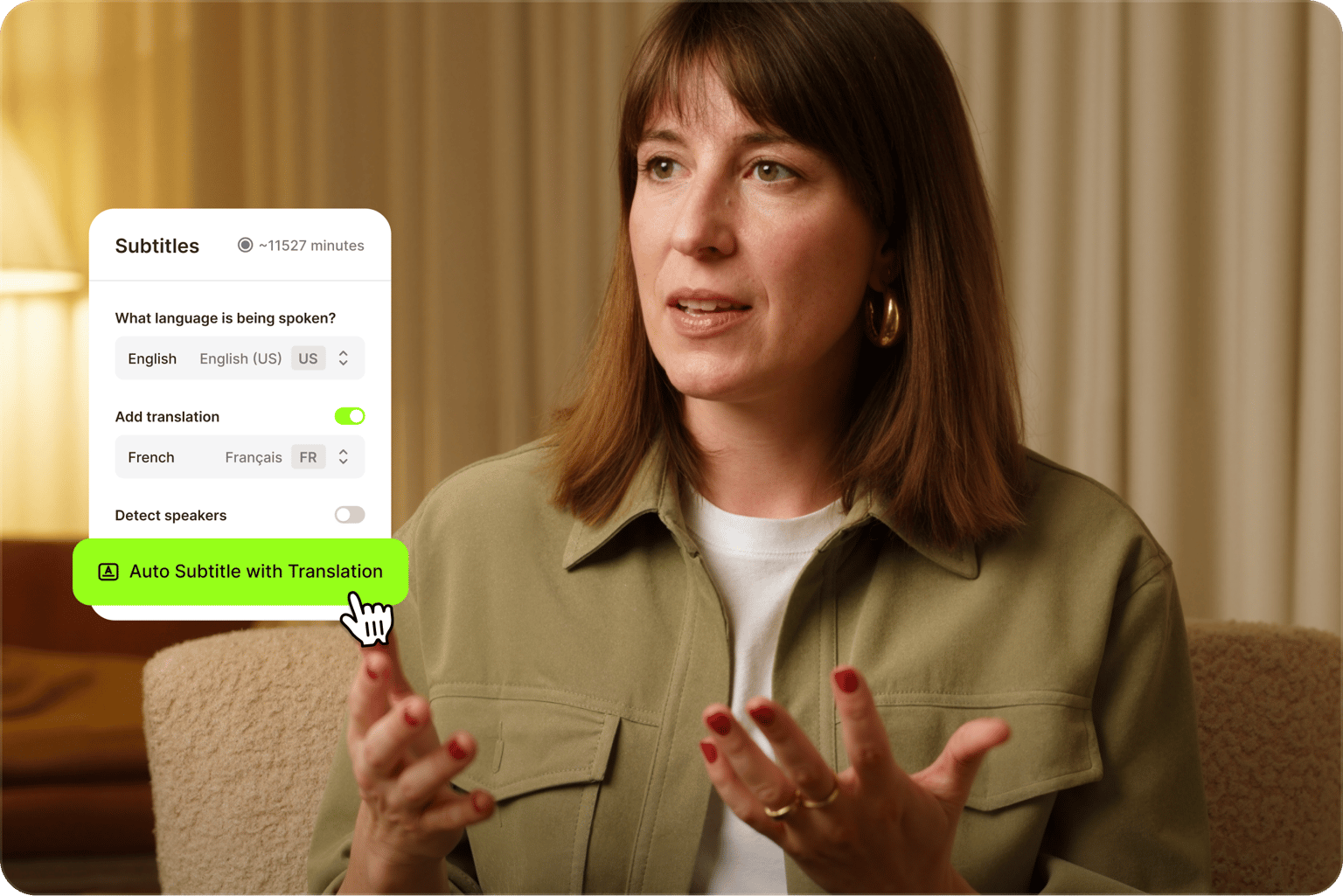
AI video transcription in minutes
Automatically transcribe your videos to text and generate captions. Get a transcript from any video file: social content, podcasts, and interviews. Create accessible videos for all audiences, including viewers who are hard of hearing. Customize subtitle styling to match your branding.
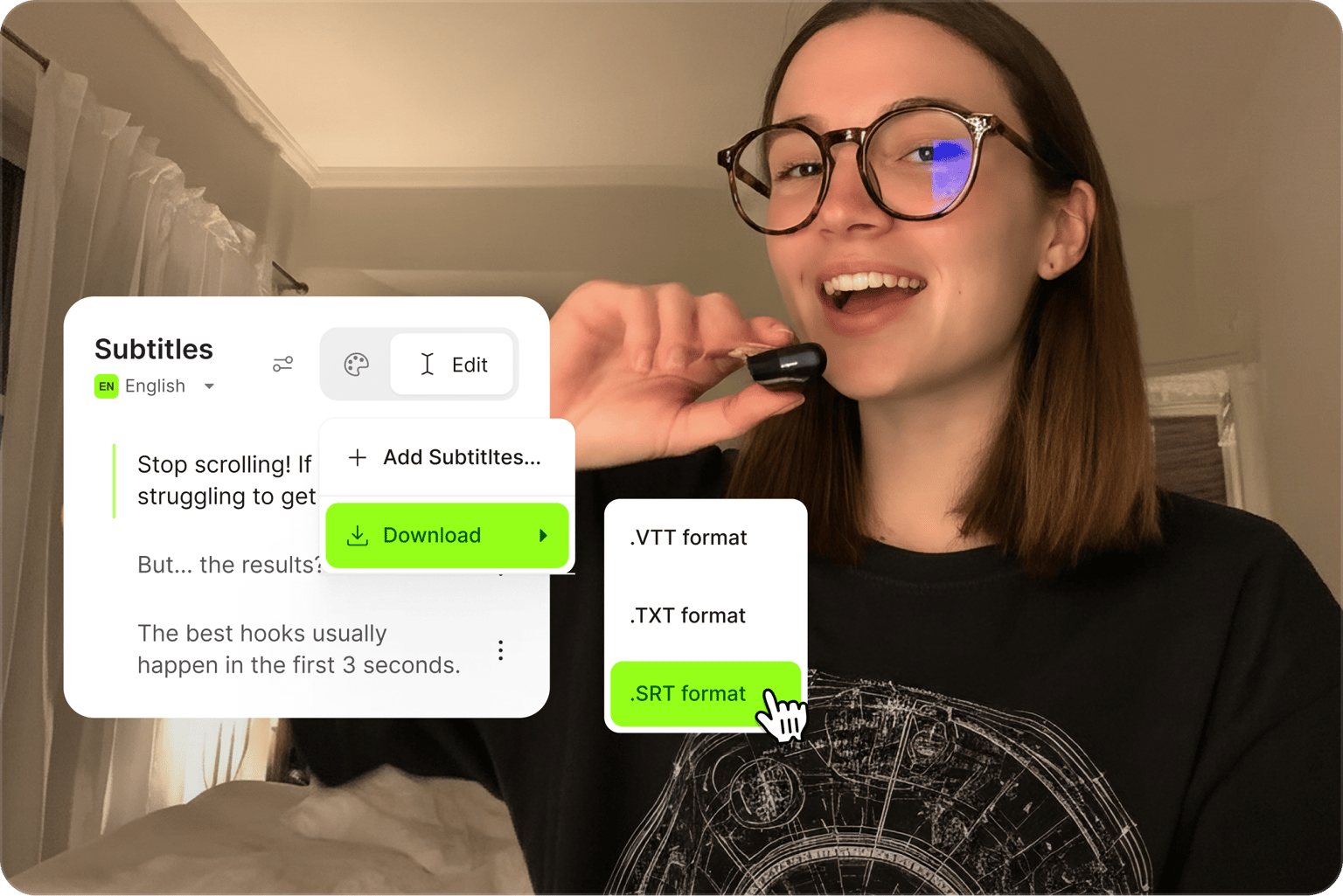
Repurpose videos to expand your reach
Repurpose long-form video into written formats. Extract transcripts for blog posts, social captions, and SEO descriptions. Turn video recordings to text for documentation, and use VEED's full toolkit to clip, resize, and share your content across platforms.
FAQ
Yes, you can try VEED’s video-to-text converter for free with no signup required upfront. Test the tool instantly, then sign up to download your transcribed video. Upgrade to remove watermarks, transcribe longer videos, and download subtitle files (SRT, VTT, TXT).
- Upload your video to VEED: MP4, MOV, WebM, and all major formats supported.
- Click ‘Subtitles’ in the left menu, choose your spoken language, and hit ‘Auto Subtitle.’
- Edit any line directly, then download your transcript as a TXT, SRT, or VTT file.
For transcribing audio, see our audio-to-text converter page.
VEED supports all major video formats: MP4, MOV, AVI, M4V, MPEG, WebM, GIF, Facebook Video, Instagram Story, Zoom Video, and more. Upload your file directly and the AI video transcriber processes the audio track automatically. No conversion needed before uploading.
- Upload your video to VEED and click ‘Subtitles’ to transcribe.
- Once the transcript generates, download it as a TXT file.
- Open the file in Word or Google Docs and save it as a document.
This workflow is useful for turning interviews, webinars, lectures, or meeting recordings into searchable, editable notes.
Yes. Here's how:
- To transcribe a TikTok video: Download the TikTok video first, then upload it to VEED to generate a transcript.
- To add captions before posting: Upload your video to VEED, auto-generate subtitles, and export with captions burned in — ready to upload to TikTok.
Our AI video transcriber delivers up to 99.9% accuracy and detects 125+ languages. For best results, upload a video with clear audio and minimal background noise. You can also add custom words (names, brand terms, or technical language) to improve recognition for your specific content. All transcripts are editable after generation, so you can fine-tune anything the AI misses.
Transcribe your video, then download the transcript as a TXT file. Open it in Word or Google Docs, format as needed, and export as PDF. This is useful for creating PDF records of interviews, meetings, or lectures.
Loved by creators.
Loved by the Fortune 500
“
With VEED I didn't need 15 tutorials - I jumped straight in and started editing.

Gwenne Wilcox
Founder,
Brand Brainery
“
You can go beyond choppping things. VEED actually makes my videos look great.

Michael Glover
Demand Gen Manager,
ConvertFlow
“
The first four videos i created with VEED got over 40,000 impressions on LinkedIn.

Travis Tyler
Senior Content Producer,
PandaDoc
“
I found VEED at the right time: if you're making UGC ads and not using Eye Contact Correction and Noise Reduction on VEED you're missing out on ROI.

Sebastian Schurgers
Head of Growth Marketing,
Gronda
“
With VEED I didn't need 15 tutorials - I jumped straight in and started editing.
Gwenne Wilcox
Founder,
Brand Brainery
“
You can go beyond choppping things. VEED actually makes my videos look great.
Michael Glover
Demand Gen Manager,
ConvertFlow
“
The first four videos i created with VEED got over 40,000 impressions on LinkedIn.
Travis Tyler
Senior Content Producer,
PandaDoc
“
I found VEED at the right time: if you're making UGC ads and not using Eye Contact Correction and Noise Reduction on VEED you're missing out on ROI.
Sebastian Schurgers
Head of Growth Marketing,
Gronda
“
The first four videos i created with VEED got over 40,000 impressions on LinkedIn.
Travis Tyler
Senior Content Producer,
PandaDoc
“
I found VEED at the right time: if you're making UGC ads and not using Eye Contact Correction and Noise Reduction on VEED you're missing out on ROI.
Sebastian Schurgers
Head of Growth Marketing,
Gronda
“
With VEED I didn't need 15 tutorials - I jumped straight in and started editing.
Gwenne Wilcox
Founder,
Brand Brainery
“
You can go beyond choppping things. VEED actually makes my videos look great.
Michael Glover
Demand Gen Manager,
ConvertFlow
Discover more
Explore related tools
More from VEED

How to Get the Transcript of a YouTube Video [Fast & Easy]
The easiest way to get the transcript of a YouTube video without jumping through a million hoops. Here's how.

The Best Transcription Software of All Time
Looking for reliable transcription software for your projects? Check out our round-up of the top-rated ones, suited for different needs.
Auto Subtitle Generator: The Easiest One You’ll Ever Need
Learn how to use the easiest auto-subtitle generator online. Automatically create accurate subtitles in minutes, and make your videos accessible worldwide.
Trusted by 1M+ creators
When it comes to amazing videos, all you need is VEED
No credit card required
More than video transcription
VEED is an AI video creation platform that turns your ideas into publish-ready videos in minutes. Generate videos with AI, translate content into 125+ languages, add subtitles, and export for any platform — all without switching tools. Short on time or resources for filming? Convert text to video in a few clicks. Generate videos from text prompts or scripts. Start creating with VEED today.