


Trusted by 1M+ creators
SRT File Creator
Online SRT generator and editor; add or edit subtitles
No credit card required

4.6
2,100+ reviews















Create subtitles automatically and download your SRT file
Use VEED’s AI to instantly generate captions and subtitles for your audio or video, and download your transcript in SRT format. VEED’s powerful AI technology can detect speech and instantly create a transcript for you. You can even translate your transcript to different languages. Or automatically translate your videos and download the translated transcription.
How to generate SRT:
Step 01
Upload your audio/video
Upload your audio or video to VEED, or start recording using our webcam and audio recorder. You can also drag and drop your files into the editor.
Step 02
Create SRT
Under Subtitles, click ‘Auto Transcribe,’ select your preferred language, and you're done! Your transcript is generated. Edit your transcript if necessary.
Step 03
Download
Without exiting the Subtitles page, click ‘Options’ and download your transcription in SRT format.
Learn More
Watch this to learn more about our SRT creator:
Online SRT editor and creator
VEED’s SRT creator and text editor lets you auto-generate closed captions and add subtitles straight from your browser; there is no software to install. You can access all your projects online. It’s the fastest and best subtitle tool for content creators. Make your videos accessible to all audiences on social media and video-sharing platforms.
Fast and accurate
Our ultra-fast cloud-based servers will have your audio and video files uploaded, transcribed, and converted into text files in a matter of seconds. Convert your audio to text for documentation. You no longer have to sit and listen while manually typing along to your recordings. You may have to edit a few lines, but it’s still faster than manual transcription.
Customize your subtitles to fit your brand!
VEED also lets you hard-code your SRT subtitles to your video. If you want to make any changes to your subtitles, simply click on the text and start typing. Watch edits appear on the video in real time. Add animations and highlights, such as a box highlight or a karaoke-style animation, to your subtitles! Adding these will make your videos more engaging.
FAQ
Upload your recording (video or audio) to VEED. Click on Subtitles > Auto Subtitles. When it’s generated, download your transcript in SRT format.
Want to generate SRT files programmatically across hundreds of videos? Our subtitle generation API can do this at scale.
VEED is the best online tool to create and edit SRT files automatically. It works straight from your browser!
You can auto-generate subtitles on VEED in one click! Download your subtitle in TXT, SRT, or SRT format. You can also burn subtitles to your video.
Absolutely! Not only can you convert audio files to text, but you can also transcribe videos in different formats. Our auto-transcription tool will detect the original audio recording of your video. You can upload and transcribe an MP4, MOV, AVI, and other video file types.
Loved by creators.
Loved by the Fortune 500
“
With VEED I didn't need 15 tutorials - I jumped straight in and started editing.

Gwenne Wilcox
Founder,
Brand Brainery
“
You can go beyond choppping things. VEED actually makes my videos look great.

Michael Glover
Demand Gen Manager,
ConvertFlow
“
The first four videos i created with VEED got over 40,000 impressions on LinkedIn.

Travis Tyler
Senior Content Producer,
PandaDoc
“
I found VEED at the right time: if you're making UGC ads and not using Eye Contact Correction and Noise Reduction on VEED you're missing out on ROI.

Sebastian Schurgers
Head of Growth Marketing,
Gronda
“
With VEED I didn't need 15 tutorials - I jumped straight in and started editing.
Gwenne Wilcox
Founder,
Brand Brainery
“
You can go beyond choppping things. VEED actually makes my videos look great.
Michael Glover
Demand Gen Manager,
ConvertFlow
“
The first four videos i created with VEED got over 40,000 impressions on LinkedIn.
Travis Tyler
Senior Content Producer,
PandaDoc
“
I found VEED at the right time: if you're making UGC ads and not using Eye Contact Correction and Noise Reduction on VEED you're missing out on ROI.
Sebastian Schurgers
Head of Growth Marketing,
Gronda
“
The first four videos i created with VEED got over 40,000 impressions on LinkedIn.
Travis Tyler
Senior Content Producer,
PandaDoc
“
I found VEED at the right time: if you're making UGC ads and not using Eye Contact Correction and Noise Reduction on VEED you're missing out on ROI.
Sebastian Schurgers
Head of Growth Marketing,
Gronda
“
With VEED I didn't need 15 tutorials - I jumped straight in and started editing.
Gwenne Wilcox
Founder,
Brand Brainery
“
You can go beyond choppping things. VEED actually makes my videos look great.
Michael Glover
Demand Gen Manager,
ConvertFlow
Discover more
- AI Caption Generator
- AI Captioning
- Bangla Subtitles
- Bengali Subtitles
- Chinese Subtitles
- Closed Captioning Software
- Czech Subtitles
- Danish Subtitles
- Dynamic Subtitles
- English Subtitles
- Finnish Subtitles
- French Subtitles
- German Subtitles
- Greek Subtitles
- Hebrew Subtitles
- Hindi Subtitles
- Hungarian Subtitles
- Indonesian Subtitles
- Italian Subtitles
- Japanese Subtitles
- Korean Subtitles
- Malayalam Subtitles
- Norwegian Subtitling
- Polish Subtitles
- Punjabi Caption
- Romanian Subtitles
- Russian Subtitles
- Spanish Subtitles
- Subtitles Arabic
- Subtitles Dutch
- Subtitles Marathi
- Subtitles Persian
- Subtitles Portuguese
- Tagalog Subtitling
- Tamil Subtitles
- Telugu Subtitles
- Thai Subtitles
- Turkish Subtitles
- Ukrainian Subtitles
- Urdu Subtitles
- Video Captioning Services
- Video Subtitling Services
- Vietnamese Subtitles
- VTT Creator
More from VEED
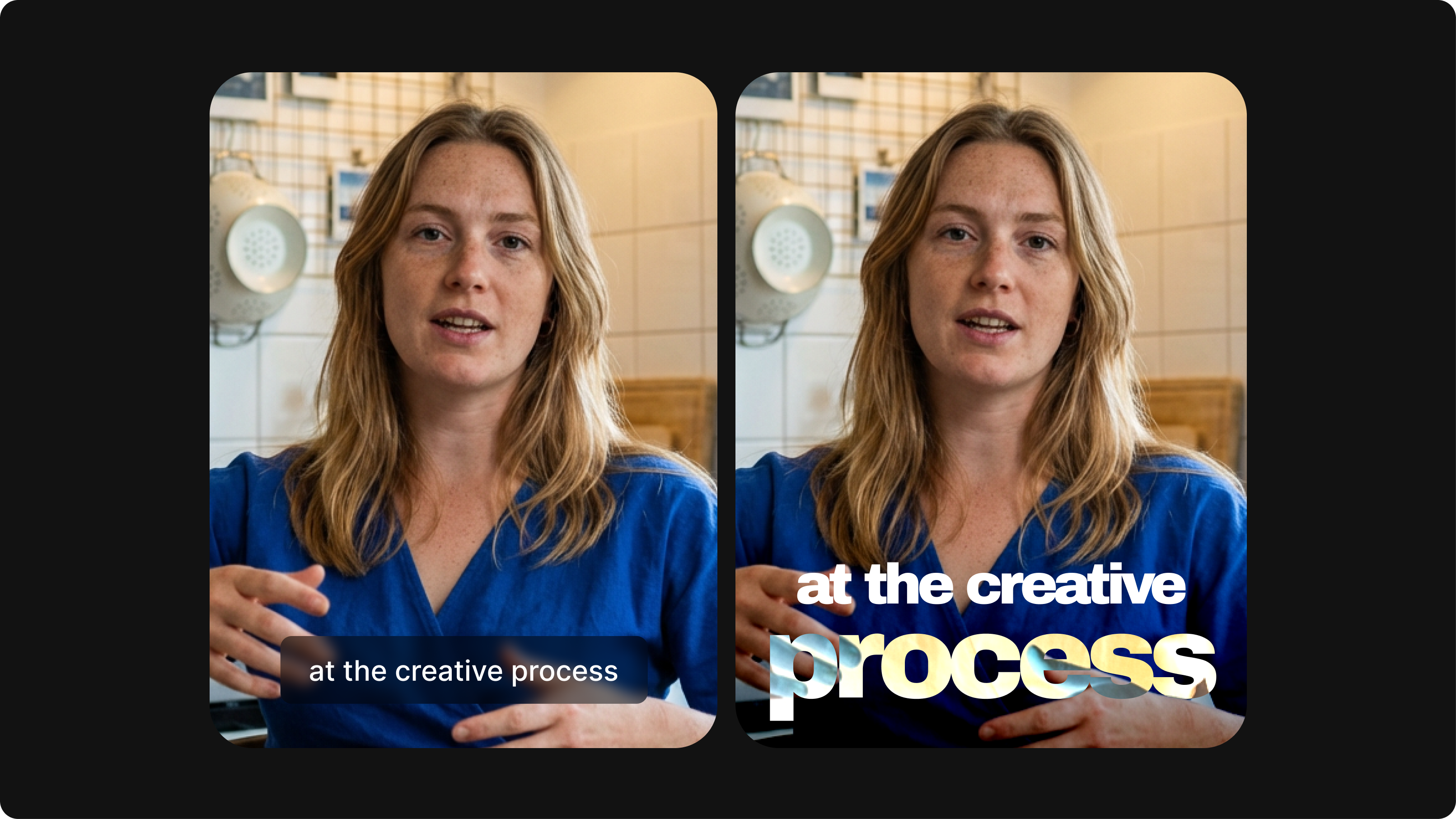
Closed Captioning VS Subtitles: Differences & When to Use Them
Understand what differentiates subtitles and closed captioning and how to add them to your own videos with ease.
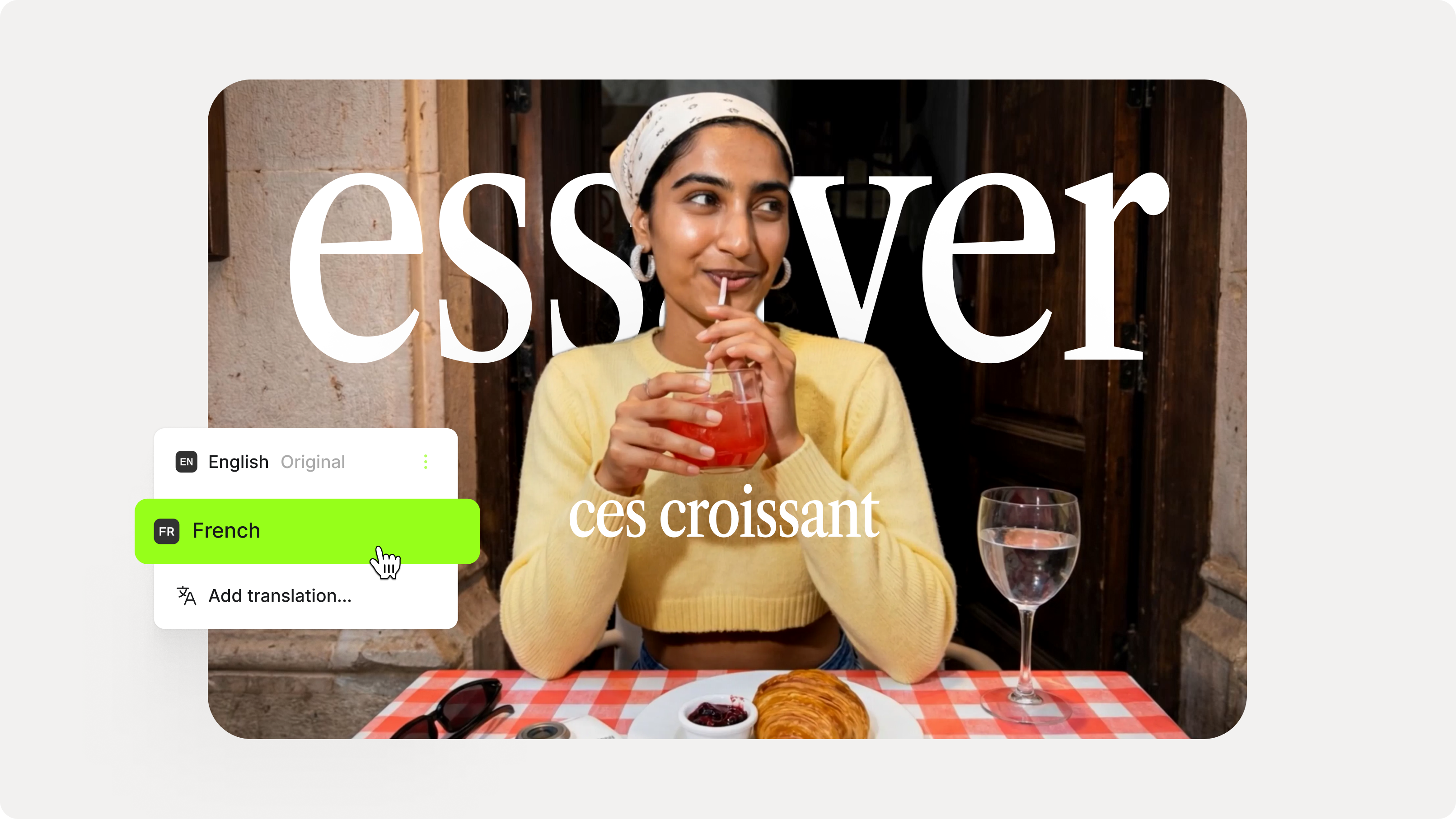
How to Add Translation Subtitles to a Video (Step-by-Step Guide)
A step-by-step guide to adding translation subtitles to any video using VEED. Covers auto-subtitle generation, AI translation into 125+ languages, customization, and export.
12 Best Subtitle Fonts for Video Editing (Free and Paid Options)
Want videos that are more engaging because they're easier to follow along? Here's 12 of the best free and paid subtitle fonts for better video content.
Trusted by 1M+ creators
When it comes to amazing videos, all you need is VEED
No credit card required
More than an SRT file creator
Our online audio and video transcription software is just one of the tools you can use within VEED’s platform. VEED is a complete video editing app that has plenty of extra features that you won’t find in other free video editors. You can also split, cut, and trim your audio files before transcribing them. If you are transcribing a video, you can burn or hard-code your subtitles to make your videos more accessible!