


Trusted by 1M+ creators
Music Video Maker
Create engaging music videos using our online video maker
No credit card required

4.6
2,100+ reviews















Make music videos online, start for free
Create high-quality music videos for any social platform. Upload your photos, favorite audio tracks, and video footage. Then add text, subtitles, filters, and effects to bring your story to life. No video production experience needed. Everything you need to make great music videos is right here.
Open VEED on any browser, upload your files in any format, drag and drop, a few edits here and there, then share or export your finished video – all from your browser! Try VEED today and start creating professional but effortless music videos.
How to make music videos online:
Step 01
Upload
Upload your pictures, videos and music to VEED. All file types are accepted.
Step 02
Edit music video
Drag and drop your music track into the timeline. Trim, cut, and adjust the audio. Then add text, photos, filters, and effects until your video looks the way you want it.
Step 03
Export and share
Click 'Done' at the top-right corner of the editor and your video will render in seconds, ready to share on any platform.
Learn More
Learn how to add music to a video:
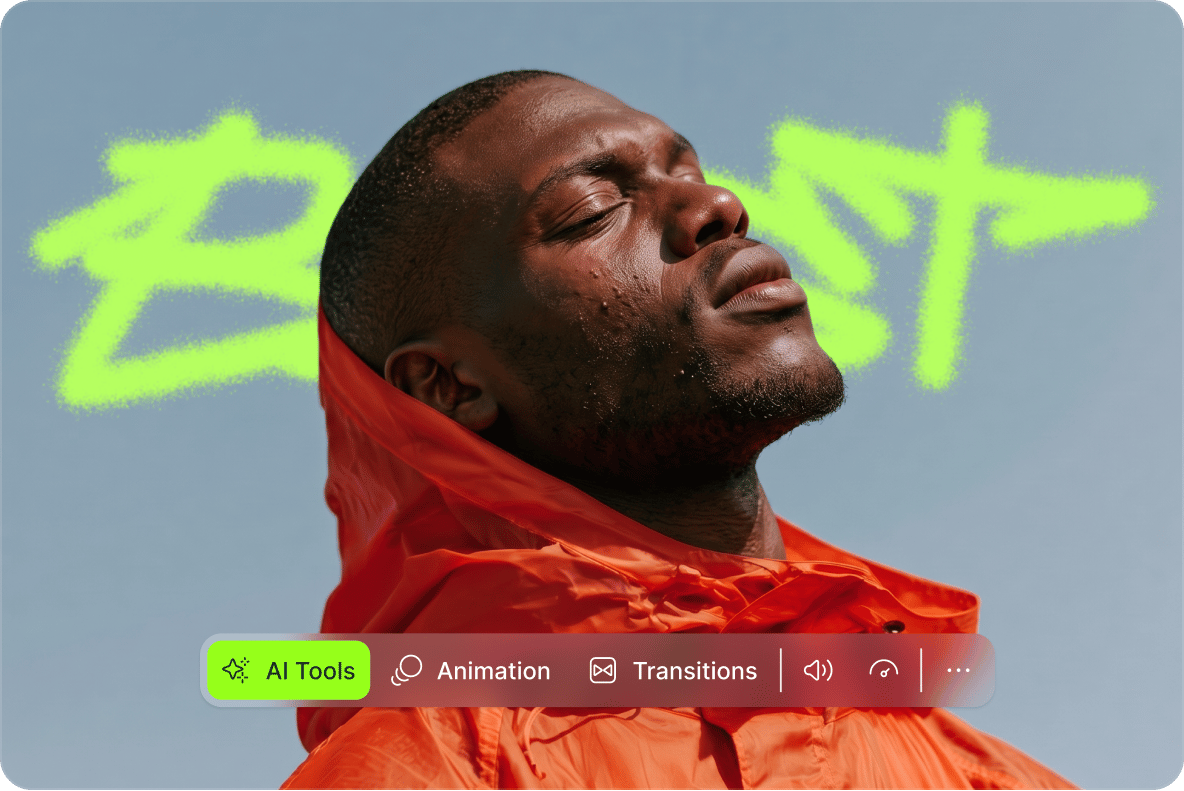
Create music videos that look professionally made
Create music videos worth posting in minutes. Easily add filters, transitions, captions, and effects to make your video look polished. Resize your video and expand the background for vertical Reels and TikToks — no awkward black bars. Apply your signature colors, fonts, and logo to keep every video on brand.
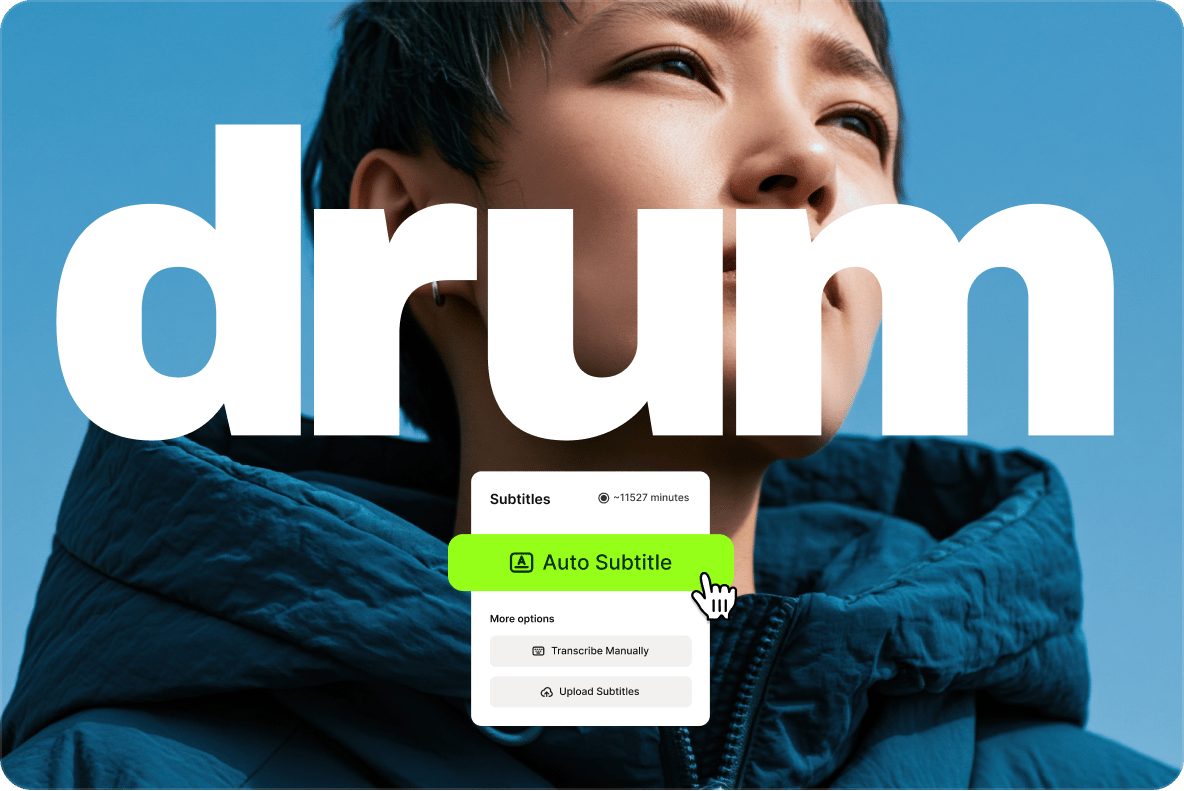
Make lyric videos with ease
Upload as many music tracks as you need and mix them into a single file. Create karaoke-style text using our auto subtitle generator. Remove background audio to keep the focus on your track. You can also add sound waves, artwork, and images to bring your lyrics to life.

Works on any device
No software download needed. VEED runs entirely in your browser, on any device, so you can create music videos from your desktop or on the go. Whether you're a beginner or a pro, all features are a few clicks away — stickers, filters, special effects, subtitles, and more. Just open VEED and start creating.
FAQ
VEED is an AI video creation platform that makes it easy to create music videos for any social platform, whether you're a beginner or a pro. Upload your own footage and music, or generate visuals from a text prompt. Add text, filters, and effects, and export directly from your browser. No software download needed.
Open VEED in any browser — Safari, Chrome, Edge, or Firefox. No download needed. Upload your footage, music, and photos, drag and drop your assets into the timeline, and add text, captions, filters, and effects until your video looks the way you want it.
Use an online tool like VEED to craft a video from pictures and music: 2. Upload your media on VEED using drag & drop. 3. Arrange your pictures and music as you like. 4. Start editing. Cut, crop, adjust music volume. 5. Add features like transitions, texts, stickers, and emojis. 6. Export or share the finished video.
- Upload your audio file on VEED, or export from YouTube.
- Place the audio track above the orange video track in the editor.
- Adjust, cut, merge, and split as needed.
- You can also remove unwanted audio and replace it with different music or a voiceover.
Here are some strategies to increase social media engagement with videos:
- Know your audience and tell them a good story
- Keep your videos short but impactful
- Add a touch of humor and excitement
- Add pattern-breaks
- Provide value to your audience
- Make sure your video is high-quality, with no redundant footage
Yes. Open VEED in any mobile browser, upload your files, and start creating. No app download needed. VEED works on all device types — laptops, tablets, and mobile.
Loved by creators.
Loved by the Fortune 500
“
With VEED I didn't need 15 tutorials - I jumped straight in and started editing.

Gwenne Wilcox
Founder,
Brand Brainery
“
You can go beyond choppping things. VEED actually makes my videos look great.

Michael Glover
Demand Gen Manager,
ConvertFlow
“
The first four videos i created with VEED got over 40,000 impressions on LinkedIn.

Travis Tyler
Senior Content Producer,
PandaDoc
“
I found VEED at the right time: if you're making UGC ads and not using Eye Contact Correction and Noise Reduction on VEED you're missing out on ROI.

Sebastian Schurgers
Head of Growth Marketing,
Gronda
“
With VEED I didn't need 15 tutorials - I jumped straight in and started editing.
Gwenne Wilcox
Founder,
Brand Brainery
“
You can go beyond choppping things. VEED actually makes my videos look great.
Michael Glover
Demand Gen Manager,
ConvertFlow
“
The first four videos i created with VEED got over 40,000 impressions on LinkedIn.
Travis Tyler
Senior Content Producer,
PandaDoc
“
I found VEED at the right time: if you're making UGC ads and not using Eye Contact Correction and Noise Reduction on VEED you're missing out on ROI.
Sebastian Schurgers
Head of Growth Marketing,
Gronda
“
The first four videos i created with VEED got over 40,000 impressions on LinkedIn.
Travis Tyler
Senior Content Producer,
PandaDoc
“
I found VEED at the right time: if you're making UGC ads and not using Eye Contact Correction and Noise Reduction on VEED you're missing out on ROI.
Sebastian Schurgers
Head of Growth Marketing,
Gronda
“
With VEED I didn't need 15 tutorials - I jumped straight in and started editing.
Gwenne Wilcox
Founder,
Brand Brainery
“
You can go beyond choppping things. VEED actually makes my videos look great.
Michael Glover
Demand Gen Manager,
ConvertFlow
Discover more
Explore related tools
More from VEED

11 Easy Ways to Add Music to Video [Step-By-Step Guide] in 2026
Not sure where to find music for video whether free or paid? Want to learn how to find it, pick the right song, and then add it to your video content? Then dig in!
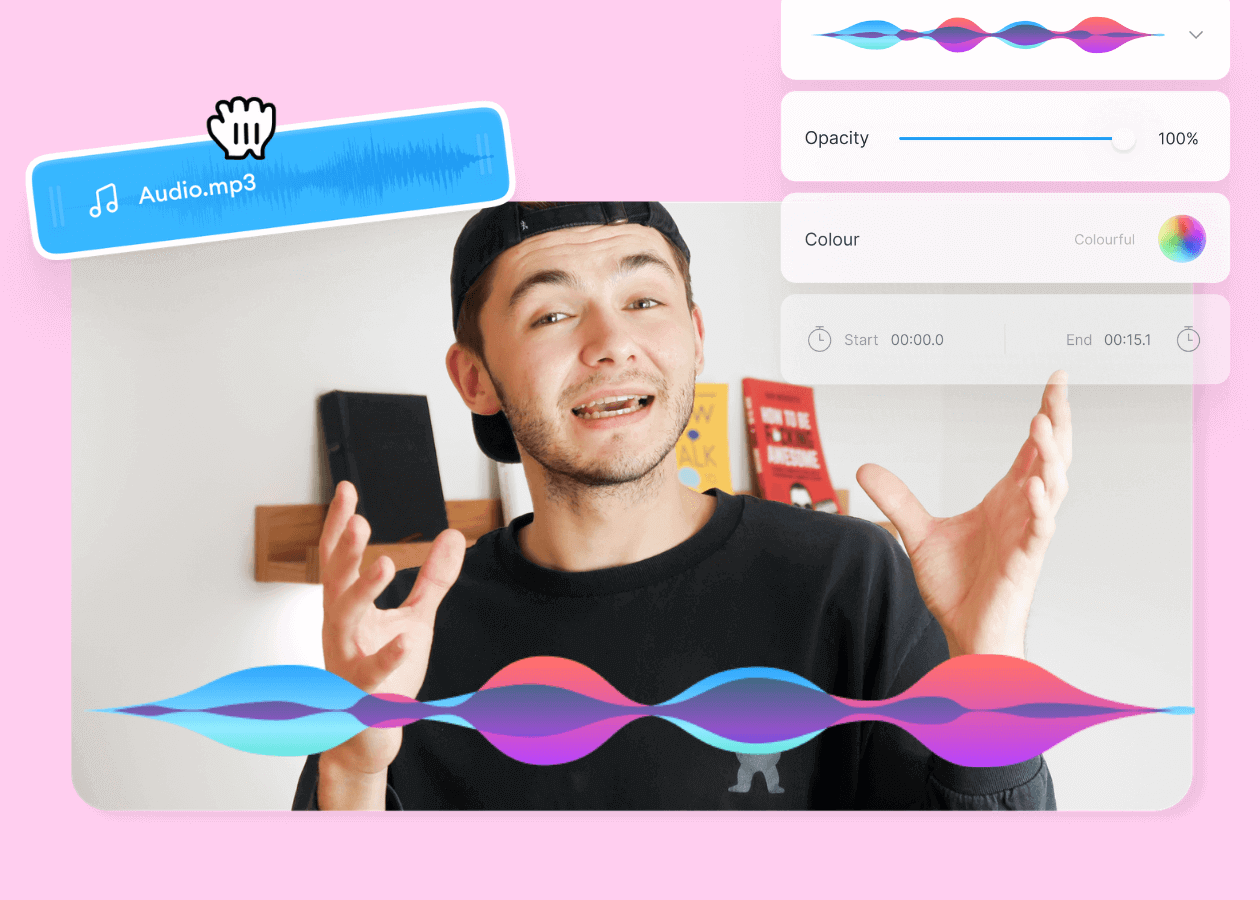
Top 5 Best Music Visualizers [Free and Paid]
Here are some of the best music visualizers available on the internet and how to use them!
VEED x ElevenLabs: Create Custom Music for Your Videos with AI
VEED's AI Background Music lets you create custom music with a simple tap. At the heart of this tool? Eleven Music, ElevenLabs' cutting-edge music API. Learn more here.
Trusted by 1M+ creators
When it comes to amazing videos, all you need is VEED
No credit card required
More than a music video maker
There's more to VEED than music videos. VEED is an AI video creation platform that takes you from idea to publish-ready video. No tool switching, no big budgets, no production team needed. Creating content to promote your music and grow your audience? Start with an idea or script using Gen-AI Studio. Generate videos complete with a talking character or voiceover, captions, and supporting visuals. Add your logo, brand colors, and fonts so the output looks like your brand made it, not AI. Make explainer videos, social ads, and talking head content with VEED. Sign up now.