


Trusted by 1M+ creators
Add Text to Video
Add text to videos for free. Create text descriptions, titles, and captions in minutes
No credit card required
4.6
2,100+ reviews















Add professional text to videos in a few clicks
Adding text over videos is quick and intuitive with VEED. Add engaging headlines, emphasize key points, and generate subtitles — all from your browser. With our drag-and-drop interface, you can make professional-looking videos in minutes, not hours.
Save your brand’s fonts, colors, and text styles to maintain consistency across all your content. Whether you're creating videos for Instagram, TikTok, or LinkedIn, VEED ensures your text looks polished. Plus, safe zone previews show you exactly where to place text so it's readable on your preferred platform.
How to add text to video online:
Step 01
Upload video
Upload your video to VEED or record directly using our webcam recorder. You can also start with a blank canvas and add footage from our stock library.
Step 02
Add and customize text overlays
Click the Text tool and type your text to add descriptions and titles. Customize the font, color, and animation effects. You can also drag the text overlays on the canvas to adjust the placement.
Step 03
Export or keep creating
Export your video, or continue editing to resize for social media, add captions, and trim clips.
Learn More
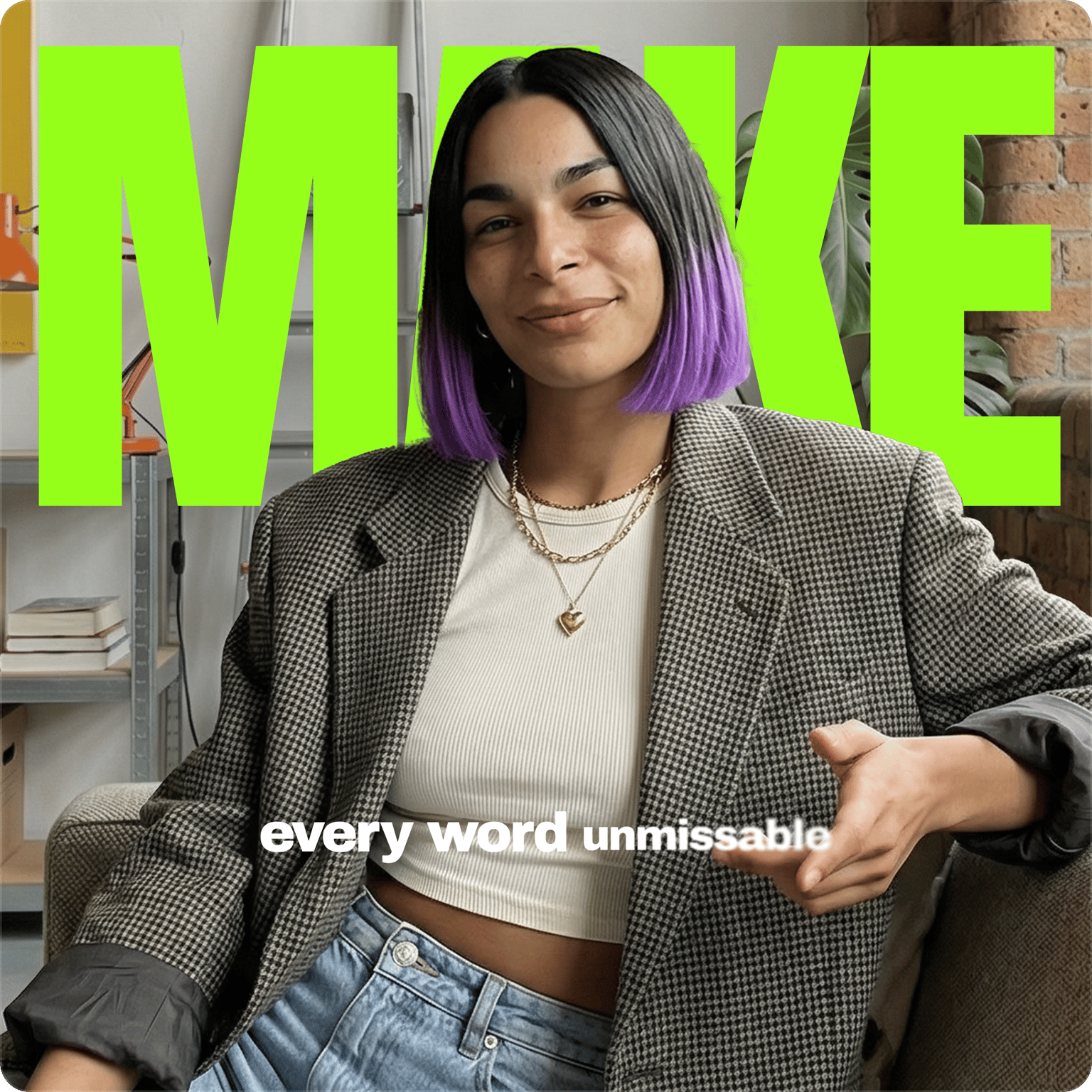
Learn how to create the text behind person effect for social media videos:
Add text to create captivating marketing videos
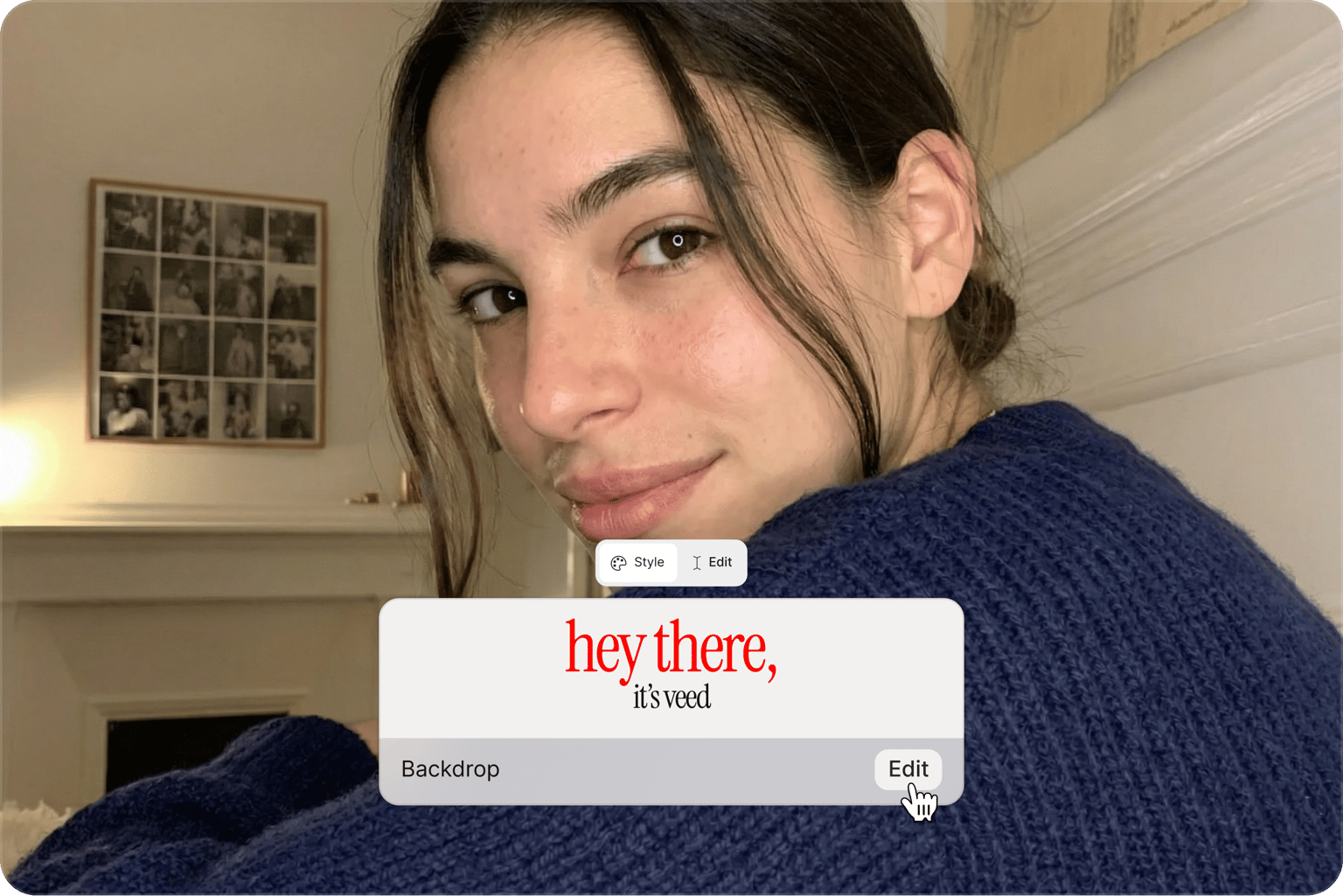
Videos grab more attention when viewers can read along. Add eye-catching headings and captions to your product launches, show your business info, and include call-to-action text. Combine animation with your footage to highlight key features or showcase customer testimonials. When sharing videos through VEED's video view page, premium subscribers can add clickable buttons that send viewers directly to their website or social media page.
Simple drag-and-drop video text editor
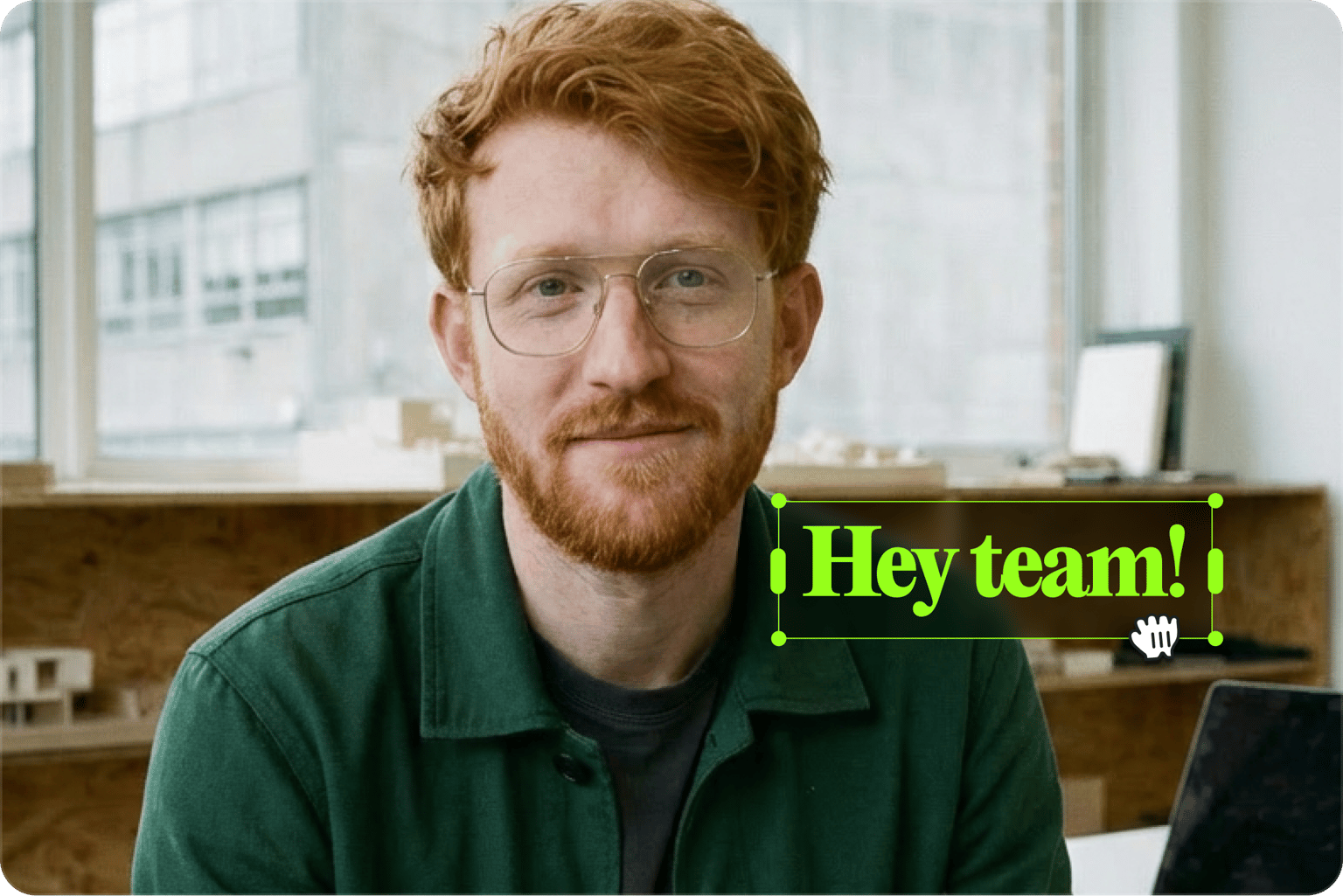
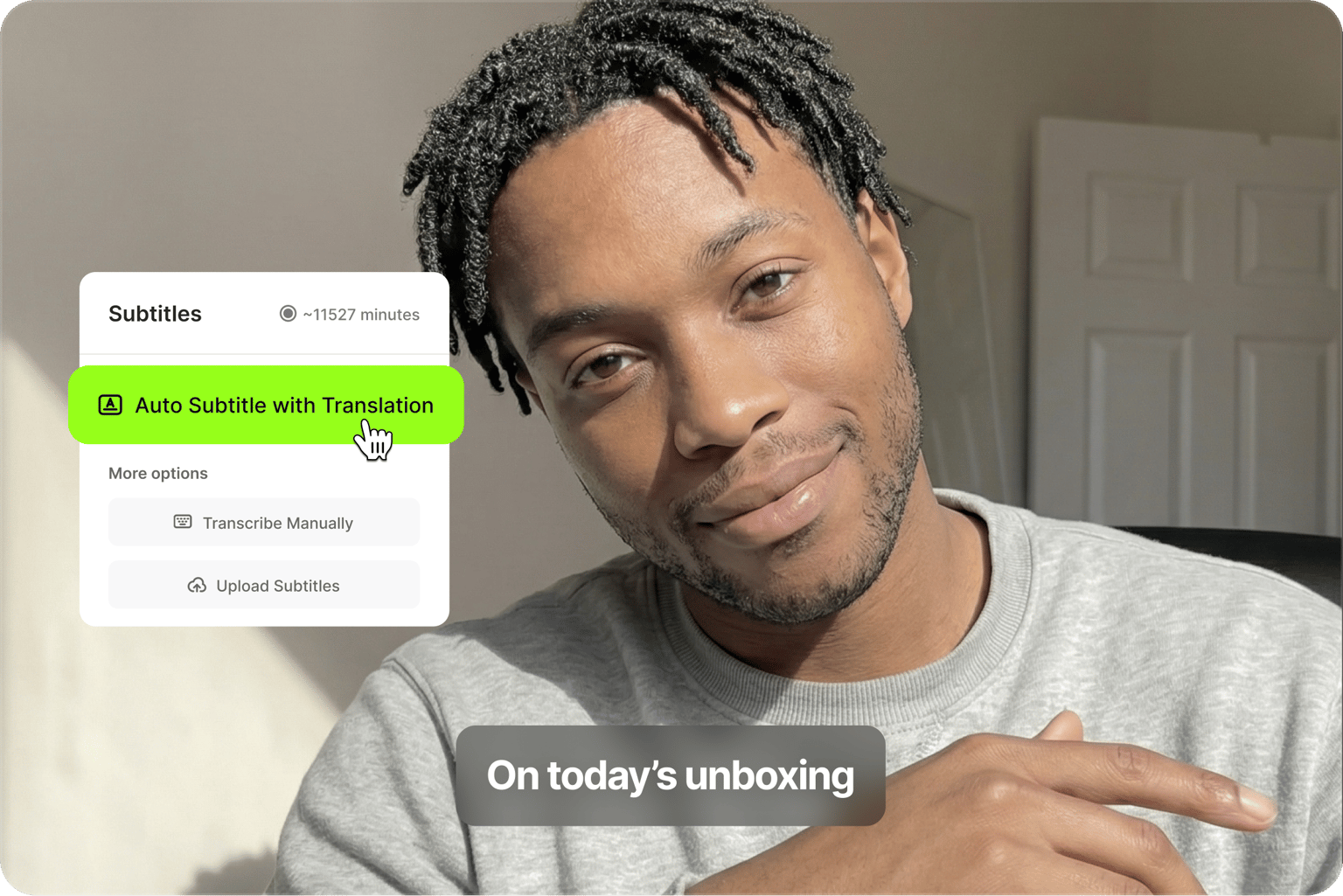
Create professional text overlays with our simple drag-and-drop interface. Type your text, extend clips on the timeline, and reposition the text on the canvas. You can also choose animation presets to make your text pop. Add dynamic captions with automatic word highlighting and effects. Watch animated captions pulse, glide, or scale in sync with your speech. No complex software or confusing menus—just click, type, and customize.
Look professional with consistent text across videos
Adding text to a video is easy. Making it look consistent across every video is harder. VEED's Brand Kit feature lets you set your fonts, colors, and logos once — then apply them across every video. No more off-brand fonts or mismatched colors. Create cohesive content across Instagram, YouTube, and TikTok, whether you post once a week or every day.
FAQ
Use VEED’s text overlay tool online—no software download needed. Just type or paste your text, then customize the font, color, size, and transparency. Adjust alignment, add animation, and make your text stand out effortlessly.
You can add text to video for free using VEED's online editor. Access your projects from any browser on mobile and desktop. No need to download software. Start editing immediately, then sign up for free to download your finished video. Upgrade to remove the watermark and access premium features.
Follow the same steps above to add text to an MP4 video. VEED supports many popular video file types, including MP4, MOV, AVI, MKV, and WEBM.
Yes. Select your text and choose a font from the dropdown menu. Change colors using the color picker or your preset palettes to match your brand.
Text videos make your content clearer and more engaging — perfect for Instagram Reels, TikTok, tutorials, and ads. They grab attention fast, explain complex ideas, and convey messages even on mute. You can use text for video titles, subtitles, CTAs, branding, and key info. Learn more on our text video maker page.
Enhance your video with images, audio, and emojis. Use the drawing tool for annotations, apply filters, and add effects to make your content more engaging.
Loved by creators.
Loved by the Fortune 500
“
With VEED I didn't need 15 tutorials - I jumped straight in and started editing.

Gwenne Wilcox
Founder,
Brand Brainery
“
You can go beyond choppping things. VEED actually makes my videos look great.

Michael Glover
Demand Gen Manager,
ConvertFlow
“
The first four videos i created with VEED got over 40,000 impressions on LinkedIn.

Travis Tyler
Senior Content Producer,
PandaDoc
“
I found VEED at the right time: if you're making UGC ads and not using Eye Contact Correction and Noise Reduction on VEED you're missing out on ROI.

Sebastian Schurgers
Head of Growth Marketing,
Gronda
“
With VEED I didn't need 15 tutorials - I jumped straight in and started editing.
Gwenne Wilcox
Founder,
Brand Brainery
“
You can go beyond choppping things. VEED actually makes my videos look great.
Michael Glover
Demand Gen Manager,
ConvertFlow
“
The first four videos i created with VEED got over 40,000 impressions on LinkedIn.
Travis Tyler
Senior Content Producer,
PandaDoc
“
I found VEED at the right time: if you're making UGC ads and not using Eye Contact Correction and Noise Reduction on VEED you're missing out on ROI.
Sebastian Schurgers
Head of Growth Marketing,
Gronda
“
The first four videos i created with VEED got over 40,000 impressions on LinkedIn.
Travis Tyler
Senior Content Producer,
PandaDoc
“
I found VEED at the right time: if you're making UGC ads and not using Eye Contact Correction and Noise Reduction on VEED you're missing out on ROI.
Sebastian Schurgers
Head of Growth Marketing,
Gronda
“
With VEED I didn't need 15 tutorials - I jumped straight in and started editing.
Gwenne Wilcox
Founder,
Brand Brainery
“
You can go beyond choppping things. VEED actually makes my videos look great.
Michael Glover
Demand Gen Manager,
ConvertFlow
Discover more
Explore related tools
More from VEED

Subtitling 101: How to Automatically Add and Customize Subtitles with VEED
Everything you need to automatically add, customize, translate, and download subtitles like a pro using VEED.
12 Best Subtitle Fonts for Video Editing (Free and Paid Options)
Want videos that are more engaging because they're easier to follow along? Here's 12 of the best free and paid subtitle fonts for better video content.

Creating Accessible Videos: A Beginner’s Guide to Video Accessibility
Video accessibility refers to the practice of designing video content so that everyone, regardless of ability, can understand and engage with it.
Trusted by 1M+ creators
When it comes to amazing videos, all you need is VEED
No credit card required
More than a video text editor
VEED is an AI video creation platform where you can generate videos with the best AI models, then shape the output with your own branding. Start with an idea, image, or your own footage. Convert text to video with talking avatars, voiceovers, and supporting visuals. Then, customize your video with text, dynamic captions, and your brand assets. Add subtitles, clean your audio, and export for any platform — all without switching tools. Everything you need to go from idea to publish-ready video is in one place. Sign up for VEED now.