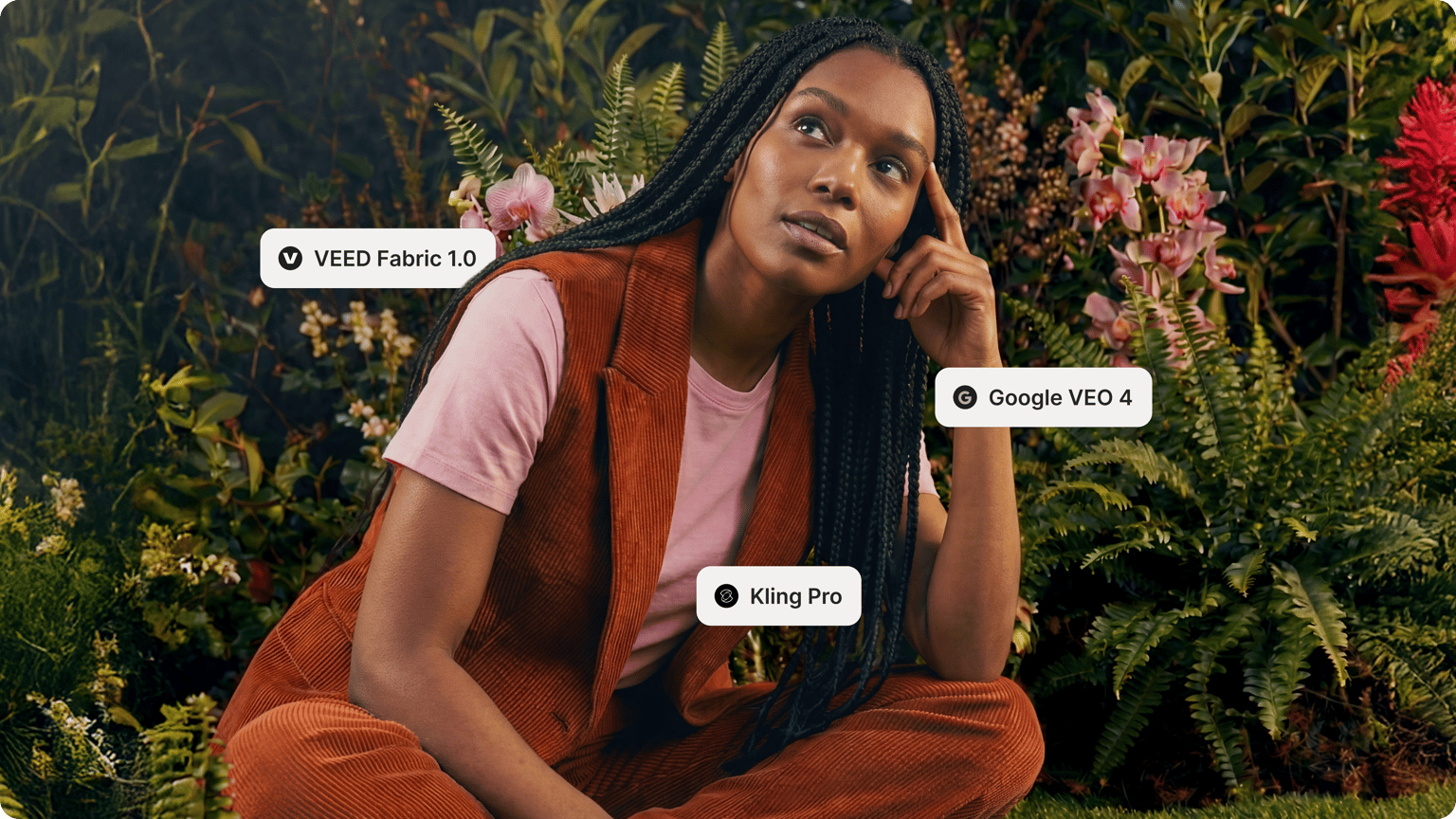


Trusted by 1M+ creators
AI Text to Video
Create videos from text prompts. Combine visuals, lifelike avatars, voiceovers, and more
No credit card required
4.6
2,100+ reviews















Prompt to AI Video Maker
Text to video AI: Turn prompts and scripts into engaging videos in just a few clicks
VEED's text-to-video AI turns your words into complete videos — no camera, no production team needed. Describe your concept or paste a script, and our AI builds everything: footage, narration, and automatic subtitles. Perfect for marketers and creators who need to move from idea to post-ready video fast.
Choose between avatar or voice-only narration. Then fine-tune your auto-generated script with your own insights. Swap footage with your own media, stock clips, or AI-generated visuals. Then add your brand assets, resize for any platform, and export. Everything you need to go from idea to finished video is in one place.
How to convert text to video with AI:
Step 01
Type a prompt
Describe the video you want to create or click one of our pre-made prompts. You can also paste a script or article you want to turn into a video. For direct text-to-video conversion, just tell the AI to use your text verbatim.
Step 02
Convert prompt to video
Choose the format, avatar or voiceover, music, and caption style. Edit the generated script to match your message and brand voice. Replace footage with your own media, stock videos, or generative AI clips.
Step 03
Export or keep creating
Click ‘Done’ to export your video. Or enhance your video by adding text, your brand fonts, colors, and logo. You can even create a custom avatar or voice clone to personalize your content further.
Learn More
Learn more about our AI text-to-video tool:
Turn scripts into polished videos in minutes
Our built-in script generator helps you create content in minutes, not days. Type a prompt and get a complete script instantly—with the option to edit and personalize it with your insights before generating. The text-to-video tool handles the production while you stay in control of the message.
Tell stories with text to video AI and realistic voiceovers
Create text-to-speech videos for YouTube, TikTok, and other social channels. You can convert scripts into voiceovers and talking avatars. Select from several voice profiles, languages, and accents. No need to manually record your voice or hire voice actors. You can also transform text into animated videos! Want to repurpose an article into a video? Use our document-to-video tool to turn any article, blog post, or PowerPoint into engaging videos.
Generate, refine, and repurpose videos in one platform
Start with an idea or existing footage. Convert text to video by typing your idea or script. Or generate clips from long recordings. Enhance your footage with captions, animations, and your brand assets. VEED brings all the tools together. No need to switch between platforms.
FAQ
VEED is the best tool you can use to convert text to video with AI. Use the AI to describe your video and create text-to-video avatars. Transform text to animated videos with AI in minutes.
- Type your idea or paste a script into VEED. The AI turns it into a scene-by-scene video with matched visuals.
- Customize your presenter (character or voice-only), select a voice profile, add music, and style your captions.
- Preview your video and export when ready.
The text-to-video AI generator runs on AI credits. Sign up to see what's available on your plan. Check our pricing page for more information.
Scripts with clear structure convert most effectively: numbered steps, short paragraphs, and direct language. Product descriptions, how-to guides, tutorials, and social captions all work well. Longer content, like articles, gets automatically broken into scenes.
VEED is the best tool you can use to convert text to video with AI. Use the AI to describe your video and create text-to-video avatars. Transform text to animated videos with AI in a snap.
Yes. Paste your article text directly or use our PDF-to-video tool to upload a document. The AI breaks your content into scenes, adds relevant visuals, and narrates the text. Want it read verbatim? Just tell the AI to follow your script word for word.
Yes. Our AI dialogue generator creates video scripts from just a topic or brief description. Create dialogue and script drafts for Reels, educational content, and promotional videos.
Loved by creators.
Loved by the Fortune 500
“
With VEED I didn't need 15 tutorials - I jumped straight in and started editing.

Gwenne Wilcox
Founder,
Brand Brainery
“
You can go beyond choppping things. VEED actually makes my videos look great.

Michael Glover
Demand Gen Manager,
ConvertFlow
“
The first four videos i created with VEED got over 40,000 impressions on LinkedIn.

Travis Tyler
Senior Content Producer,
PandaDoc
“
I found VEED at the right time: if you're making UGC ads and not using Eye Contact Correction and Noise Reduction on VEED you're missing out on ROI.

Sebastian Schurgers
Head of Growth Marketing,
Gronda
“
With VEED I didn't need 15 tutorials - I jumped straight in and started editing.
Gwenne Wilcox
Founder,
Brand Brainery
“
You can go beyond choppping things. VEED actually makes my videos look great.
Michael Glover
Demand Gen Manager,
ConvertFlow
“
The first four videos i created with VEED got over 40,000 impressions on LinkedIn.
Travis Tyler
Senior Content Producer,
PandaDoc
“
I found VEED at the right time: if you're making UGC ads and not using Eye Contact Correction and Noise Reduction on VEED you're missing out on ROI.
Sebastian Schurgers
Head of Growth Marketing,
Gronda
“
The first four videos i created with VEED got over 40,000 impressions on LinkedIn.
Travis Tyler
Senior Content Producer,
PandaDoc
“
I found VEED at the right time: if you're making UGC ads and not using Eye Contact Correction and Noise Reduction on VEED you're missing out on ROI.
Sebastian Schurgers
Head of Growth Marketing,
Gronda
“
With VEED I didn't need 15 tutorials - I jumped straight in and started editing.
Gwenne Wilcox
Founder,
Brand Brainery
“
You can go beyond choppping things. VEED actually makes my videos look great.
Michael Glover
Demand Gen Manager,
ConvertFlow
Discover more
- AI Animation Generator
- AI Art Video Generator
- AI Course Creator
- AI Marketing Video Generator
- AI Movie Generator
- AI Music Video Generator
- AI News Generator
- AI Reel Generator
- AI Stock Video Generator
- AI Training Video Generator
- AI UGC
- AI Video Demo
- AI Video Editor
- AI Video Maker
- AI Visual Generator
- AI YouTube Video Maker
- Animate from Audio
- Article to Video
- Blog to Video
- Faceless Videos
- Idea to Video
- Script to Video
- Seedance AI Video
- Text to Animation AI
- TikTok Video Generator
- Veo 3
- Video Generators
- Viral AI Video Generator
- YouTube Shorts Maker
Explore related tools
More from VEED
The Video Prompts Formula That Changes Everything: Stop Getting Terrible AI Videos
Writing a simple video prompt to generate a full video with AI has opened up creative possibilities for content creators. But getting the results you want can feel like solving a puzzle. As researcher Hachik Yazadzhiyan points out, creators don’t just want speed. They want AI that helps them tell better stories.
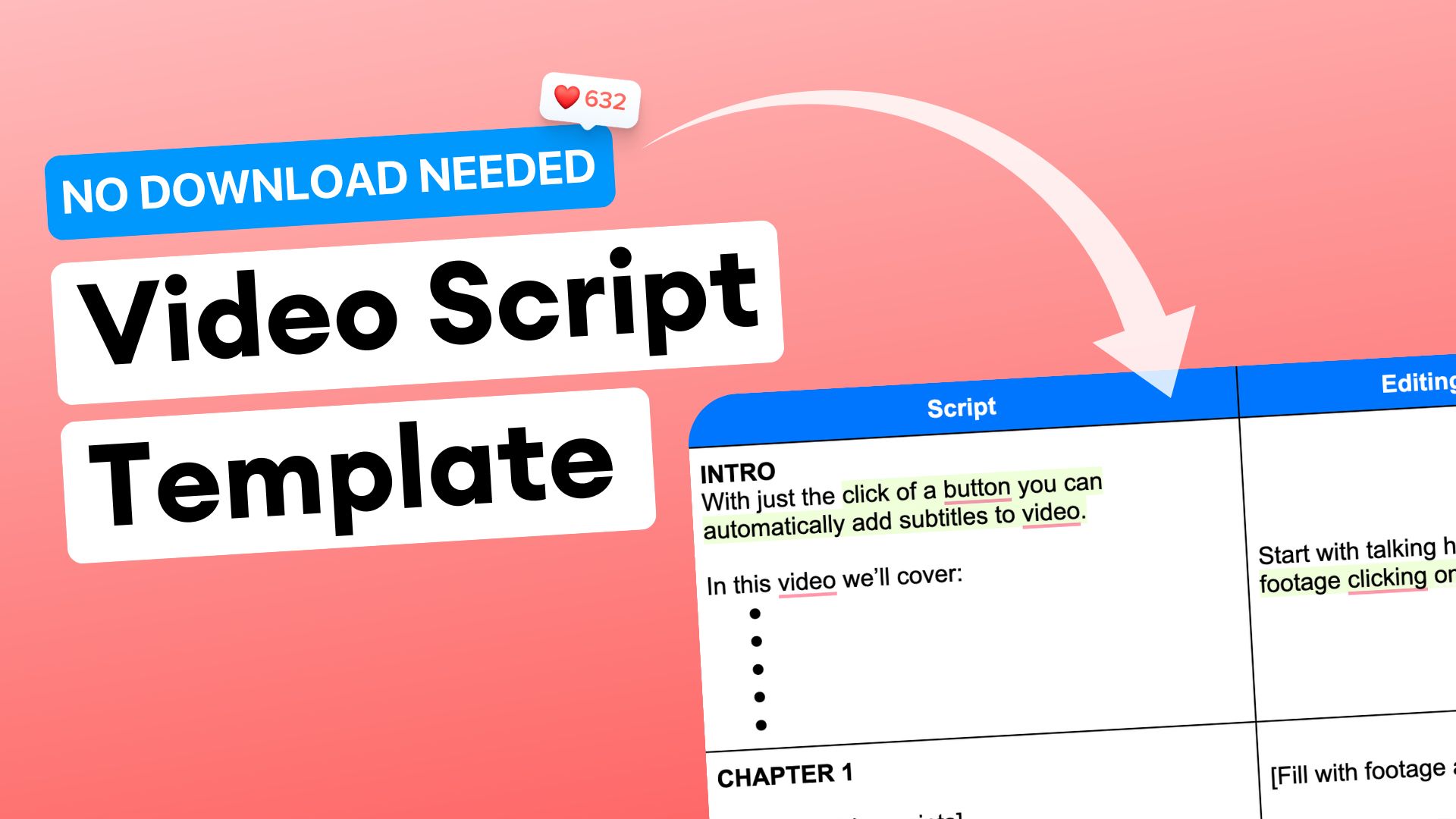
How to Write a Video Script Like a Pro Using This Free Video Script Template
Learn how to script videos like a pro and snag the free google doc template to start recording today. No email required for the template.

How to Use VEO 3 on VEED: Create Stunning Videos with Just Text
VEO 3 is now available on VEED! No waiting list. No complex setup. Just type your prompt and generate a video. Learn more here.
Trusted by 1M+ creators
When it comes to amazing videos, all you need is VEED
No credit card required
More than a text to video AI tool
VEED is an AI video creation platform where generation is the starting point, not the finish line. Reprompt, adjust your video, add your branding, and shape the output until it looks and sounds like your brand made it — not AI. Try text-to-image, image-to-video, and video-to-video in the AI playground. Create content that scales without the production bottleneck. No camera, no production team. Sign up now to get started.