


Trusted by 1M+ creators
Eye Contact AI
An AI eye contact app that redirects your eyes to the camera. Read scripts unnoticeably
No credit card required
4.6
2,100+ reviews















AI eye contact: Make direct eye contact with the camera
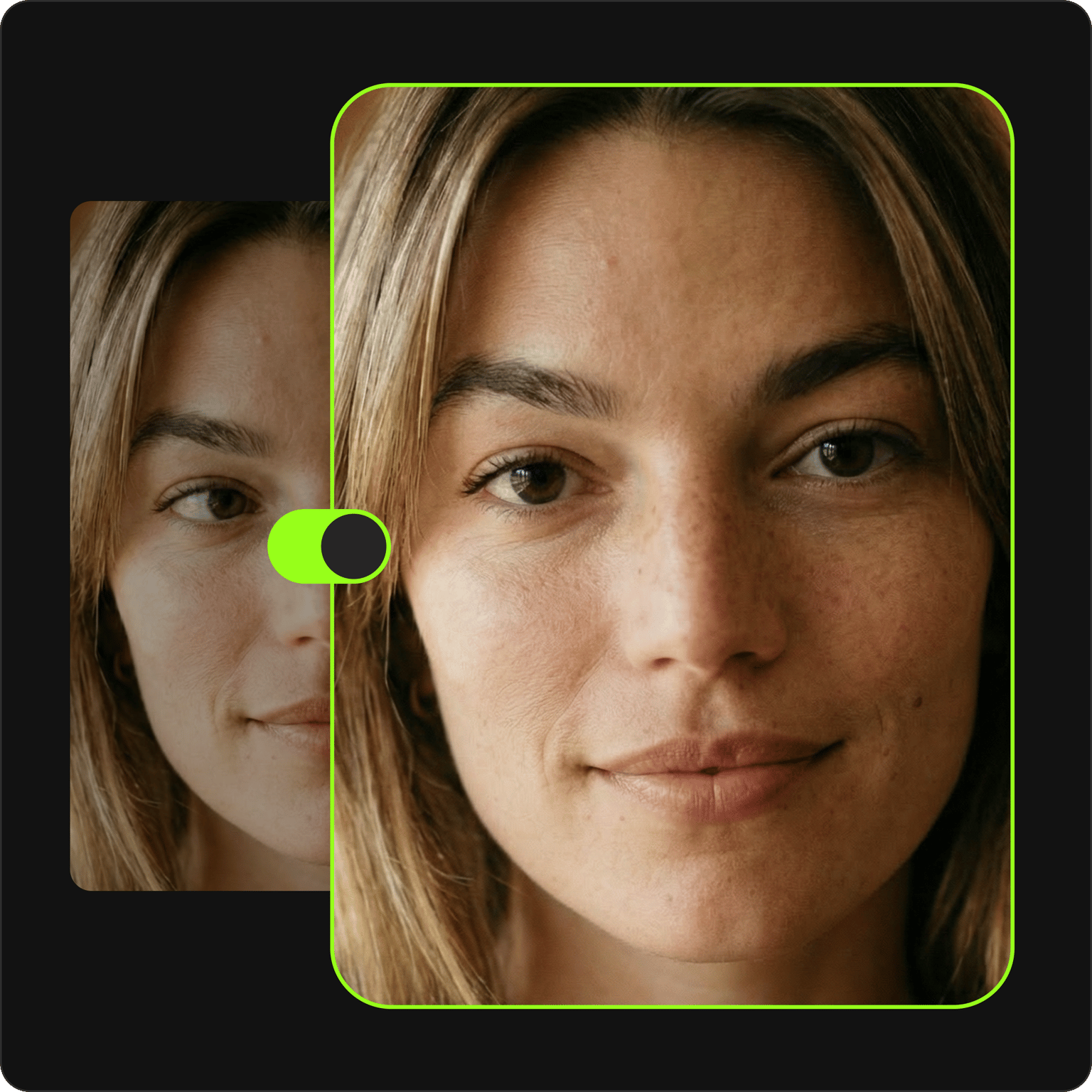
Look more confident in your video recordings by redirecting your eye movements to the camera using the AI eye contact app. Powered by VEED’s AI, our eye tracking technology helps you appear more professional onscreen. Make direct eye contact with your camera and audience, even when reading a script.
VEED gives you eye contact AI, plus more tools to polish your videos. Use our Magic Cut tool to remove filler words, background noise, and awkward silences. Plus, use our video background remover to make your video clutter-free. Try the AI eye contact correction tool for free, then upgrade to Pro for unlimited access.
How to use the AI eye contact tool:
Step 01
Upload your video or record online
Upload your video to VEED or record yourself using our webcam recorder. Our teleprompter helps you stay on script while recording.
Step 02
Correct eye movements
Click on your video on the Timeline and toggle the Eye Contact button on the side menu to make it look like you’re always looking at the camera. The tool will correct your eye gaze using gaze detection technology.
Step 03
Export your video or keep editing
Export your video or keep editing to add other elements — captions, background music, supporting visuals, and more.
Learn More
Learn more about our AI eye contact tool:
Instant AI eye contact for Mac and all software
The AI video eye contact app redirects subtle eye movements and unfocused eyes back to the camera. Appear like you’re not reading from a script. Create professional talking head videos and presentations while making eye contact with the camera. The AI eye contact tool is compatible with Mac, Windows, Linux, Android, and iOS.
Automatic eye corrector, plus everything else your talking head video needs
Make your video more engaging by redirecting your eyes to the camera. Then, enhance everything else using Auto Edits — clean your audio and add music and B-roll automatically. Also, add captions, lower thirds, and your brand logo. VEED’s AI video creation platform gives you everything you need to record and polish your content.
From raw footage to publish-ready in minutes
Not every recording goes perfectly, and that's fine. Wherever you film, VEED helps you fix what the camera picked up: remove cluttered backgrounds, and cut awkward pauses and filler words. If you filmed in landscape, AI background expand fills the frame so your video fits vertical Reels without the black bars. Go from rough take to polished video in just a few clicks.
FAQ
VEED’s AI eye contact tool automatically detects your eye movement to follow where you’re looking and redirect your eyes to the camera. Redirect subtle eye movements with our AI camera eye contact tool.
Yes. Use the eye-tracking software with your desktop’s webcam while recording. Make it appear like you’re focused on the camera at all times.
No. Our AI eye gaze tracking tool subtly redirects your eye movements to the camera without altering your appearance.
VEED's eye contact tool works on pre-recorded videos. You can use the AI by pre-recording your video, correcting your eye contact, and then streaming it. VEED has an online webcam recorder with a teleprompter too.
Loved by creators.
Loved by the Fortune 500
“
With VEED I didn't need 15 tutorials - I jumped straight in and started editing.

Gwenne Wilcox
Founder,
Brand Brainery
“
You can go beyond choppping things. VEED actually makes my videos look great.

Michael Glover
Demand Gen Manager,
ConvertFlow
“
The first four videos i created with VEED got over 40,000 impressions on LinkedIn.

Travis Tyler
Senior Content Producer,
PandaDoc
“
I found VEED at the right time: if you're making UGC ads and not using Eye Contact Correction and Noise Reduction on VEED you're missing out on ROI.

Sebastian Schurgers
Head of Growth Marketing,
Gronda
“
With VEED I didn't need 15 tutorials - I jumped straight in and started editing.
Gwenne Wilcox
Founder,
Brand Brainery
“
You can go beyond choppping things. VEED actually makes my videos look great.
Michael Glover
Demand Gen Manager,
ConvertFlow
“
The first four videos i created with VEED got over 40,000 impressions on LinkedIn.
Travis Tyler
Senior Content Producer,
PandaDoc
“
I found VEED at the right time: if you're making UGC ads and not using Eye Contact Correction and Noise Reduction on VEED you're missing out on ROI.
Sebastian Schurgers
Head of Growth Marketing,
Gronda
“
The first four videos i created with VEED got over 40,000 impressions on LinkedIn.
Travis Tyler
Senior Content Producer,
PandaDoc
“
I found VEED at the right time: if you're making UGC ads and not using Eye Contact Correction and Noise Reduction on VEED you're missing out on ROI.
Sebastian Schurgers
Head of Growth Marketing,
Gronda
“
With VEED I didn't need 15 tutorials - I jumped straight in and started editing.
Gwenne Wilcox
Founder,
Brand Brainery
“
You can go beyond choppping things. VEED actually makes my videos look great.
Michael Glover
Demand Gen Manager,
ConvertFlow
Discover more
Explore related tools
More from VEED
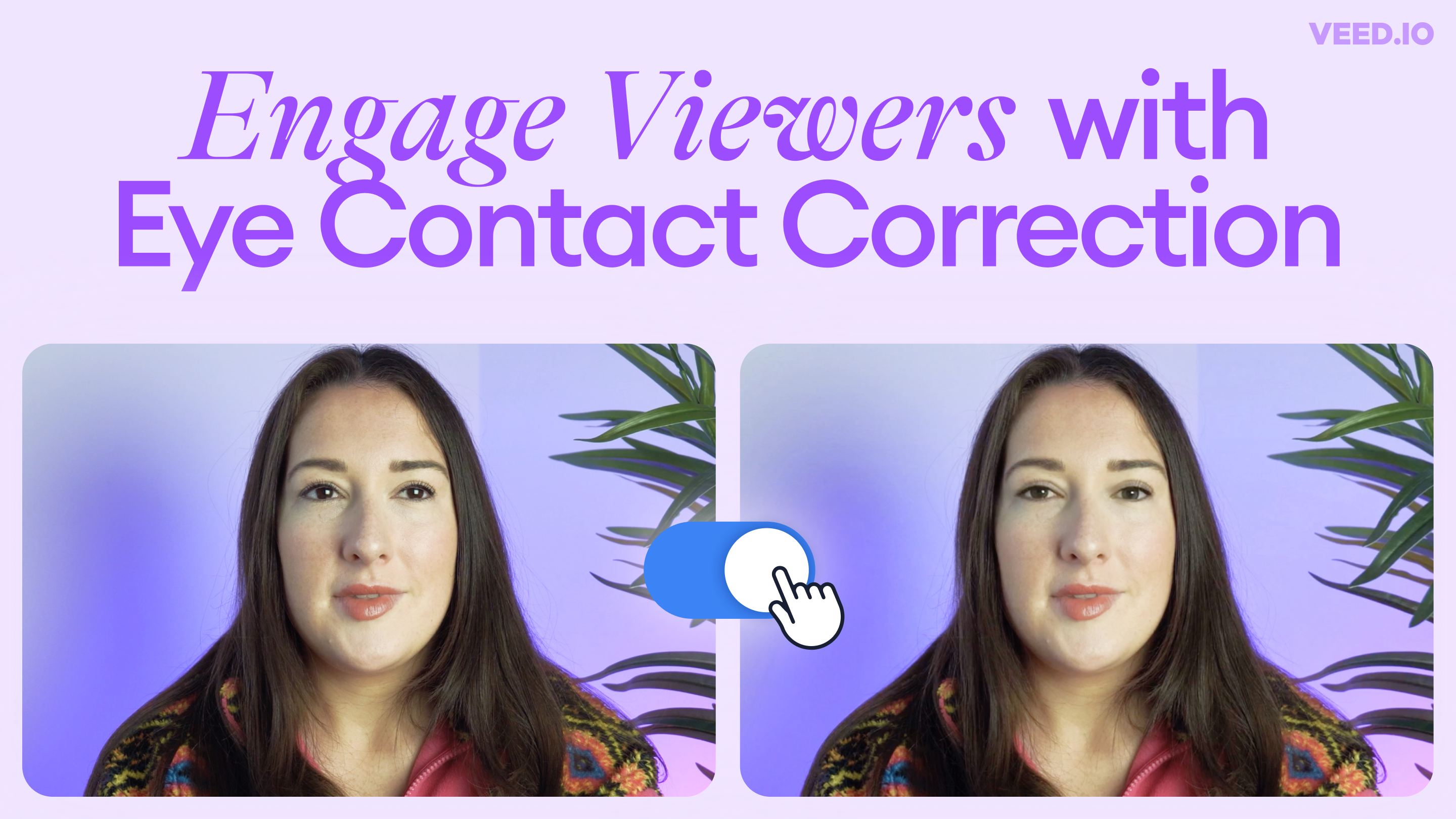
Introducing Eye Contact Correction: Correct Your Gaze with AI
Engage your viewers with VEED’s new AI-powered Eye Contact Correction tool. Read on to learn more!

How To Translate a YouTube Video to English (and Any Other Language)
Knowing how to translate YouTube videos online can be one of the most useful things in a bilingual content creator’s arsenal.
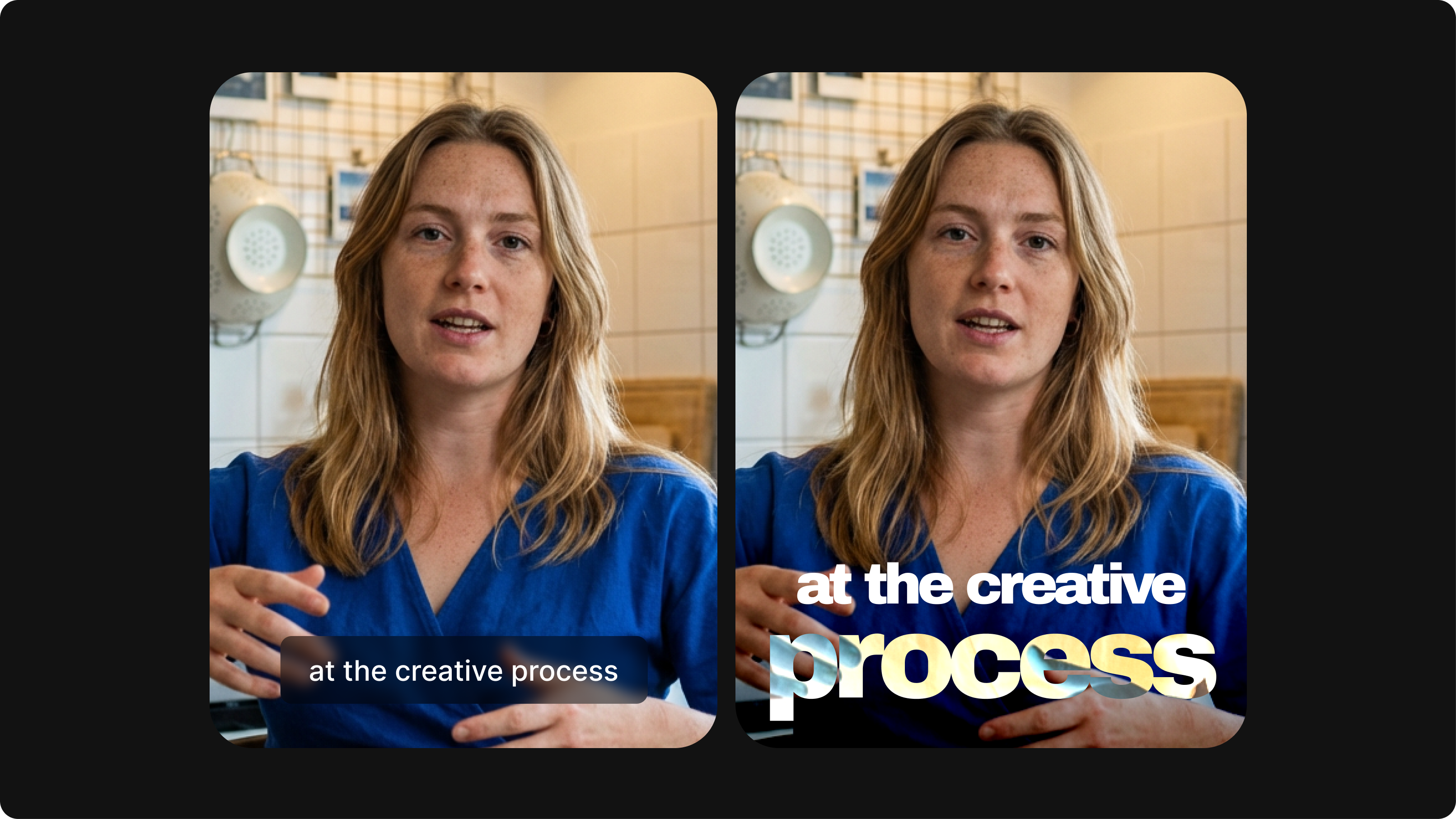
Closed Captioning VS Subtitles: Differences & When to Use Them
Understand what differentiates subtitles and closed captioning and how to add them to your own videos with ease.
Trusted by 1M+ creators
When it comes to amazing videos, all you need is VEED
No credit card required
More than AI eye contact correction
Eye contact correction is one of many ways VEED helps you make great videos. VEED is an AI video creation platform where you can generate videos with the best AI models, then shape the output with your own assets and branding. Add your logo, fonts, and brand colors to a Brand Kit, then easily apply them across videos. No time to film? Upload your photo, record speech or type your script, and generate talking videos with realistic lip sync. You get all these tools in one seamless platform. Sign up for VEED now.