


Trusted by 1M+ creators
Video Player
Share your videos online. No download required
No credit card required
4.6
2,100+ reviews















Online video player
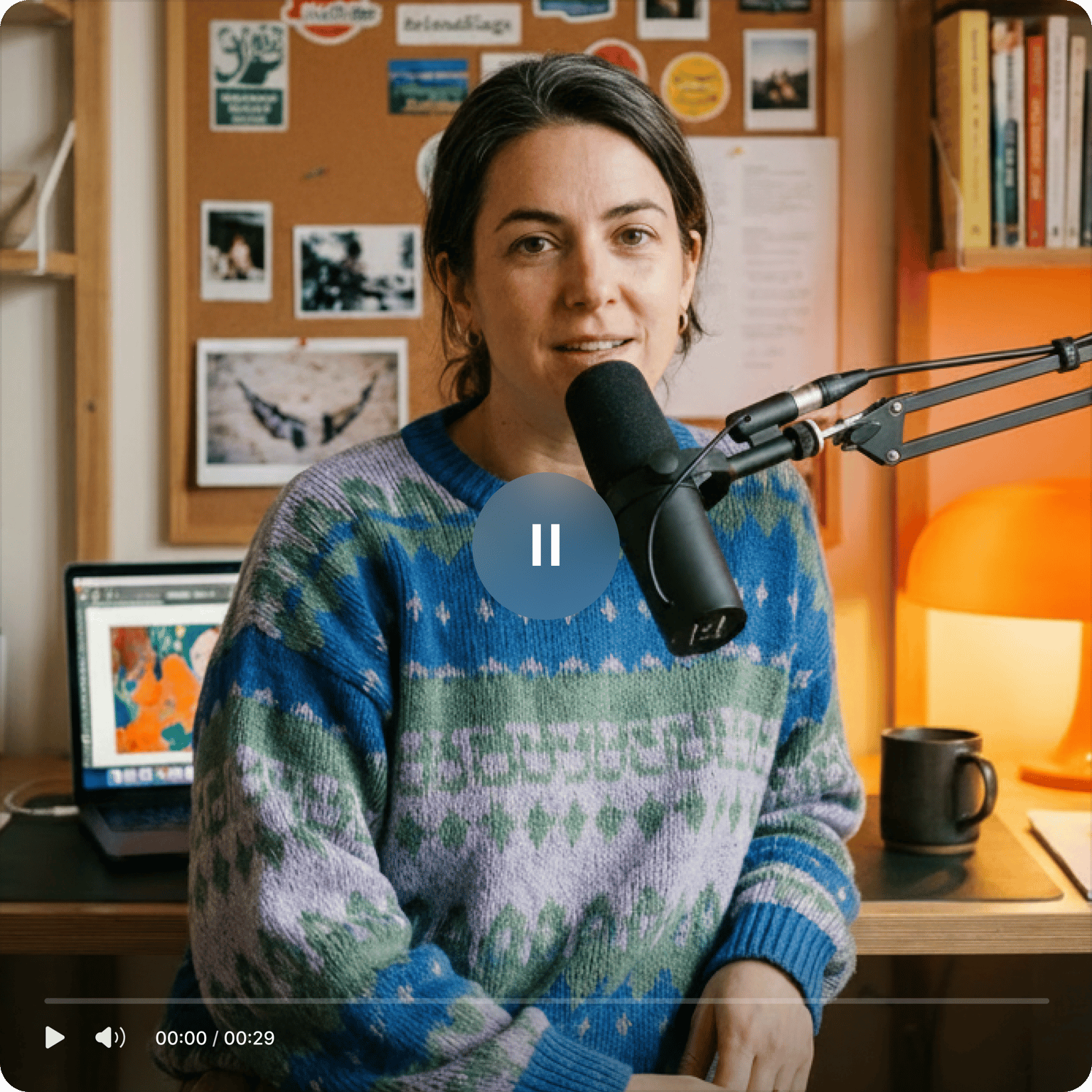
VEED's free online video player lets you share your videos with friends and colleagues without them having to download a thing. Just send them the link and they can watch it straight from their browser. Making a new video? Use our webcam or screen recorder, create your video, then share it in minutes.
Use our video player for work or personal use. Set privacy to Private or Public and control who views your content. Our video player also features timestamped commenting — your collaborators can leave feedback directly on the video, tied to the exact moment. No more sending huge files over email or messaging apps.
How to use the video player:
Step 01
Upload or create a video
Select a video you’ve recorded from your device and upload it to VEED. You can drag and drop your files into the editor. You can also create a video using your webcam and VEED’s webcam recorder.
Step 02
Edit
VEED allows you to edit your videos before sharing them. You can crop, rotate, and resize your videos.
Step 03
Share
Click on ‘Export’. You can now share your video’s link with your friends or peers.
Learn More
Learn how to share large videos online:

Everything you need to create before you share
VEED has all the tools you need to get your video ready. No software downloads required. Edit a video you've recorded with your device or create one straight from your browser using VEED's free webcam recorder. You can even record your screen. Rotate, resize, and crop your clips. Use video effects and filters to make your videos look professional. You can also add images, audio, drawings, and so much more.

Make your videos accessible with subtitles
You can make your content accessible to a wider audience by adding subtitles. VEED can automatically generate subtitles for you in just one click. Just click on Subtitles from the left menu and select Auto Subtitles. It is so easy to edit words and phrases if needed. Click on a line of text and start typing. VEED can generate subtitles in different languages. By adding subtitles to your videos, you can ensure that more people will watch and understand your content, even with the sound off.
High-quality streaming and ad-free viewing
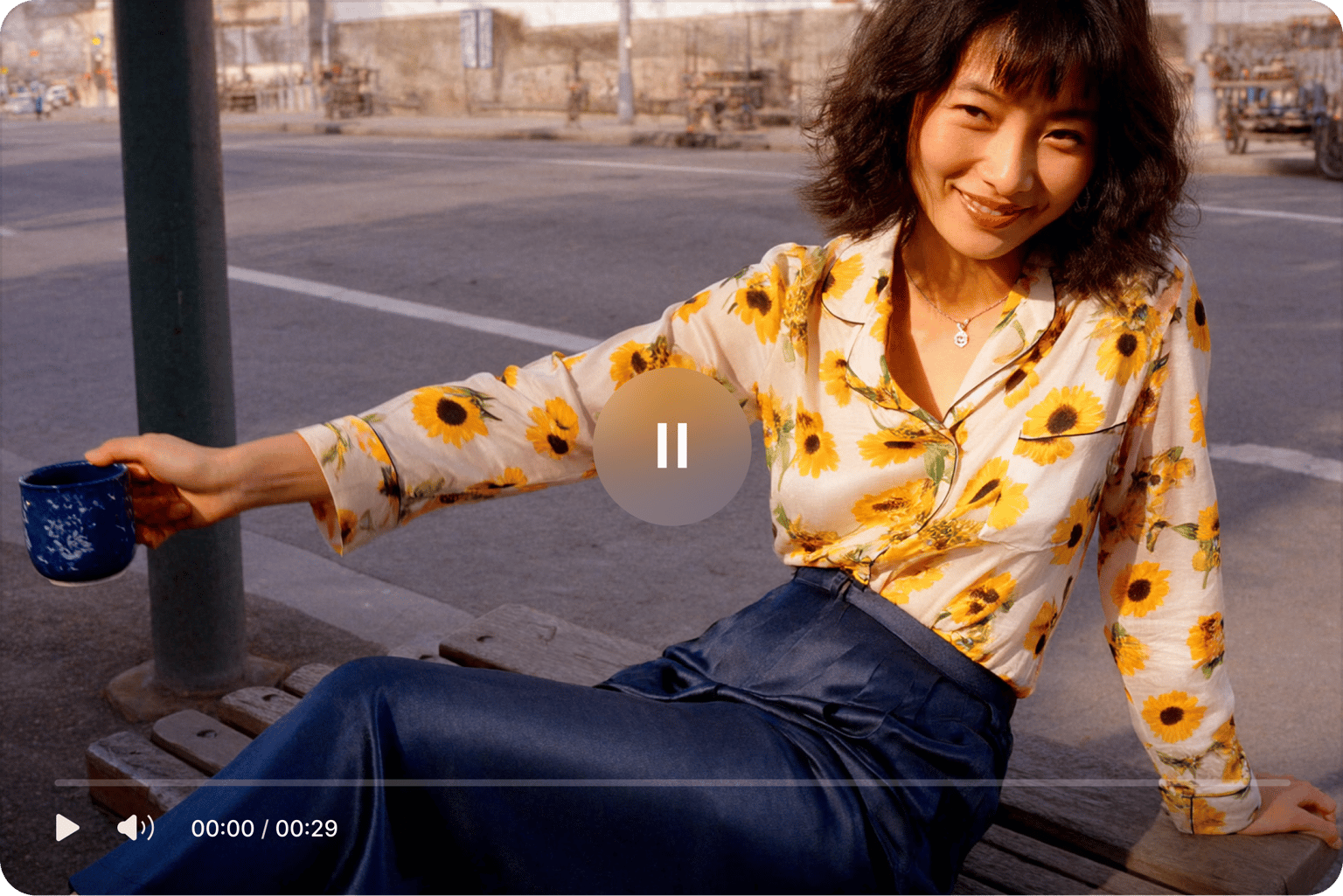
With VEED’s online video player, your friends and colleagues can watch your videos without advertising interruptions. Enjoy ad-free viewing for free. You don’t have to pay or subscribe to remove ads. Plus, there are fewer distractions. No other videos to click or play next. It's so much better than uploading your videos to YouTube where there are so many video suggestions that could easily distract your audience from watching your content.
FAQ
Just upload your video to VEED or create one using our free webcam and screen recorder, and share the video link.
While there are other online video players out there, VEED stands out because of its easy-to-use interface and quick rendering times. Plus, it’s free so you don’t have to worry about monthly subscriptions.
VEED works with all popular web browsers like Chrome, Firefox, Safari, and more. You don’t need to install any extension. Save and access your projects any time, anywhere.
After creating or uploading your video to VEED, click on Export; this will not save the video to your device. Rather, you can click on the Share button and select a platform to which you wish to share your video. Or click on Copy Link, and send it to your friends.
Click on the Subtitle tool from the left menu and click on Auto Subtitle to auto-generate subtitles. You can also manually type texts and subtitles from the same window.
Click on Upload or click on the plus (+) icon on the bottom-right of the timeline and select Record. Give VEED permission to access your webcam and start recording!
Loved by creators.
Loved by the Fortune 500
“
With VEED I didn't need 15 tutorials - I jumped straight in and started editing.

Gwenne Wilcox
Founder,
Brand Brainery
“
You can go beyond choppping things. VEED actually makes my videos look great.

Michael Glover
Demand Gen Manager,
ConvertFlow
“
The first four videos i created with VEED got over 40,000 impressions on LinkedIn.

Travis Tyler
Senior Content Producer,
PandaDoc
“
I found VEED at the right time: if you're making UGC ads and not using Eye Contact Correction and Noise Reduction on VEED you're missing out on ROI.

Sebastian Schurgers
Head of Growth Marketing,
Gronda
“
With VEED I didn't need 15 tutorials - I jumped straight in and started editing.
Gwenne Wilcox
Founder,
Brand Brainery
“
You can go beyond choppping things. VEED actually makes my videos look great.
Michael Glover
Demand Gen Manager,
ConvertFlow
“
The first four videos i created with VEED got over 40,000 impressions on LinkedIn.
Travis Tyler
Senior Content Producer,
PandaDoc
“
I found VEED at the right time: if you're making UGC ads and not using Eye Contact Correction and Noise Reduction on VEED you're missing out on ROI.
Sebastian Schurgers
Head of Growth Marketing,
Gronda
“
The first four videos i created with VEED got over 40,000 impressions on LinkedIn.
Travis Tyler
Senior Content Producer,
PandaDoc
“
I found VEED at the right time: if you're making UGC ads and not using Eye Contact Correction and Noise Reduction on VEED you're missing out on ROI.
Sebastian Schurgers
Head of Growth Marketing,
Gronda
“
With VEED I didn't need 15 tutorials - I jumped straight in and started editing.
Gwenne Wilcox
Founder,
Brand Brainery
“
You can go beyond choppping things. VEED actually makes my videos look great.
Michael Glover
Demand Gen Manager,
ConvertFlow
Discover more
Explore related tools
More from VEED

11 Easy Ways to Add Music to Video [Step-By-Step Guide] in 2026
Not sure where to find music for video whether free or paid? Want to learn how to find it, pick the right song, and then add it to your video content? Then dig in!
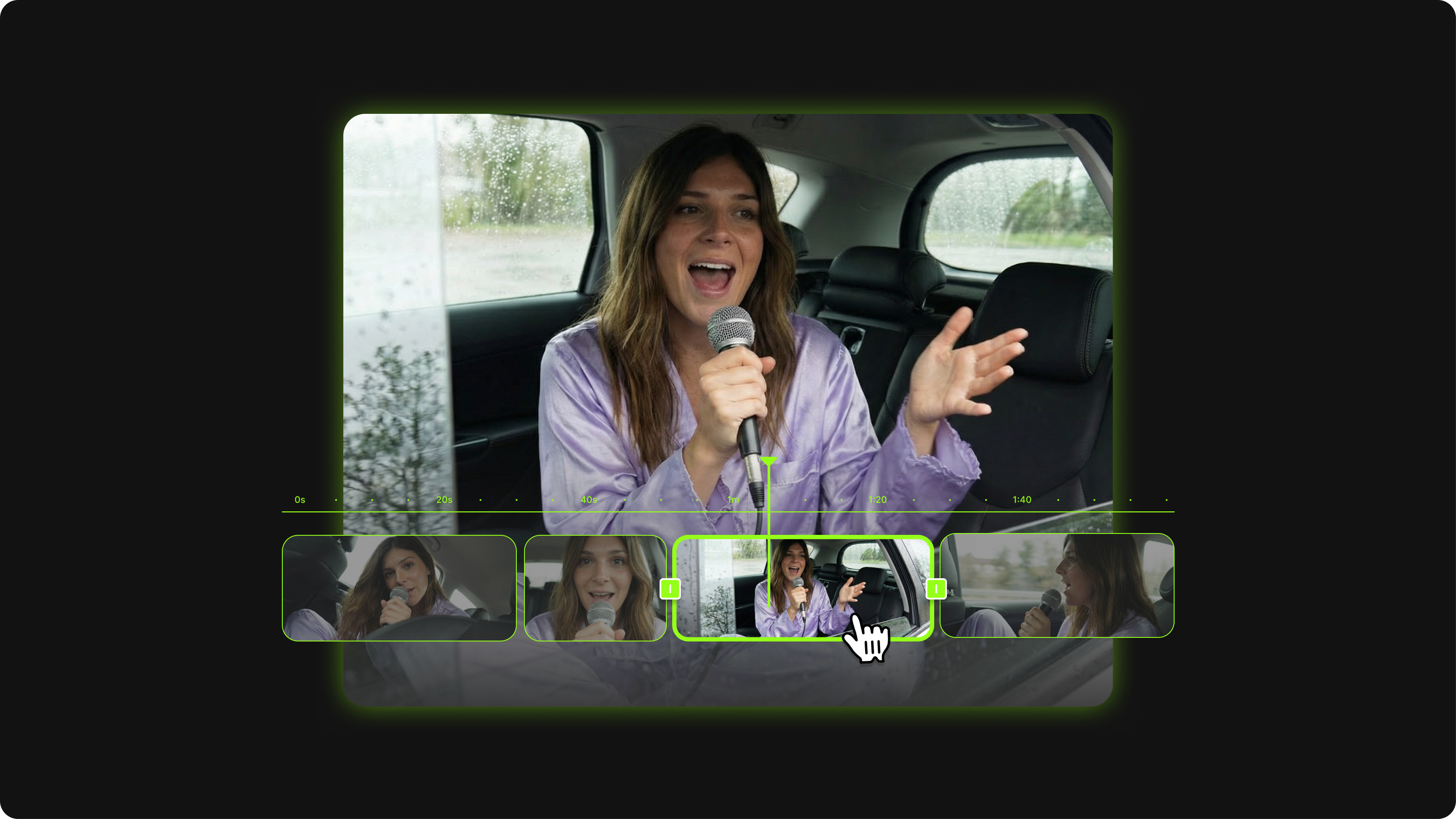
17 Best Video Editing Apps Creators Swear By (In-Depth Reviews)
We gathered the 16th best video editing apps loved by creators and created a detailed review to make picking your go-to video editor a piece of cake.

3 Types of Cuts Every YouTuber Needs to Use [GUIDE]
Capture and retain attention plus improve your overall video and channel engagement with these three types of cuts for your YouTube video editing.
Trusted by 1M+ creators
When it comes to amazing videos, all you need is VEED
No credit card required
More than a video player
Create videos worth sharing. VEED is an AI video creation platform that turns your ideas into publish-ready videos in minutes. Starting from scratch? Enter your topic or script into Gen-AI Studio to build your next video — complete with a speaking character or voiceover, supporting visuals, and captions. Refine your video by swapping in your own footage or generating custom clips. Then, add your logo and brand colors to make your video unmistakably yours. Sign up now to start creating.