


Trusted by 1M+ creators
Video Enhancer
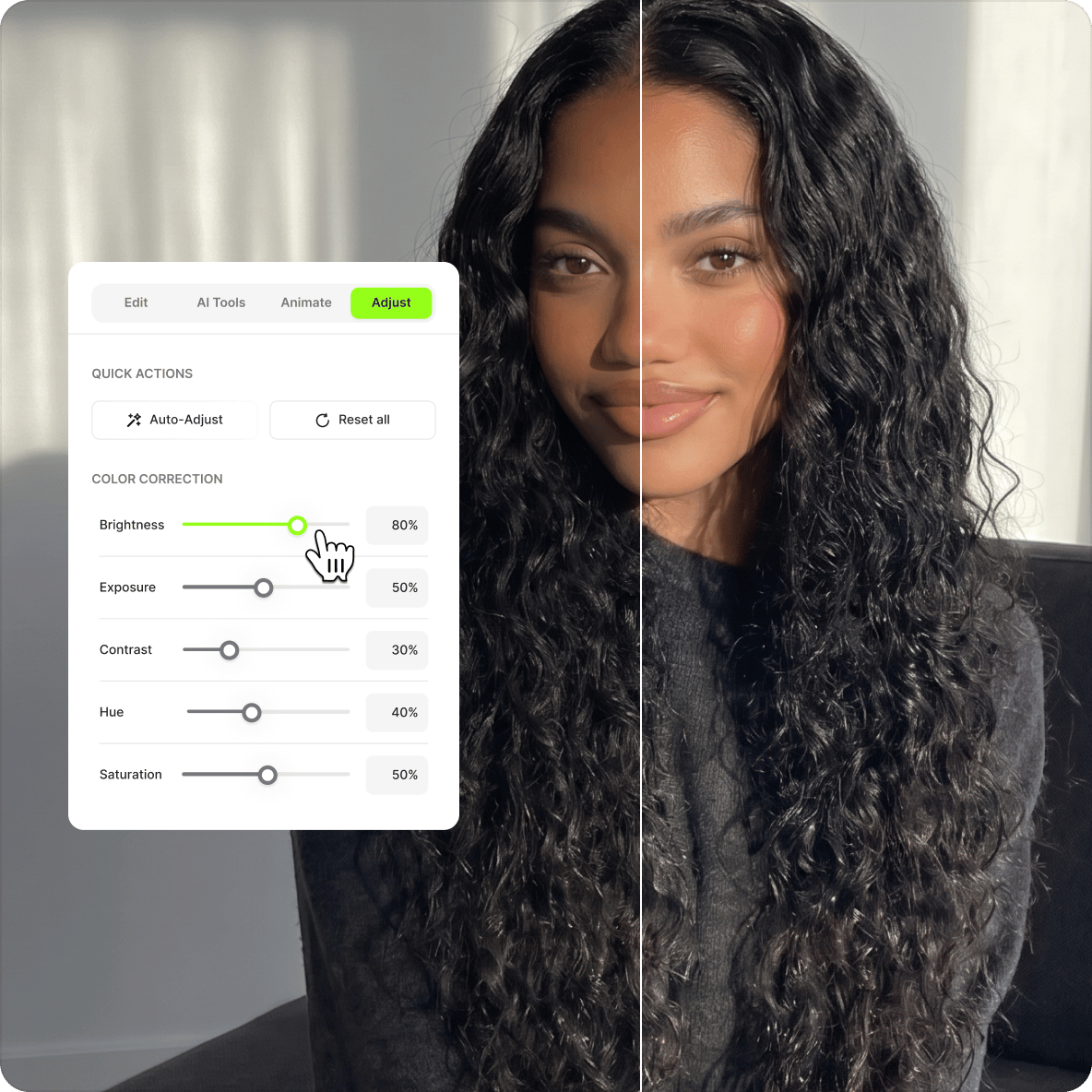
Adjust exposure, sharpness, saturation, and other settings to create stunning visuals!
No credit card required
4.6
2,100+ reviews















Create stunning visuals using VEED’s video enhancer!
VEED's video enhancer lets you adjust brightness, exposure, contrast, saturation, and sharpness directly in your browser — no software to install. Apply filters, color grading, and effects to improve video quality, even on low-quality recordings. Rotate, crop, and resize in the same editor. Most tools are free — no need to pay for Final Cut Pro or Premiere Pro.
How to Enhance a Video:
Step 01
Upload or record
Upload your video to VEED or start recording using our online webcam recorder. You can also drag and drop your video to the editor.
Step 02
Adjust video settings
Click on your video on the timeline and click “Adjust” beside “Settings”. You can then move the slider for each setting, such as brightness, contrast, saturation, and more. You can also use other video editing features to add text, subtitles, etc.
Step 03
Download
When you’re happy with your edits, click on “Export”. Download your video and share!
Learn More
Watch this walkthrough of our video editor:
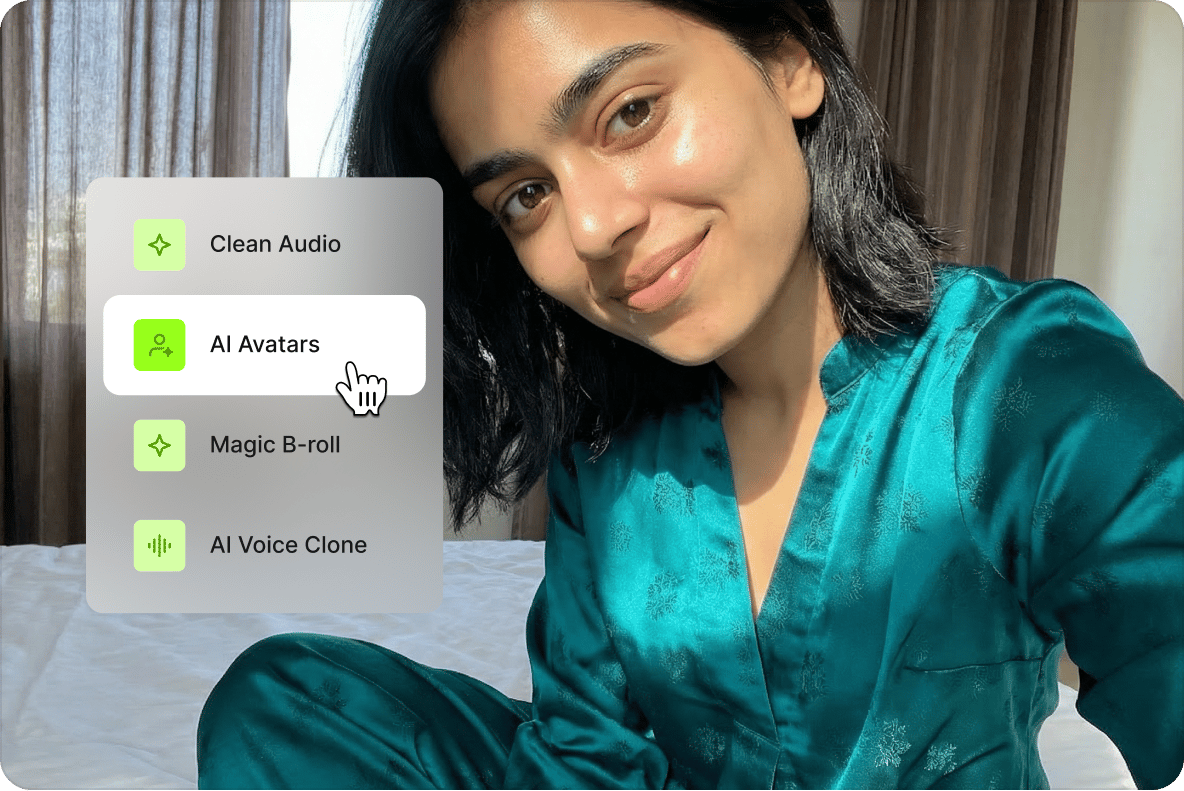
A full suite of video editing tools!
Rotate, crop, and resize your video, add images, text, and other elements. Replace your background using the Green Screen Editor or Video Background Remover. Clean your audio in one click — available on paid plans.
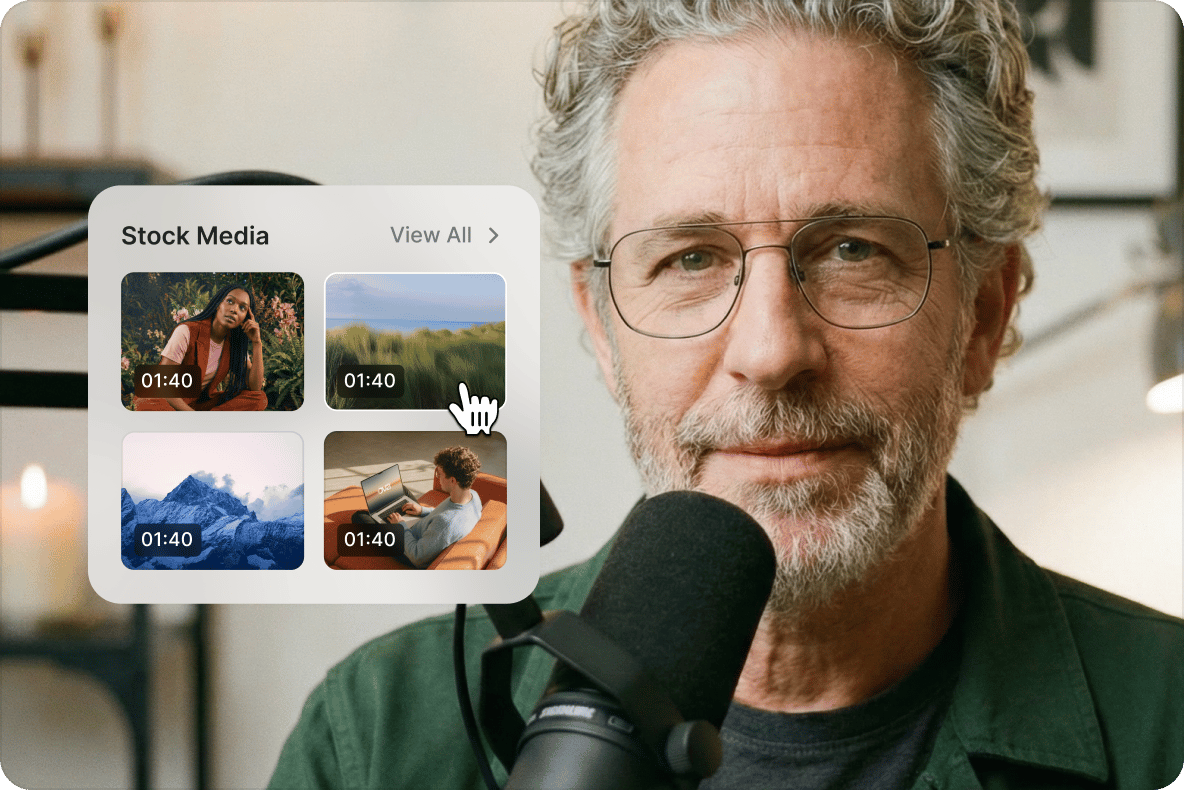
Create stunning videos with templates and stock media
Use VEED's customizable templates for training videos, trailers, podcasts, educational content, holiday videos, and more. No recording? Choose from the stock audio and video library. Full stock library access is available on paid plans — see the pricing page for details.
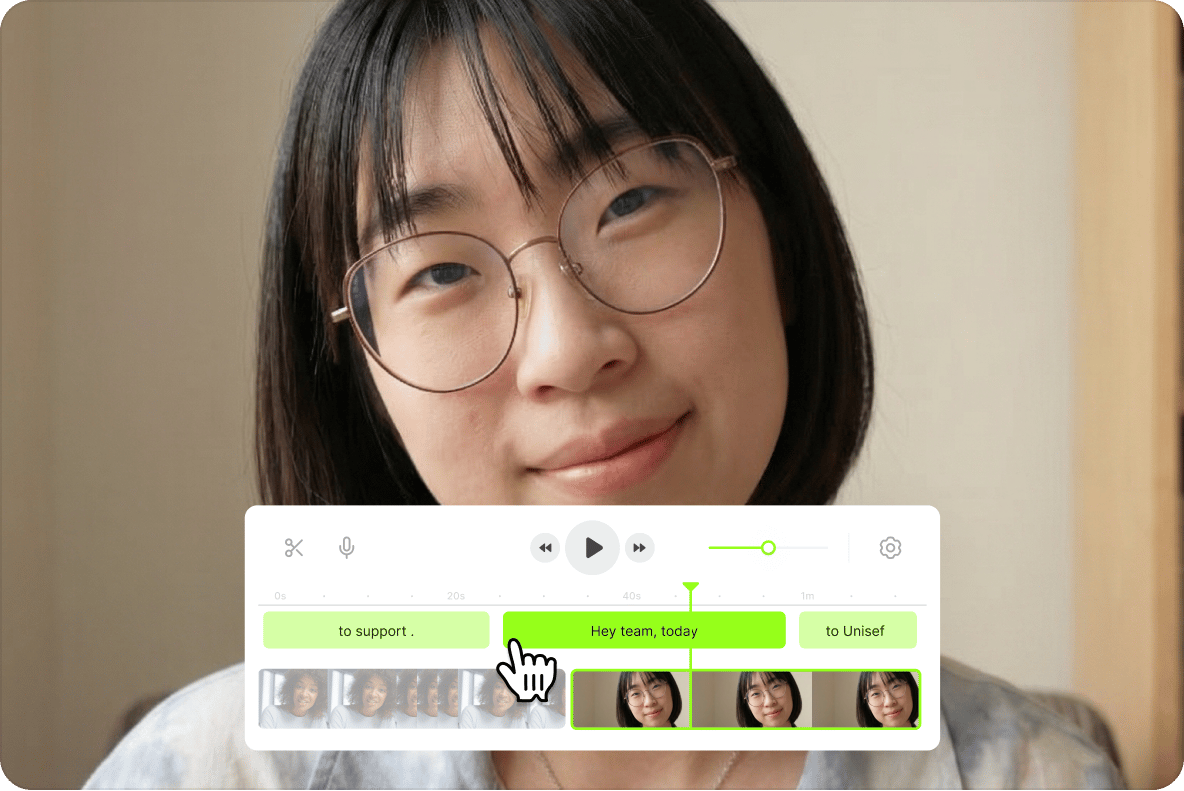
Record, present, and edit in one place!
Record your screen and webcam with VEED's screen recorder. Upload slides and create presentations in the browser. Everything is in one workspace — no switching between apps.
FAQ
While there are a number of online video enhancers out there, VEED stands out because of its full suite of tools available for you to use. No need to use third-party apps; they’re all built-in and you can do it all on your browser!
Though it can be difficult to improve videos that were filmed in low quality, you can still adjust some settings to enhance it. With VEED, you can increase the brightness of a video if it’s shot in low lighting conditions. Adjust the sharpness, contrast, exposure, and more in just a few clicks!
If your video was filmed with a low-resolution camera or under poor lighting conditions, there are still a few things you can do to improve your video’s quality. It will not magically transform to an HD video, but you can adjust some settings to make your video appear more clear. Adjust the brightness, contrast, and apply filters—all in just a few clicks with VEED!
Look no further! VEED lets you adjust your video’s settings online to enhance its appearance. It works on all popular web browsers as well as mobile browsers. No need to install an app!
Unfortunately, if you didn’t film your video in 4K setting with a camera that has 4K capabilities, you cannot make your video quality 4K. You would have to use a 4K camera and make sure it’s in that setting.
VEED works with all mobile devices—phones and tablets, including Android and Apple. All you have to do is open your mobile browser, go to VEED, and start editing!
Loved by creators.
Loved by the Fortune 500
“
With VEED I didn't need 15 tutorials - I jumped straight in and started editing.

Gwenne Wilcox
Founder,
Brand Brainery
“
You can go beyond choppping things. VEED actually makes my videos look great.

Michael Glover
Demand Gen Manager,
ConvertFlow
“
The first four videos i created with VEED got over 40,000 impressions on LinkedIn.

Travis Tyler
Senior Content Producer,
PandaDoc
“
I found VEED at the right time: if you're making UGC ads and not using Eye Contact Correction and Noise Reduction on VEED you're missing out on ROI.

Sebastian Schurgers
Head of Growth Marketing,
Gronda
“
With VEED I didn't need 15 tutorials - I jumped straight in and started editing.
Gwenne Wilcox
Founder,
Brand Brainery
“
You can go beyond choppping things. VEED actually makes my videos look great.
Michael Glover
Demand Gen Manager,
ConvertFlow
“
The first four videos i created with VEED got over 40,000 impressions on LinkedIn.
Travis Tyler
Senior Content Producer,
PandaDoc
“
I found VEED at the right time: if you're making UGC ads and not using Eye Contact Correction and Noise Reduction on VEED you're missing out on ROI.
Sebastian Schurgers
Head of Growth Marketing,
Gronda
“
The first four videos i created with VEED got over 40,000 impressions on LinkedIn.
Travis Tyler
Senior Content Producer,
PandaDoc
“
I found VEED at the right time: if you're making UGC ads and not using Eye Contact Correction and Noise Reduction on VEED you're missing out on ROI.
Sebastian Schurgers
Head of Growth Marketing,
Gronda
“
With VEED I didn't need 15 tutorials - I jumped straight in and started editing.
Gwenne Wilcox
Founder,
Brand Brainery
“
You can go beyond choppping things. VEED actually makes my videos look great.
Michael Glover
Demand Gen Manager,
ConvertFlow
Discover more
Trusted by 1M+ creators
When it comes to amazing videos, all you need is VEED
No credit card required
More than a video enhancer
Enhancing a video is one step in getting it ready to post. VEED is an AI video creation platform where you can generate, fine-tune, and export videos for TikTok, Instagram, YouTube, and LinkedIn. Beyond enhancement, use Gen-AI Studio to build complete social videos with captions, brand assets, and voiceovers — all in the same workspace. Start creating with VEED today.