


Trusted by 1M+ creators
Image to Video AI
Turn an image into a video in seconds. Create eye-catching social media posts, product ads, animated logos, and more
No credit card required
4.6
2,100+ reviews















Image-to-video AI generator: Turn static images into engaging videos
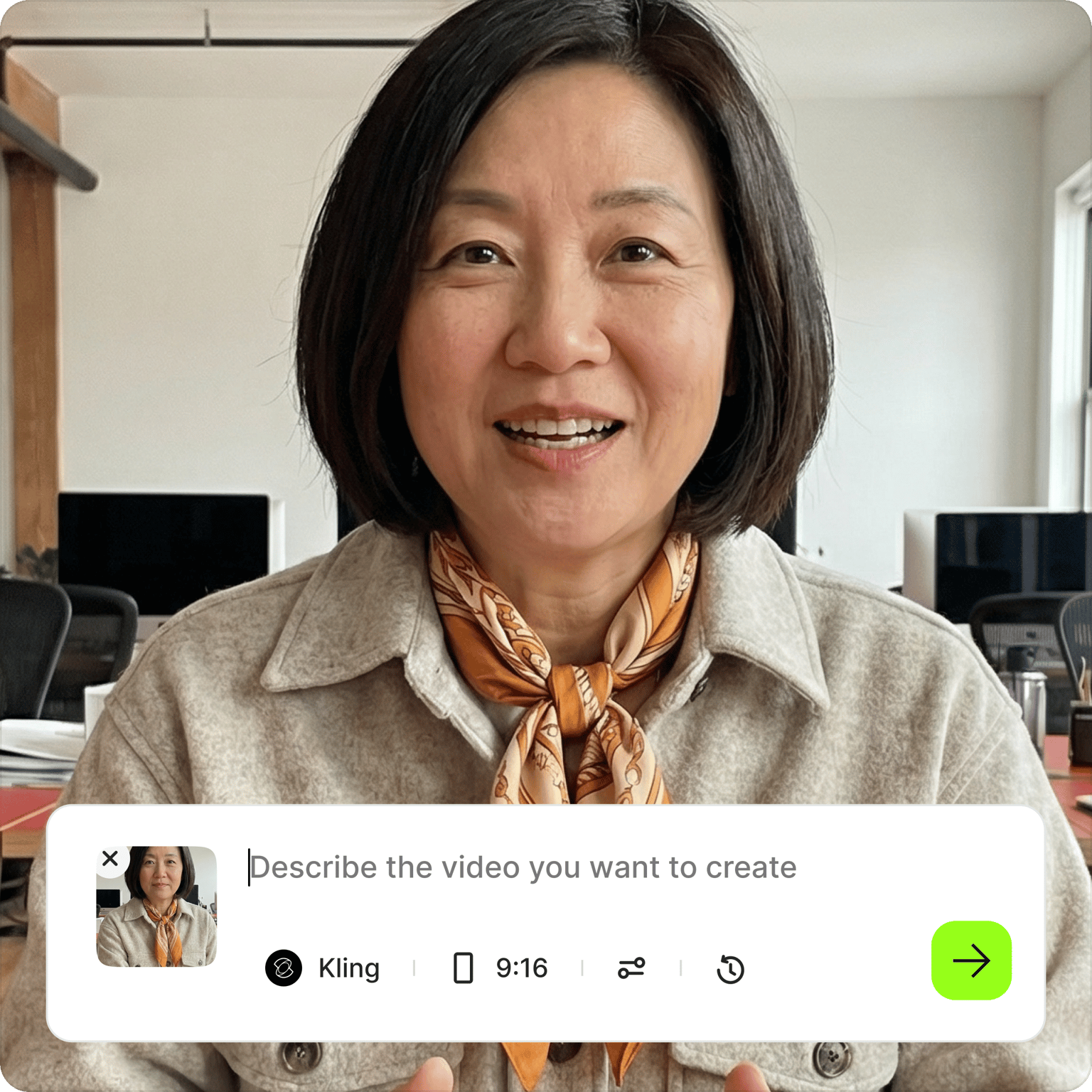
Stand out on social media. Turn static images into short video clips with AI. Upload your photo, describe the movement you want to see — camera pan, zoom, walking, and more. VEED generates a video for you in minutes. Animate product photos for ads, bring brand graphics to life, or create eye-catching social content from existing visuals. Create post-ready videos in minutes. Try our AI image-to-video generator for free.
How to turn photos into videos with AI:
Step 01
Upload
Upload your image. Choose any photo you want to bring to life.
Step 02
Type a prompt
Describe the movement you want to see — walking, camera panning, zooming, and more.
Step 03
Generate
Click ‘Generate’ and watch your short video come to life within minutes. The video will appear as a scene in the editor.
Learn More
Learn how to create videos from text prompts:
Generate videos from images in minutes
No time or budget to shoot videos, but have a ton of images sitting in your file library? Product shots, brand visuals, headshots. Image-to-video AI turns those existing assets into video content. Upload your photo, type a prompt describing the motion you want, and VEED generates the clip.
Stand out in crowded social feeds
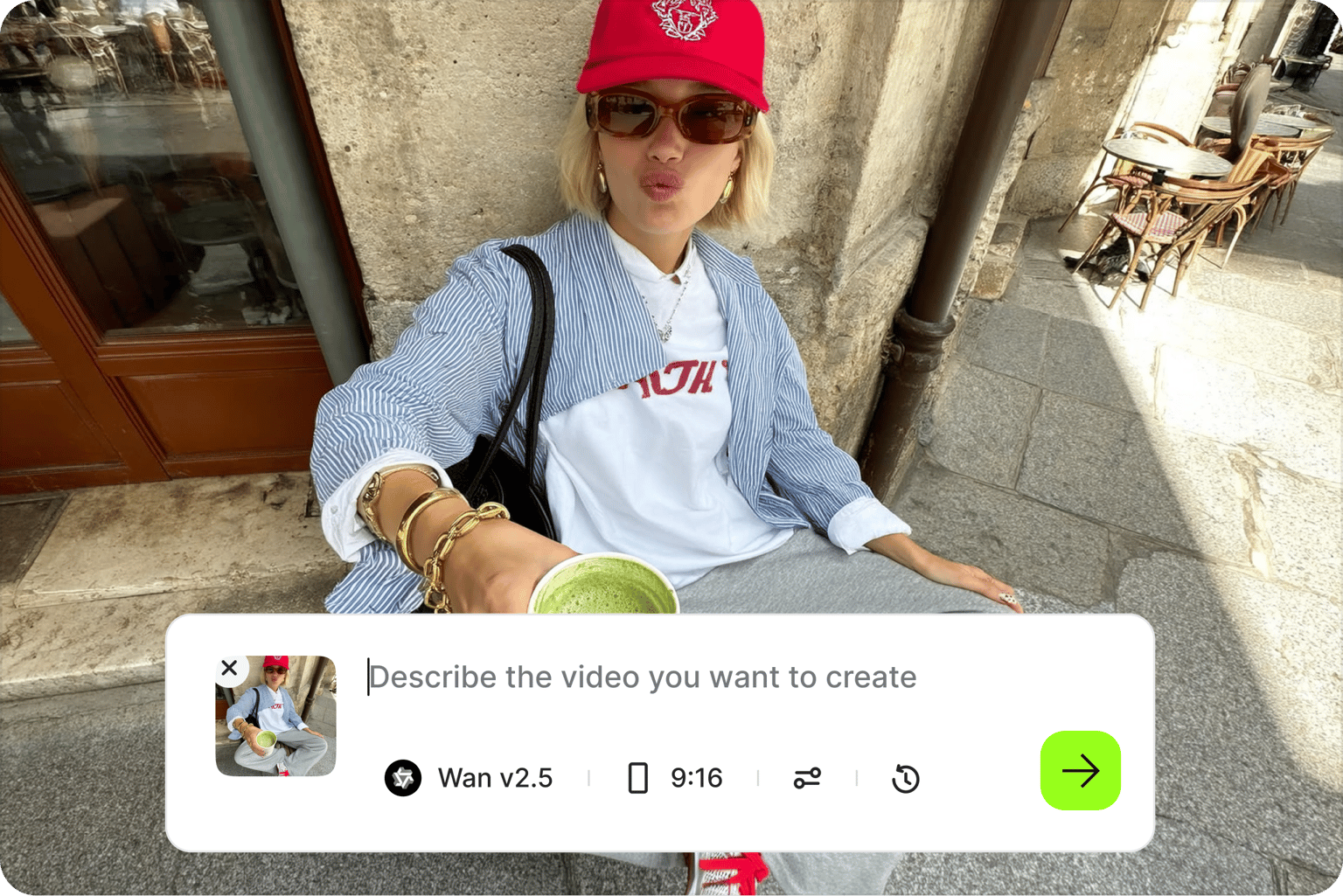
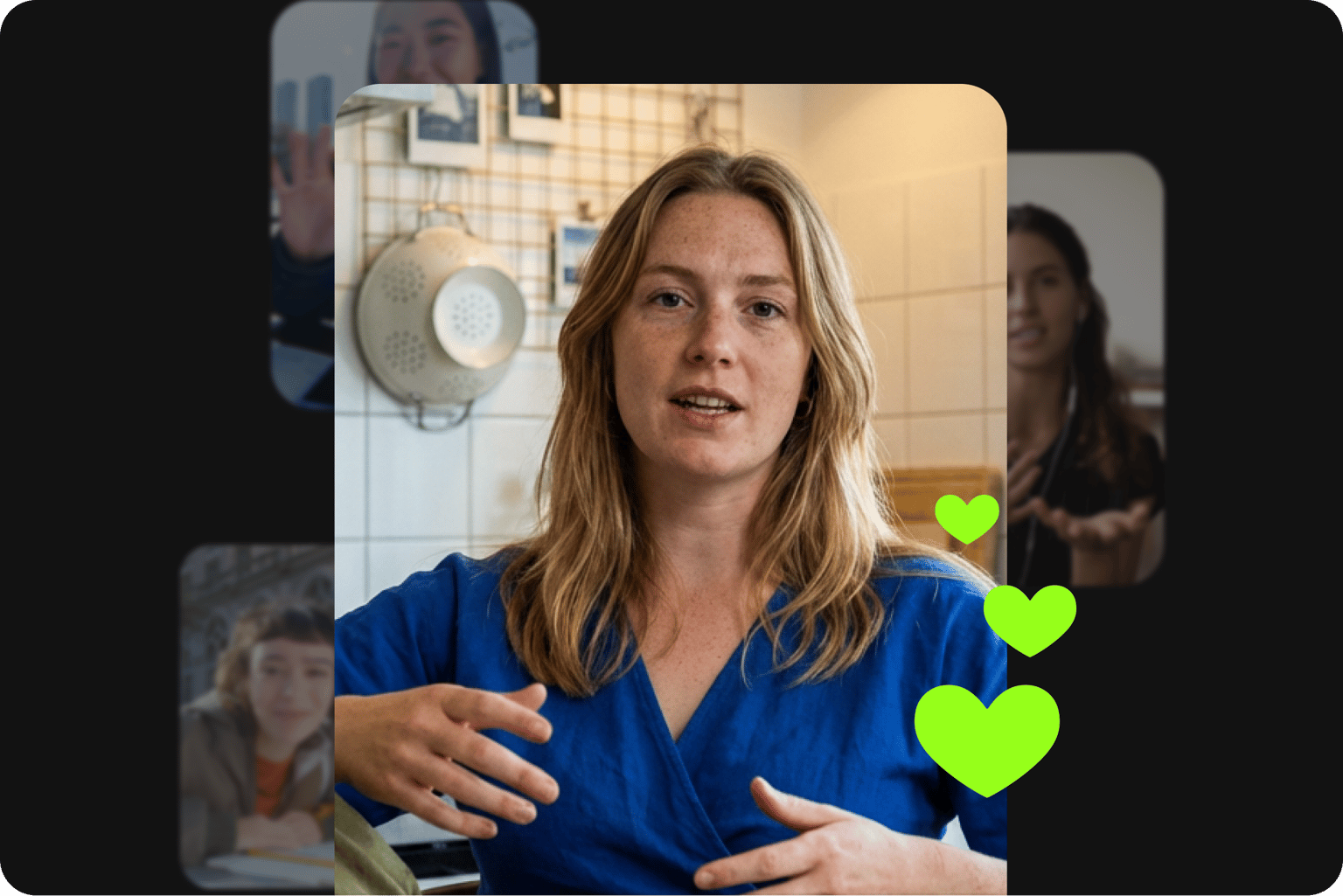
Static images get buried in the noise. Moving images grab attention. Turn product photos into dynamic teasers. Transform profile pictures into friendly introductions. Or add life to your brand graphics. Stand out on social media with photo animations.
Free image-to-video AI: Start exploring now
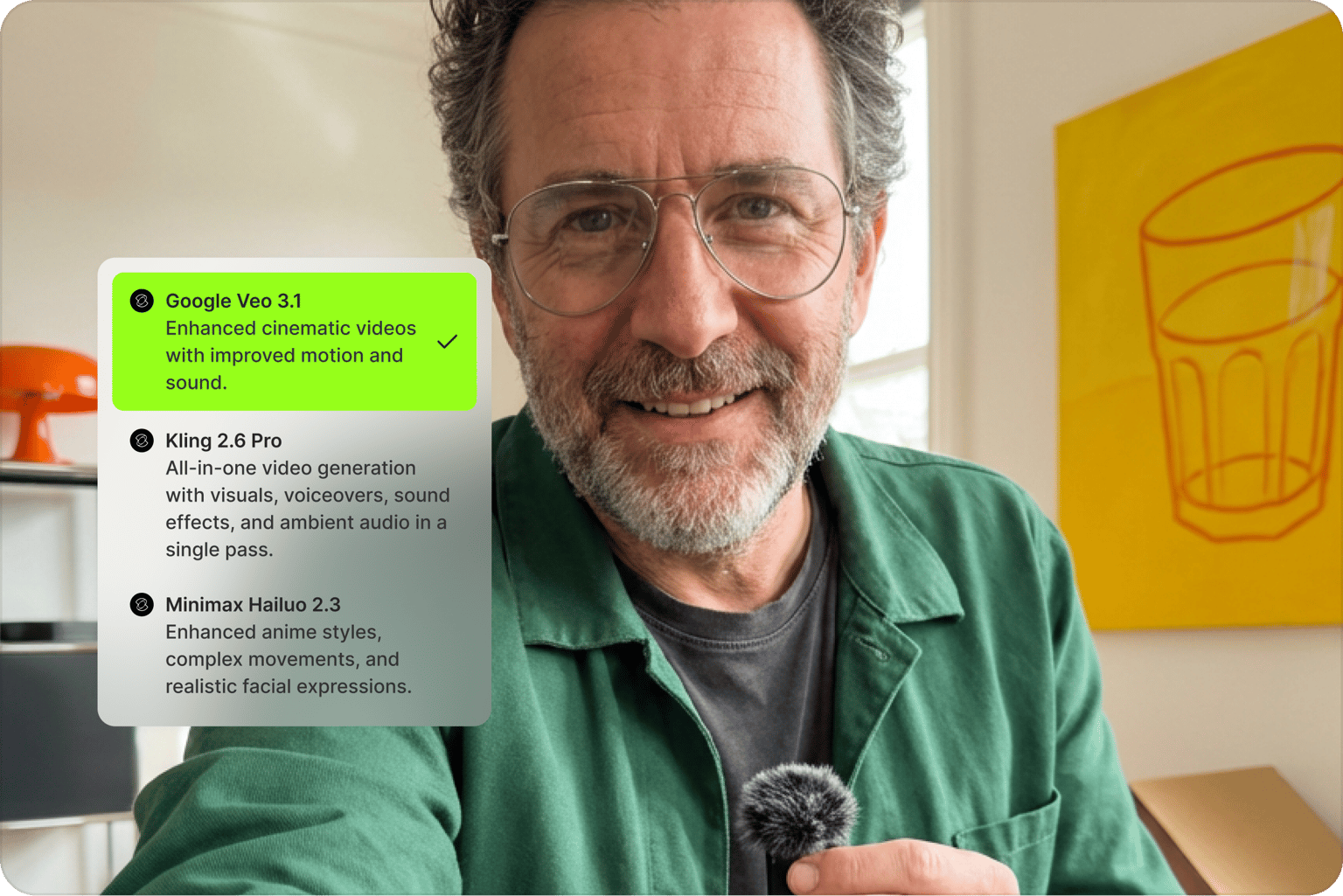
Try our image-to-video AI generator instantly; no need to sign up for a paid plan right away. Dive right in and start creating. Upload your image, see the results, and decide if it works for you. Plus, explore many other AI tools like our image generator and talking avatars.
FAQ
Turn static images into engaging clips for product showcases, social media posts, logo animations, and presentation intros. They’re also great for digital ads, website headers, and e-commerce listings. These short videos capture attention more effectively than still images.
- Upload your photo to VEED's AI image-to-video maker.
- Type a descriptive prompt of the motion you want to see (like "camera slowly zooming in" or “walking forward”), and click generate.
- Within minutes, your static image will turn into a dynamic video clip.
Alternatively, you can create a photo video using our intuitive online editor.
Yes, you can try the image-to-video AI with a free account. The free version includes a watermark. Upgrade to a paid plan to keep using the tool, remove watermarks, and access our complete suite of AI video creation tools.
Our image-to-video generator supports JPG, PNG, and WebP formats. For best results, use high-quality images with clear subjects that aren't blurry or pixelated.
Be specific about desired movements—"slowly zoom in on the face," "camera pan from left to right," or "person nodding their head." Describe camera actions clearly and keep instructions focused on realistic, achievable animations for your specific image.
Do not use the image-to-video generator to create harmful content, infringe any third-party rights, or defame anyone. Choose images you have the right to use, avoid placing subjects in misleading contexts, and respect privacy considerations. You can read our full terms here.
Loved by creators.
Loved by the Fortune 500
“
With VEED I didn't need 15 tutorials - I jumped straight in and started editing.

Gwenne Wilcox
Founder,
Brand Brainery
“
You can go beyond choppping things. VEED actually makes my videos look great.

Michael Glover
Demand Gen Manager,
ConvertFlow
“
The first four videos i created with VEED got over 40,000 impressions on LinkedIn.

Travis Tyler
Senior Content Producer,
PandaDoc
“
I found VEED at the right time: if you're making UGC ads and not using Eye Contact Correction and Noise Reduction on VEED you're missing out on ROI.

Sebastian Schurgers
Head of Growth Marketing,
Gronda
“
With VEED I didn't need 15 tutorials - I jumped straight in and started editing.
Gwenne Wilcox
Founder,
Brand Brainery
“
You can go beyond choppping things. VEED actually makes my videos look great.
Michael Glover
Demand Gen Manager,
ConvertFlow
“
The first four videos i created with VEED got over 40,000 impressions on LinkedIn.
Travis Tyler
Senior Content Producer,
PandaDoc
“
I found VEED at the right time: if you're making UGC ads and not using Eye Contact Correction and Noise Reduction on VEED you're missing out on ROI.
Sebastian Schurgers
Head of Growth Marketing,
Gronda
“
The first four videos i created with VEED got over 40,000 impressions on LinkedIn.
Travis Tyler
Senior Content Producer,
PandaDoc
“
I found VEED at the right time: if you're making UGC ads and not using Eye Contact Correction and Noise Reduction on VEED you're missing out on ROI.
Sebastian Schurgers
Head of Growth Marketing,
Gronda
“
With VEED I didn't need 15 tutorials - I jumped straight in and started editing.
Gwenne Wilcox
Founder,
Brand Brainery
“
You can go beyond choppping things. VEED actually makes my videos look great.
Michael Glover
Demand Gen Manager,
ConvertFlow
Discover more
Explore related tools
- AI Animation Generator
- AI Avatar Generator
- AI Image Generator
- AI Text to Speech Video
- AI Video Generator
- AI Voice Cloning
- Animate from Audio
- Animated Logo Maker
- Animated Subtitles
- Animated Text Maker
- Animation for Social Media
- Animation Maker
- Animation Voice Over
- Fabric 1.0
- Image to Video Models
- Kling AI Image to Video
- LTX Image to Video
- Luma Ray Image to Video
- MiniMax Image to Video
- Slideshow Video Maker
- Sora 2
- Sora 2 Pro
- Text to Animation AI

Trusted by 1M+ creators
When it comes to amazing videos, all you need is VEED
No credit card required
More than an AI image-to-video generator
VEED is an AI video creation platform where generation is the starting point, not the finish line. Try text-to-image, text-to-video, and video-to-video models in the AI playground. Turn images into videos using the best AI models. Refine your video and add text and graphics so the video looks like your brand made it — not AI. Drop your video into the editor to combine clips and add captions. VEED takes you from idea to finished video in minutes.