Google Veo 3.1: The Next Generation of AI Video (Live on VEED)
Google Veo 3.1 offers better realism, richer audio generation, and improved prompt adherence. And now, you can try it on VEED. Learn more here.
4.6
319 reviews















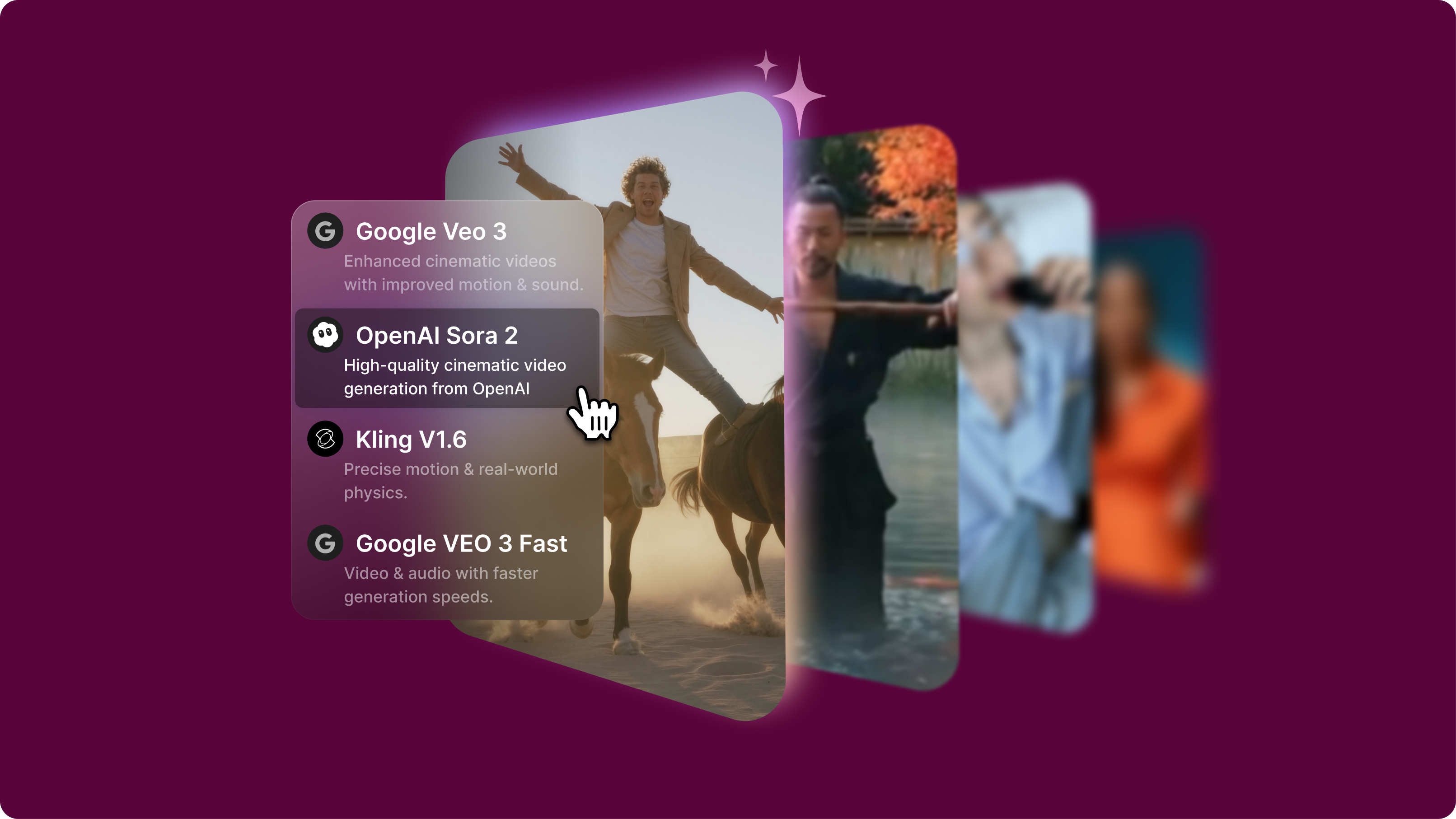
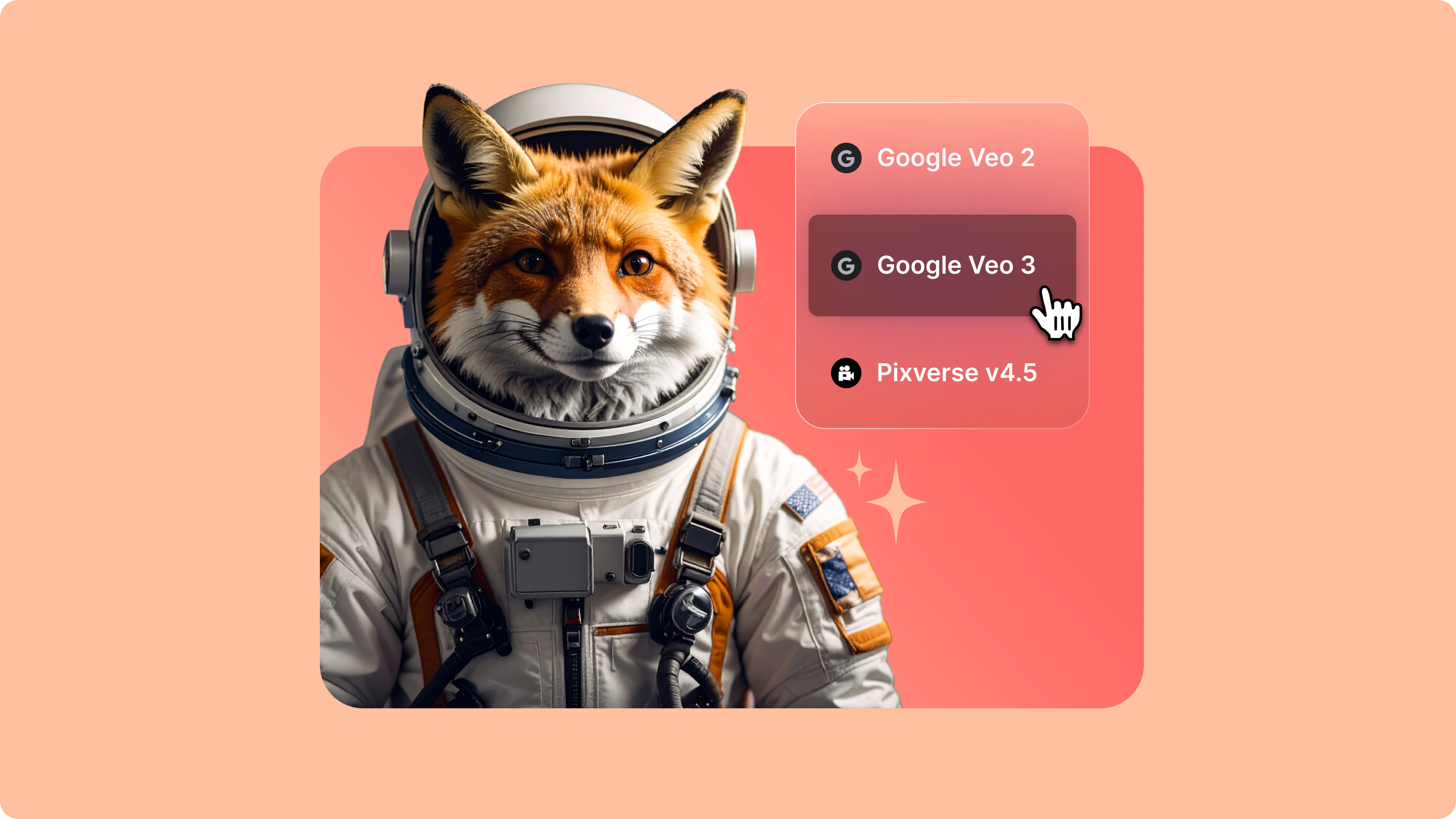
Tired of guessing which AI video model works best for your project? No more wasting time and credits jumping between platforms. Our AI playground lets you test cutting-edge models in one centralized space. Explore video models like Veo 3.1 for cinematic videos with sound, Seedance 1.0 (ranked #1 on industry leaderboards), and Hailuo 2.3 for realistic facial expressions and motion physics. Compare results, find your perfect text-to-video model, and create content that matches your vision. Generate, refine, and export videos in one platform.
How to use our AI playground:
Step 1
Choose an AI video model and describe the video you want to generate.
Step 2
Try the same prompt across different models to see which delivers the style and quality you're looking for. Each model has unique strengths for different types of content.
Step 3
Download your generated video. Or refine your prompt to adjust your video until it matches your vision. Create social media content, product demos, and brand videos.
Learn More
Watch this AI video generator walkthrough:
Detailed video model comparisons
Our directory offers detailed breakdowns of each model's strengths, limitations, and optimal use cases — from Veo 3.1's cinematic videos with native audio to Seedance 1.0's multi-shot capabilities. With comprehensive documentation, you can choose models based on technical merit, not just hype. Save time and credits by understanding each model's features before you generate a video.
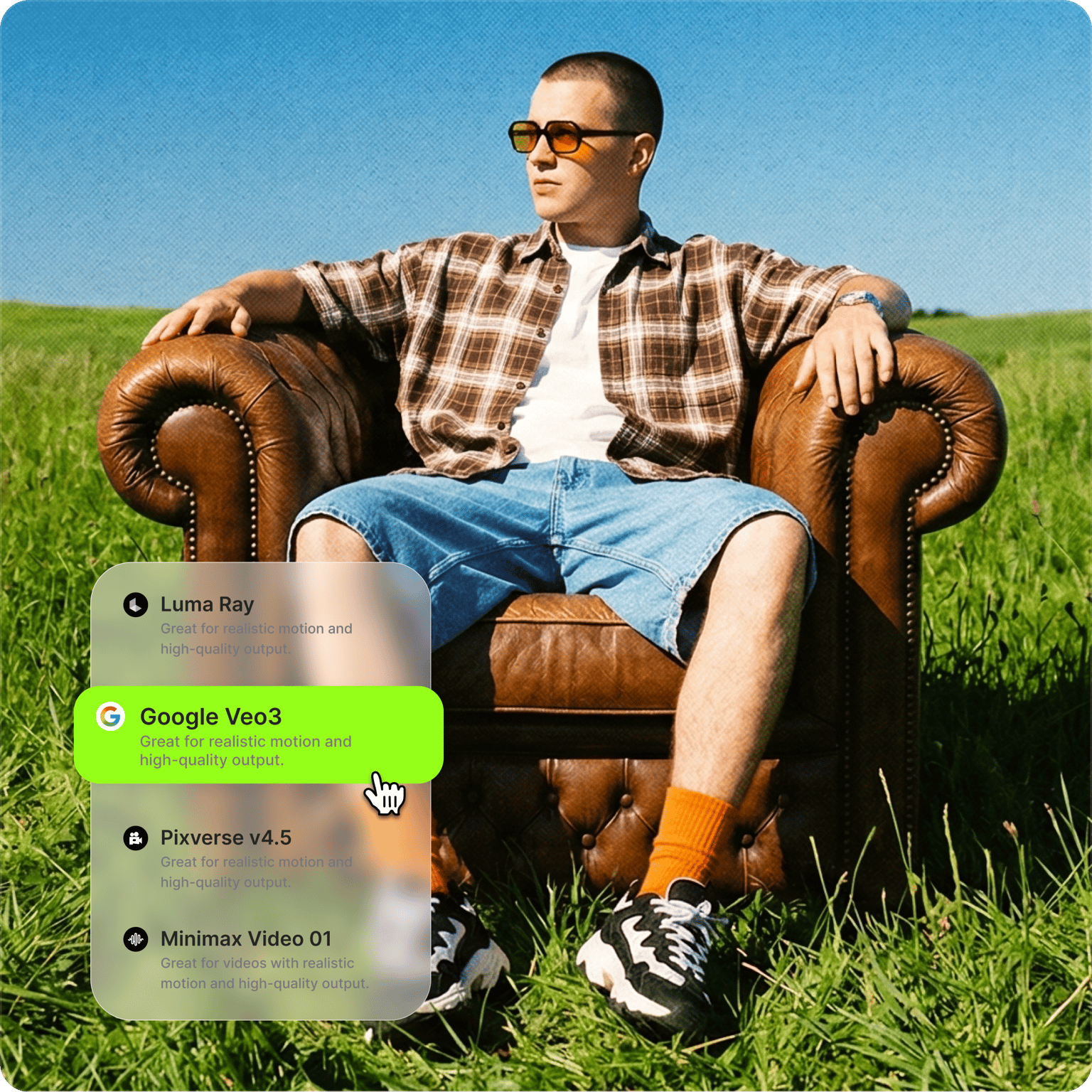
Test multiple AI video models without platform hopping
Stop wasting time and credits jumping between different AI video platforms. Our AI playground lets you test the same prompt across multiple video models in one centralized space. Compare results, analyze technical specs, and make informed decisions about which model delivers the motion quality and style you need.
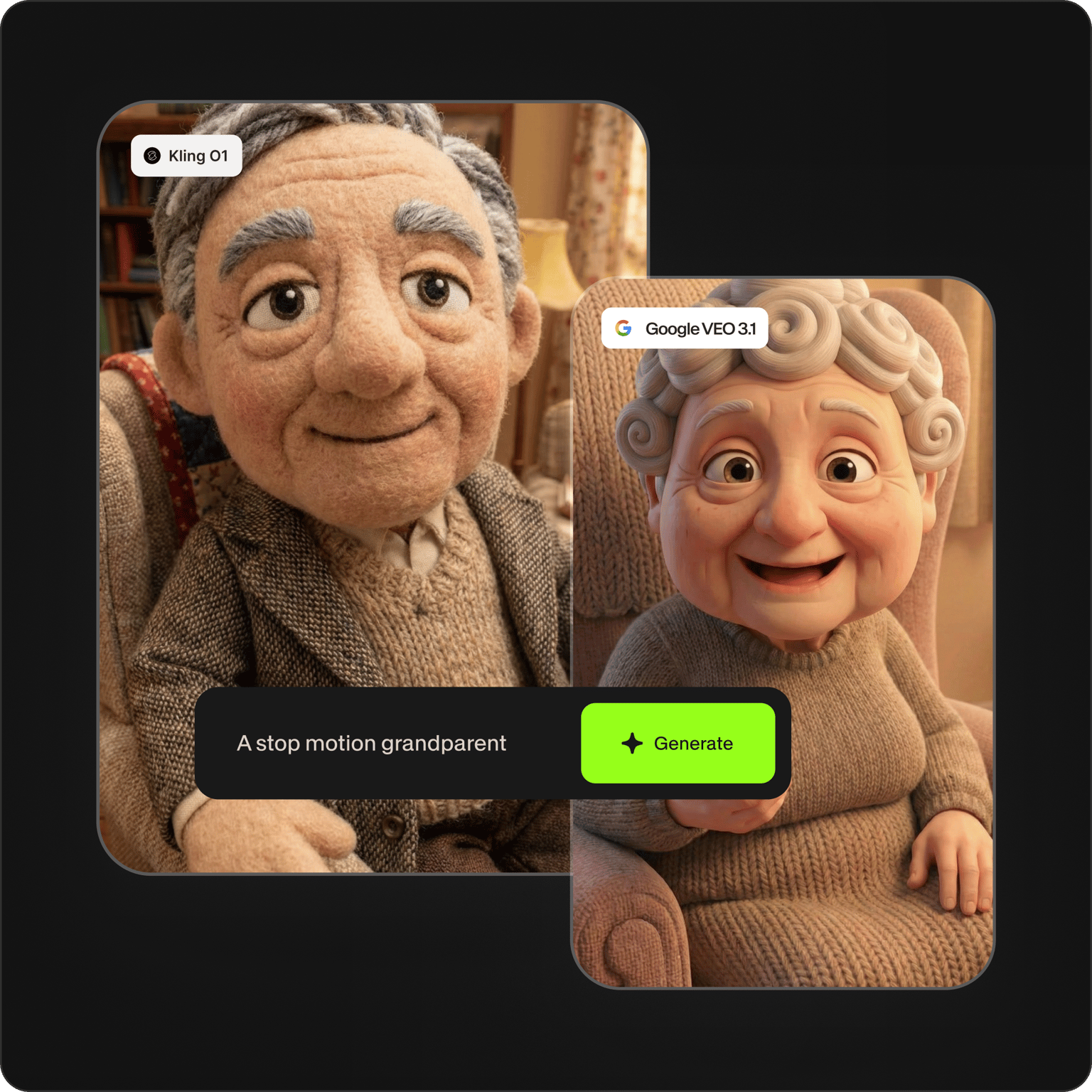
Generate and refine AI videos in one workflow
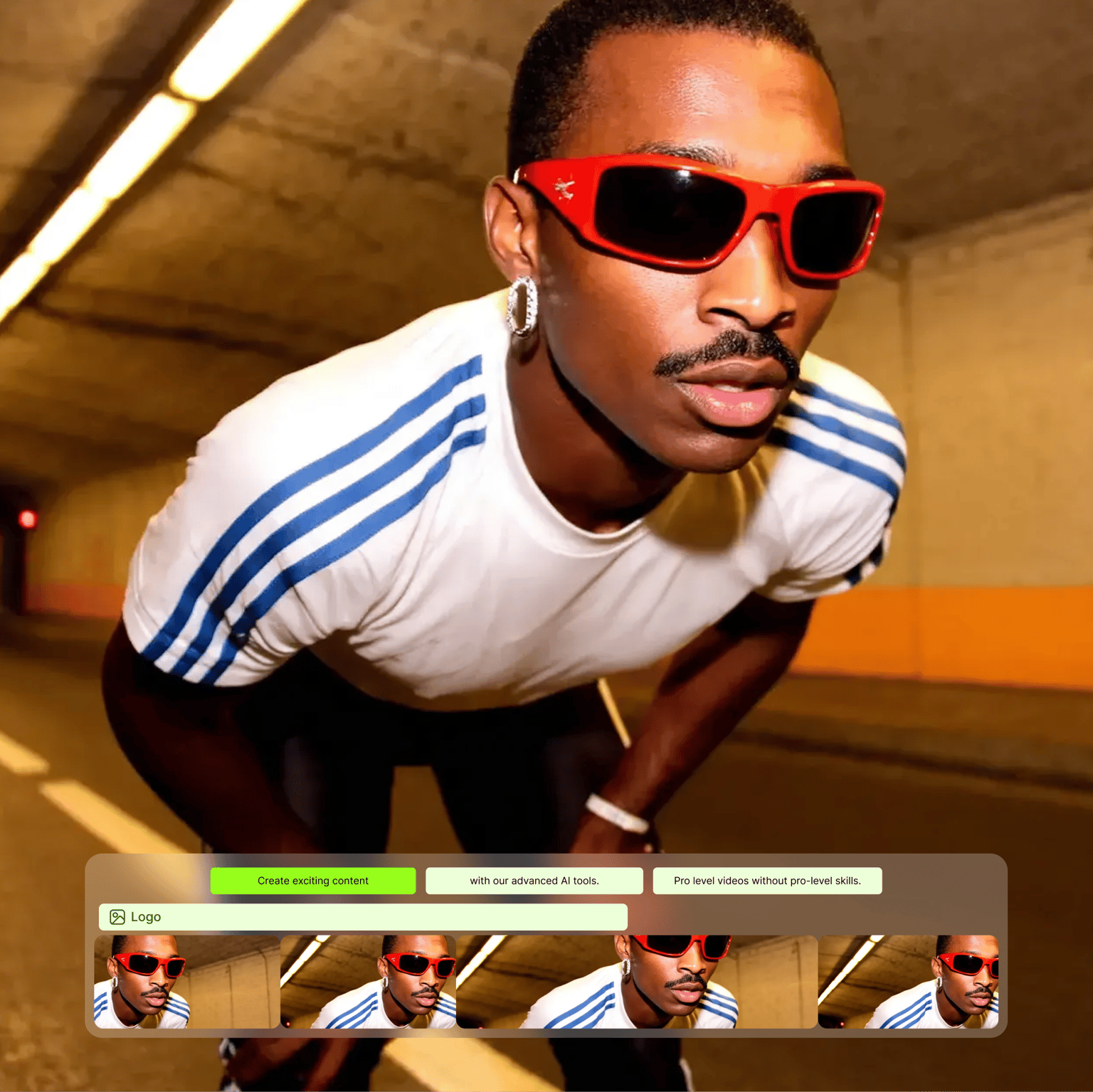
Found your perfect AI-generated video? Take your chosen output directly into our video editor. No need to download files and navigate complex video editing software. Add captions, apply your branding, or create product demos — all in the same platform. VEED streamlines your workflow, from exploring video models to polishing your content.
FAQ
Discover more
Loved by the Fortune 500
VEED has been game-changing. It's allowed us to create gorgeous content for social promotion and ad units with ease.

Max Alter
Director of Audience Development, NBCUniversal

I love using VEED. The subtitles are the most accurate I've seen on the market. It's helped take my content to the next level.

Laura Haleydt
Brand Marketing Manager, Carlsberg Importers

I used Loom to record, Rev for captions, Google for storing and Youtube to get a share link. I can now do this all in one spot with VEED.

Cedric Gustavo Ravache
Enterprise Account Executive, Cloud Software Group

VEED is my one-stop video editing shop! It's cut my editing time by around 60%, freeing me to focus on my online career coaching business.

Nadeem L
Entrepreneur and Owner, TheCareerCEO.com

More from VEED
When it comes to amazing videos, all you need is VEED
No credit card required
More than text to video models
VEED is an AI video creation platform with a wide range of models: text-to-video, image-to-video, text-to-image, and video-to-video. Find the best AI model, generate content, and move it to the editor. Fine-tune videos with automated tools, add captions, and apply your logo and brand colors. Plus, share your video online directly from VEED. One platform for all the AI creation tools you need. Sign up now.