


Trusted by 1M+ creators
Loop Video
Create multiple loops of your videos & clips, or create infinitely looping GIFs
No credit card required
4.6
2,100+ reviews















Repeat videos online, free
Do you want to loop your videos over and over? You can use VEED’s online video looper. You don’t need to have any experience in video editing. Simply upload a video file multiple times and your video will loop over and over. Or you can select a short clip, cut out the rest and make that clip repeat itself for the duration that you want.
You can also convert your video into an infinitely looping GIF! Export your video in an animated GIF format. Our video looping tool is incredibly easy to use. Loop your video as many times as you want—in just a few clicks. Share it with your friends or post it on social media.
How to Loop a Video:
Step 01
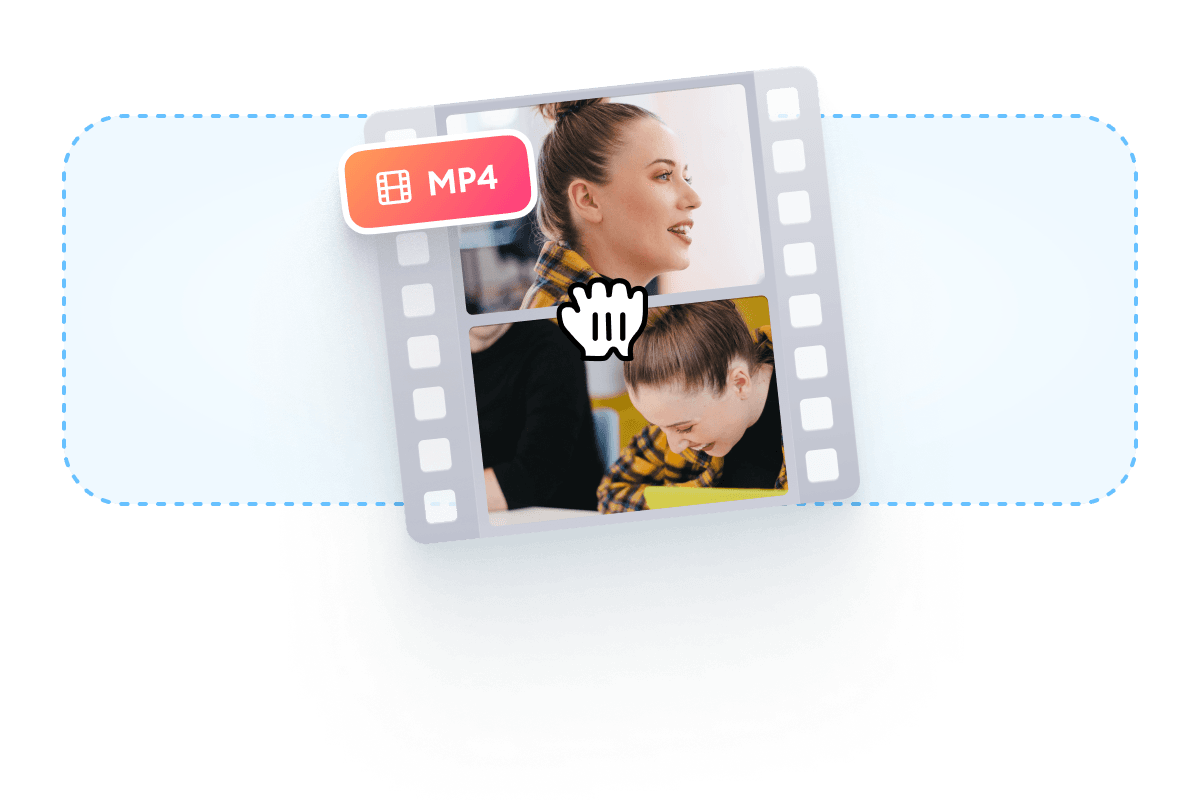
Select your video
Upload your video to VEED by clicking on ‘Choose Video’. Or drag and drop your file into the editor.
Step 02
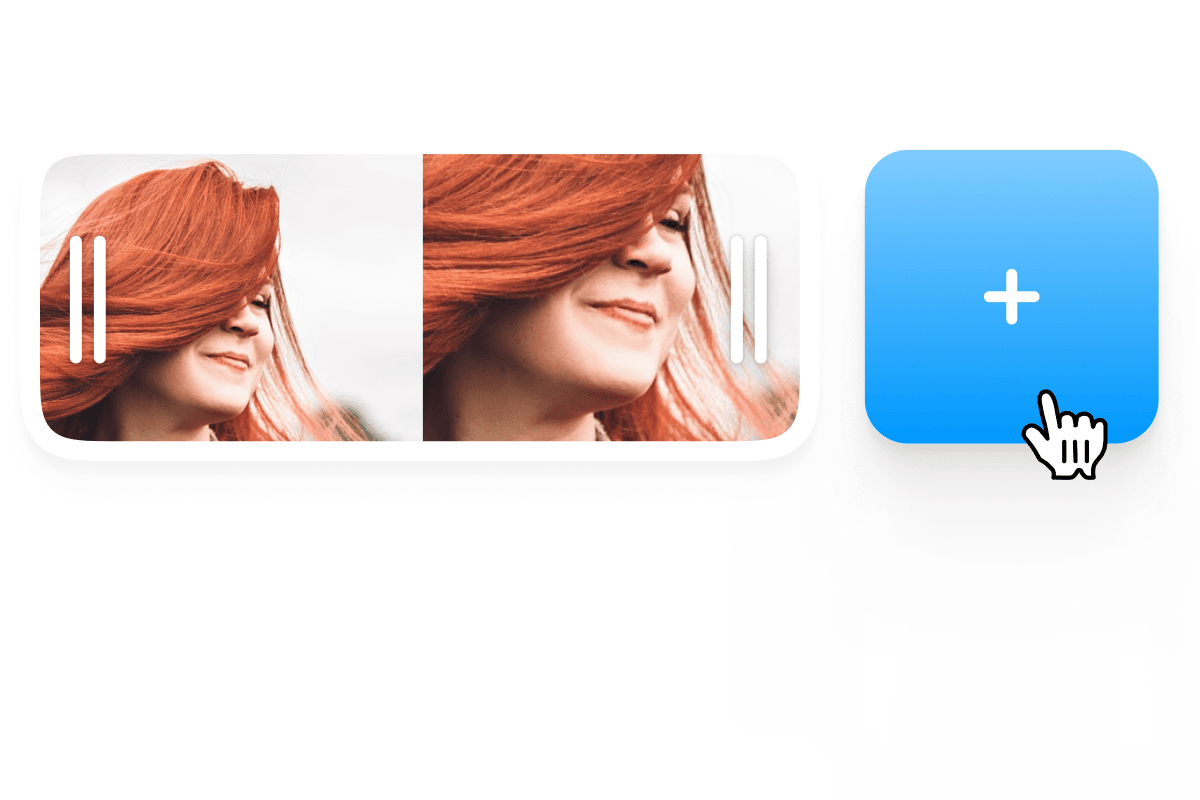
Add the same video
Click on the plus (+) icon on the bottom right and choose the same video from your folder. You can do this as many times as you want. Or you can choose ‘Export as GIF’ to create an infinitely looping GIF image.
Step 03
Export
Click on ‘Export’. The clips will be saved as one looping video in MP4 format, or a GIF image if you exported it as a GIF.
Learn More
‘Loop Video’ Tutorial
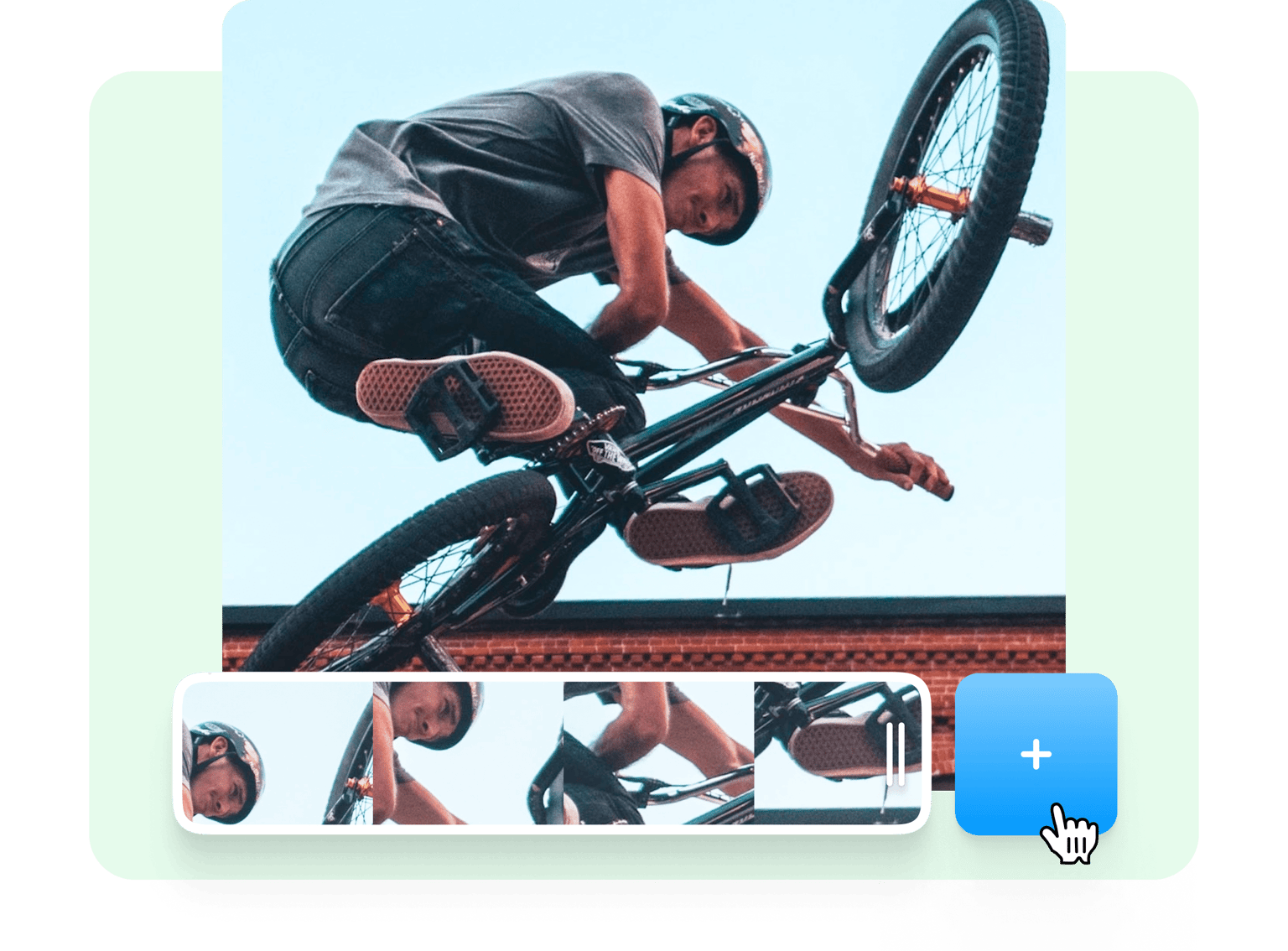
Fast and easy video looping tool
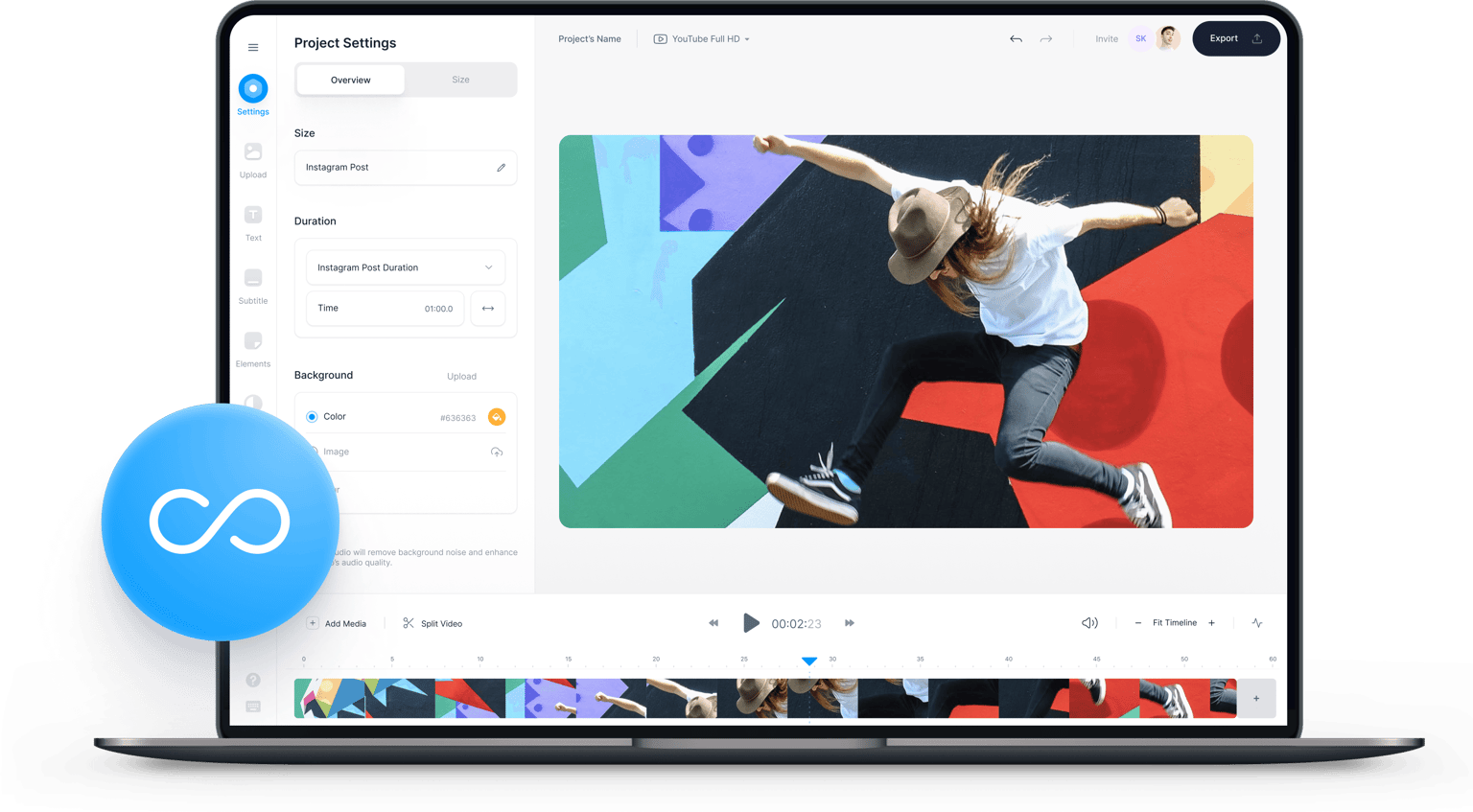
You don’t need to have any expertise in video editing to loop your videos using VEED. All it takes is a few clicks. Just upload your video, click on the plus (+) button on the bottom right and select the same video. You can repeat this as many times as needed. If you only want to repeat a part of the video, select that clip, cut out the rest, and then repeat the process to loop it. To cut out parts of the video, just move the slider or play-head across the timeline, and press ‘S’ on your keyboard on the location you want to cut.
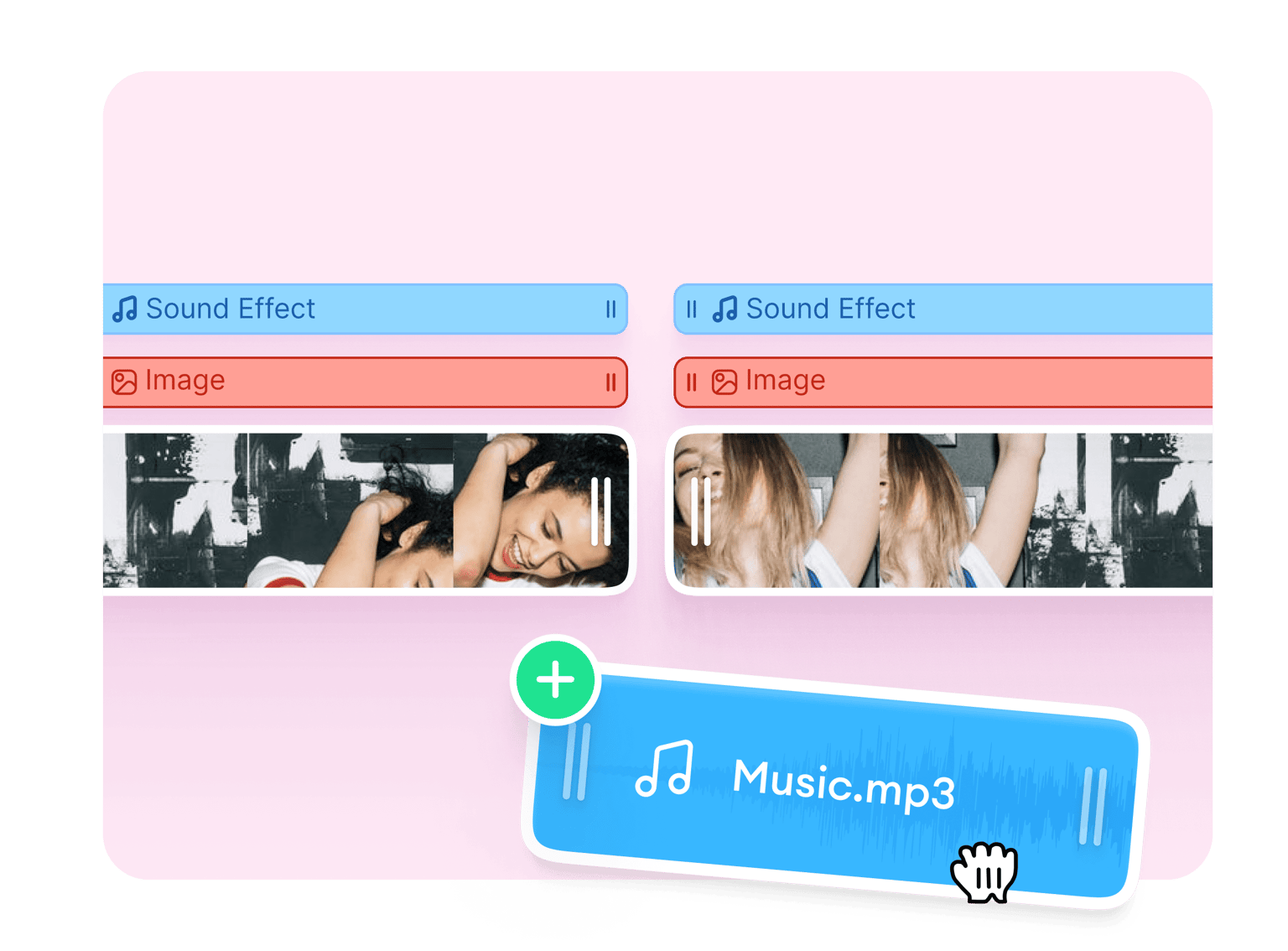
Add sound, images, and more
Apart from looping your video, you can also add audio, images, and other elements to your video to make it look more fun and interesting. You can draw over your video using the brush tool, add shapes, and emojis. Use camera filters and effects to enhance your video. Another great feature of VEED is you can add text and subtitles. Make your video more accessible to everyone. Add titles, headings, and captions, and so much more!
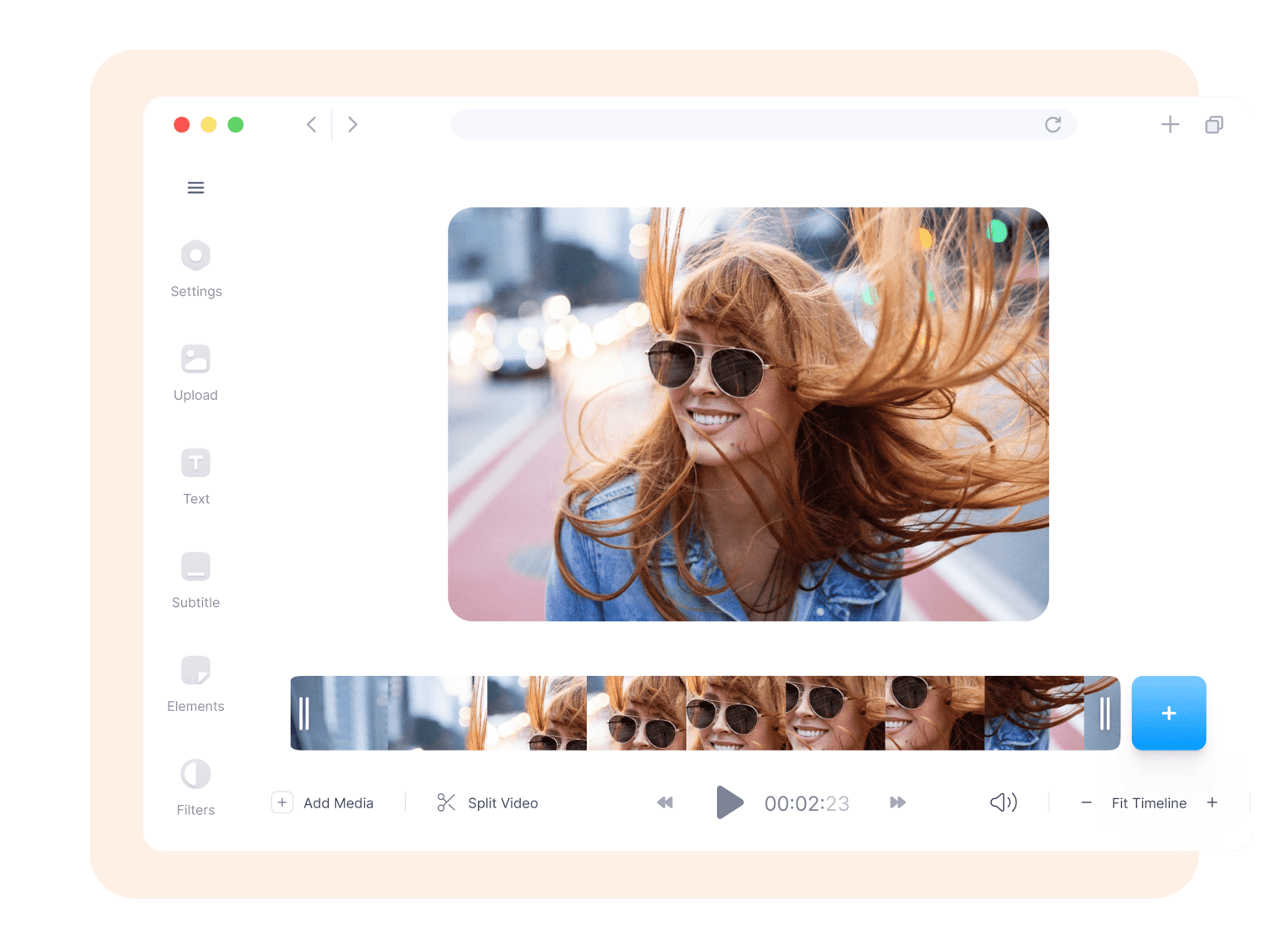
Browser-based video editing app
Why download an app that would eat up storage space on your computer or mobile device when you can do it all online, for free?! With VEED, you can access your projects anywhere, from any device. All you have to do is open your browser and start editing. Creating an account is optional but doing so will allow you to save your edited videos in the cloud. VEED is compatible with Mac, Windows, and Linux, as well as on iPhone, Android, and all mobile devices. It works smoothly on all popular browsers like Chrome, Firefox, and Safari.
FAQ
Choose your video and upload it to VEED. Click on the plus (+) button on the bottom-right of the editor and upload the video again. You can do this as many times as you want. When you’re done, click on ‘Export’ and the clips will be saved as one MP4 file.
VEED offers a premium subscription that will allow you to remove VEED’s watermark. It is absolutely free to loop and edit your video, and for a minimal fee, you can remove the watermark for all your future projects. You can visit our pricing page to learn more.
VEED is compatible with iPhone, Android, and all mobile devices. All you have to do is open your mobile browser and go to VEED. You can then start editing and looping your video on your phone.
VEED supports all popular video formats including MP4, MOV, AVI, WebM, and more. You can edit videos of different file types and export them as MP4.
Absolutely! VEED features a whole range of video editing tools that you can use to create stunning videos. You can rotate, resize, and crop your video for different social media platforms. Add text, images, audio, and much much more!
Loved by creators.
Loved by the Fortune 500
“
With VEED I didn't need 15 tutorials - I jumped straight in and started editing.

Gwenne Wilcox
Founder,
Brand Brainery
“
You can go beyond choppping things. VEED actually makes my videos look great.

Michael Glover
Demand Gen Manager,
ConvertFlow
“
The first four videos i created with VEED got over 40,000 impressions on LinkedIn.

Travis Tyler
Senior Content Producer,
PandaDoc
“
I found VEED at the right time: if you're making UGC ads and not using Eye Contact Correction and Noise Reduction on VEED you're missing out on ROI.

Sebastian Schurgers
Head of Growth Marketing,
Gronda
“
With VEED I didn't need 15 tutorials - I jumped straight in and started editing.
Gwenne Wilcox
Founder,
Brand Brainery
“
You can go beyond choppping things. VEED actually makes my videos look great.
Michael Glover
Demand Gen Manager,
ConvertFlow
“
The first four videos i created with VEED got over 40,000 impressions on LinkedIn.
Travis Tyler
Senior Content Producer,
PandaDoc
“
I found VEED at the right time: if you're making UGC ads and not using Eye Contact Correction and Noise Reduction on VEED you're missing out on ROI.
Sebastian Schurgers
Head of Growth Marketing,
Gronda
“
The first four videos i created with VEED got over 40,000 impressions on LinkedIn.
Travis Tyler
Senior Content Producer,
PandaDoc
“
I found VEED at the right time: if you're making UGC ads and not using Eye Contact Correction and Noise Reduction on VEED you're missing out on ROI.
Sebastian Schurgers
Head of Growth Marketing,
Gronda
“
With VEED I didn't need 15 tutorials - I jumped straight in and started editing.
Gwenne Wilcox
Founder,
Brand Brainery
“
You can go beyond choppping things. VEED actually makes my videos look great.
Michael Glover
Demand Gen Manager,
ConvertFlow
More from VEED
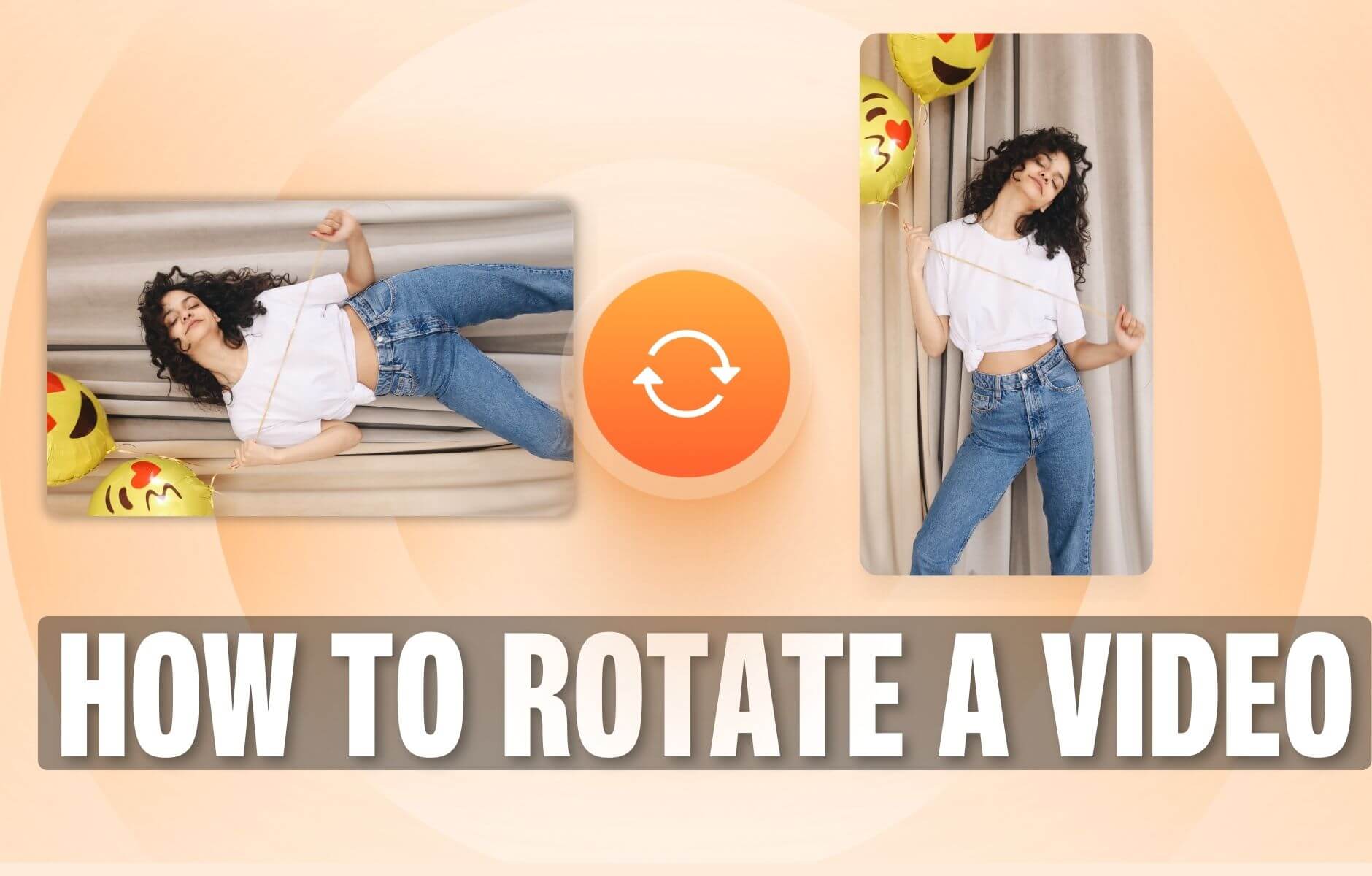
How to Rotate a Video (6 Quick & Easy Ways)
How to easily rotate a video whether you're on your desktop, mobile, or on your web browser.

How to Crop a Video (Free and Paid Easy-to-Use Methods)
The easiest way to crop videos (free & paid ways) whether on Windows 10 with VLC or online with VEED. Here's how!
12 Best Free Screen Recorders to Try in 2025
Recording your screen is a necessity for content creators, freelancers, and teachers, to name a few. So, we’ve compiled a list of 11 best free screen recorders to try this year!
Trusted by 1M+ creators
When it comes to amazing videos, all you need is VEED
No credit card required
More than a video looper
Unlike other free video editing apps, VEED gives you access to plenty of tools that you can use to edit your videos like a pro. These tools usually come as add-ons in most free video editors. But with VEED, it is absolutely free. The best part is you can do it all straight from your browser! No need to install apps that eat up huge storage space in your device. All tools are incredibly easy to use; most feature drag and drop actions. Create a free account and start creating professional-looking videos today!