


Trusted by 1M+ creators
Video Translator
Video translator with 125+ subtitle languages, AI voice translation, and voice preservation technology. Translate videos in three simple steps
No credit card required
4.6
2,100+ reviews















Break language barriers with AI-powered instant video translations
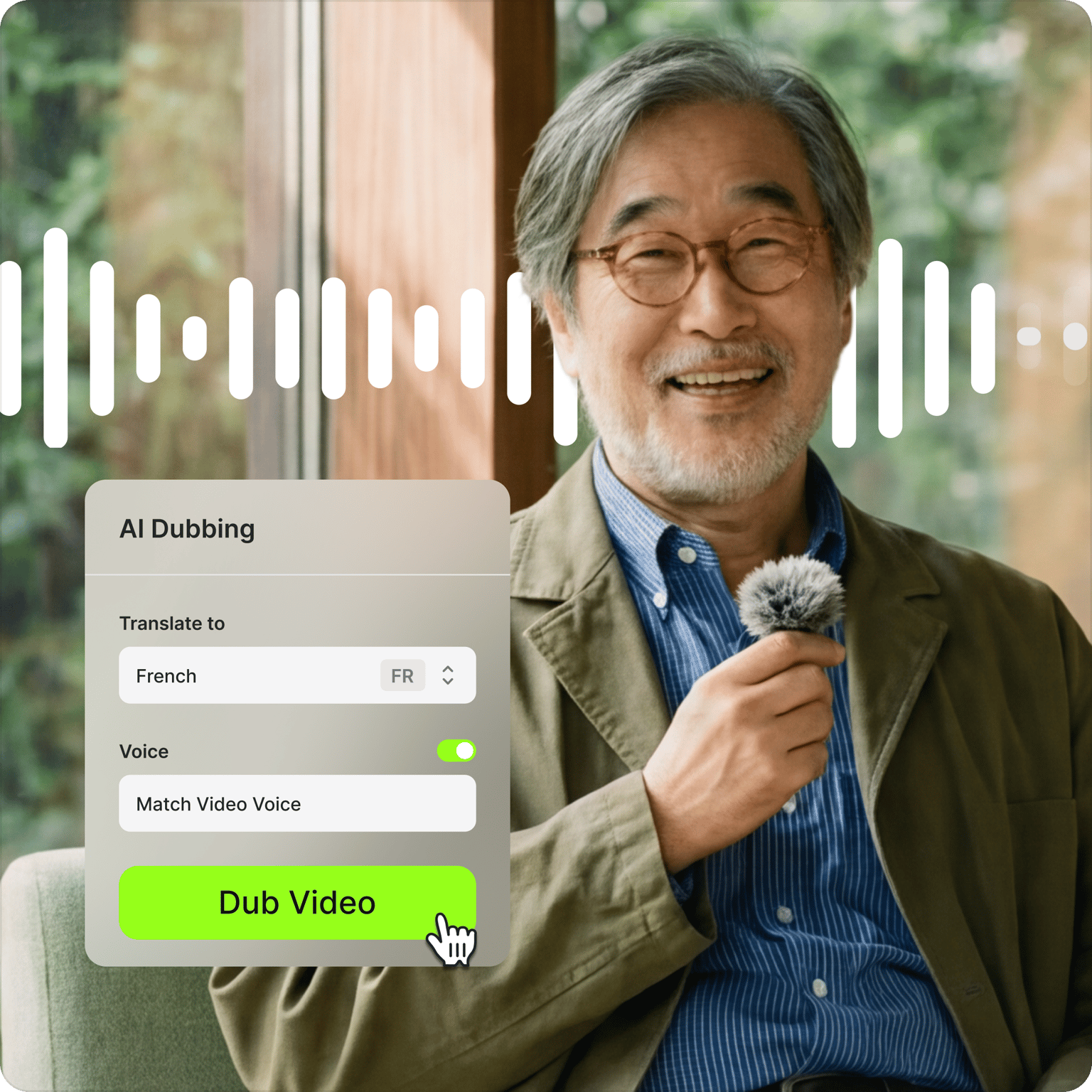
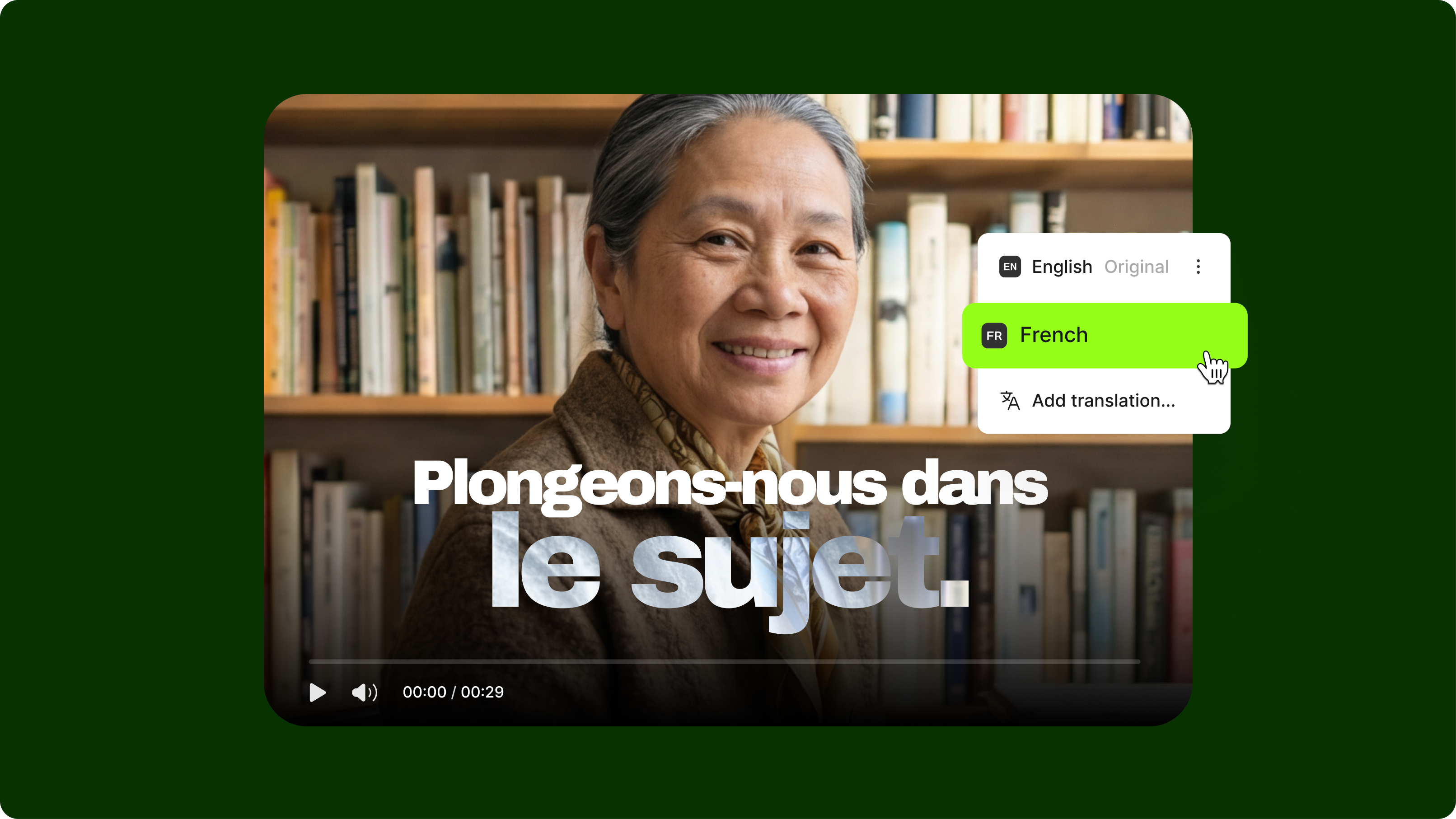
Make your content global with the AI video translator. It preserves the speaker’s voice across 29 languages, including Spanish, French, and Japanese. You can even enable lipsync and retain the background audio for a more immersive and realistic video translation. You can also use auto-generated subtitles in over 125 languages.
Unlock a global audience by engaging with them in their native language without using expensive translation agencies or manually typing and translating subtitles. Convert your audio to text and translate the transcript. With up to 99.9% accuracy, translate effortlessly and make easy edits with contextually relevant auto-translations using the best AI video language translator.
How to translate videos online instantly:
Step 01
Upload your video
Upload your audio or video to the editor or record one using our webcam recorder.
Step 02
Translate your video
Select your target language and preferred voice. You can match the video’s original voice or choose from our realistic AI voices. Enable lipsync and keep the background audio if you prefer.
Step 03
Review and export
Review the translation. You can also add automatic subtitles in one click. Export your video or keep editing — trim, resize, style captions, and more.
Learn More
Learn more about the AI video translator:
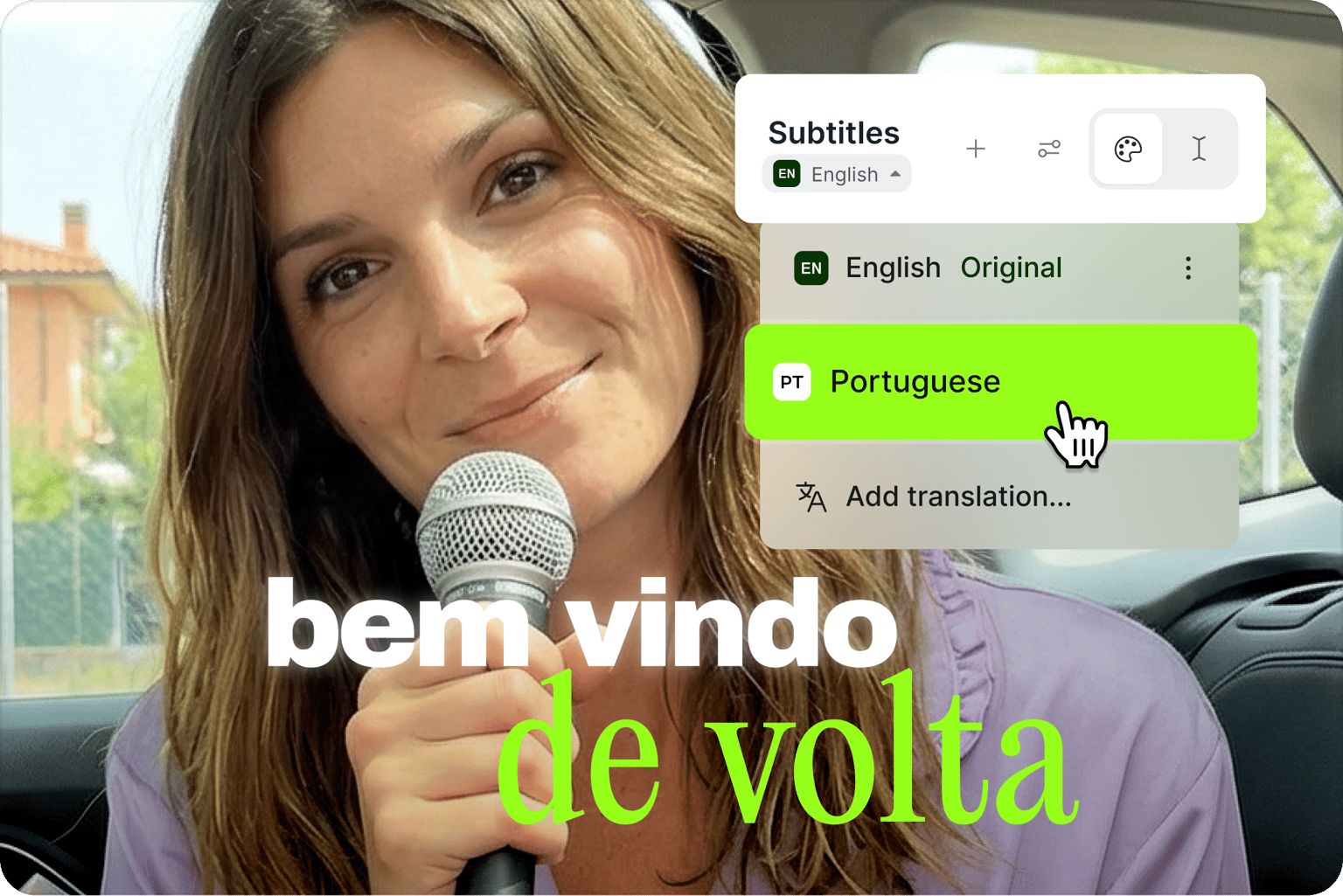
Video translator with voice preservation technology
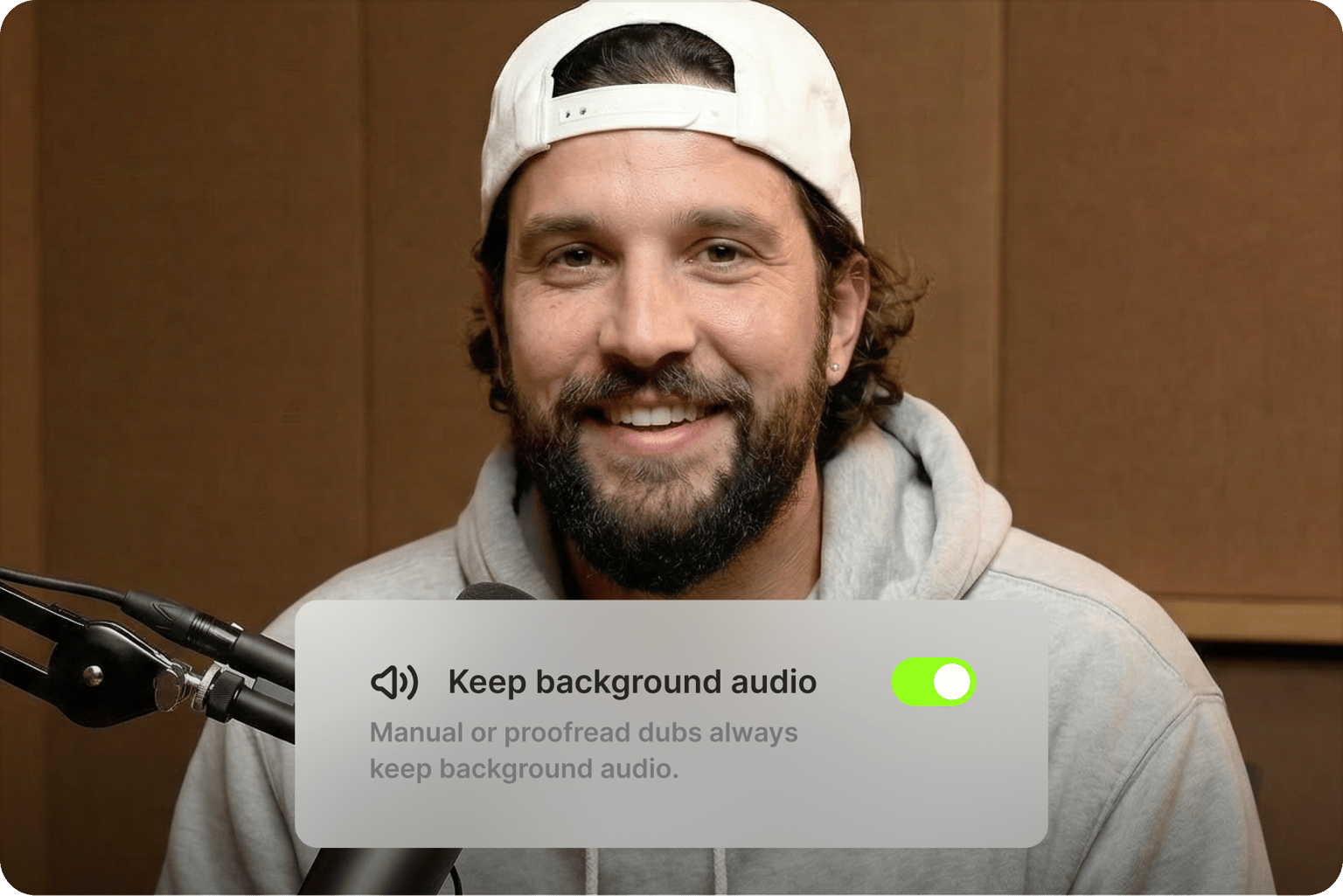
Maintain your authentic voice across languages using AI dubbing with voice-matching technology. Keep the background audio intact when translating your video, so it sounds natural and not robotic. Polish your videos in minutes using VEED’s full suite of AI editing tools, snap-to-grid interface, and intuitive timeline.
Accurate and contextually relevant AI video translations
Create multilingual videos with text-to-speech and voice cloning; simply type a script to generate speech in 29 languages in your own voice. You can also convert your videos to text and translate them instantly. The video translator features up to 99.9% accuracy in translations. Create localized content that resonates with your audience.
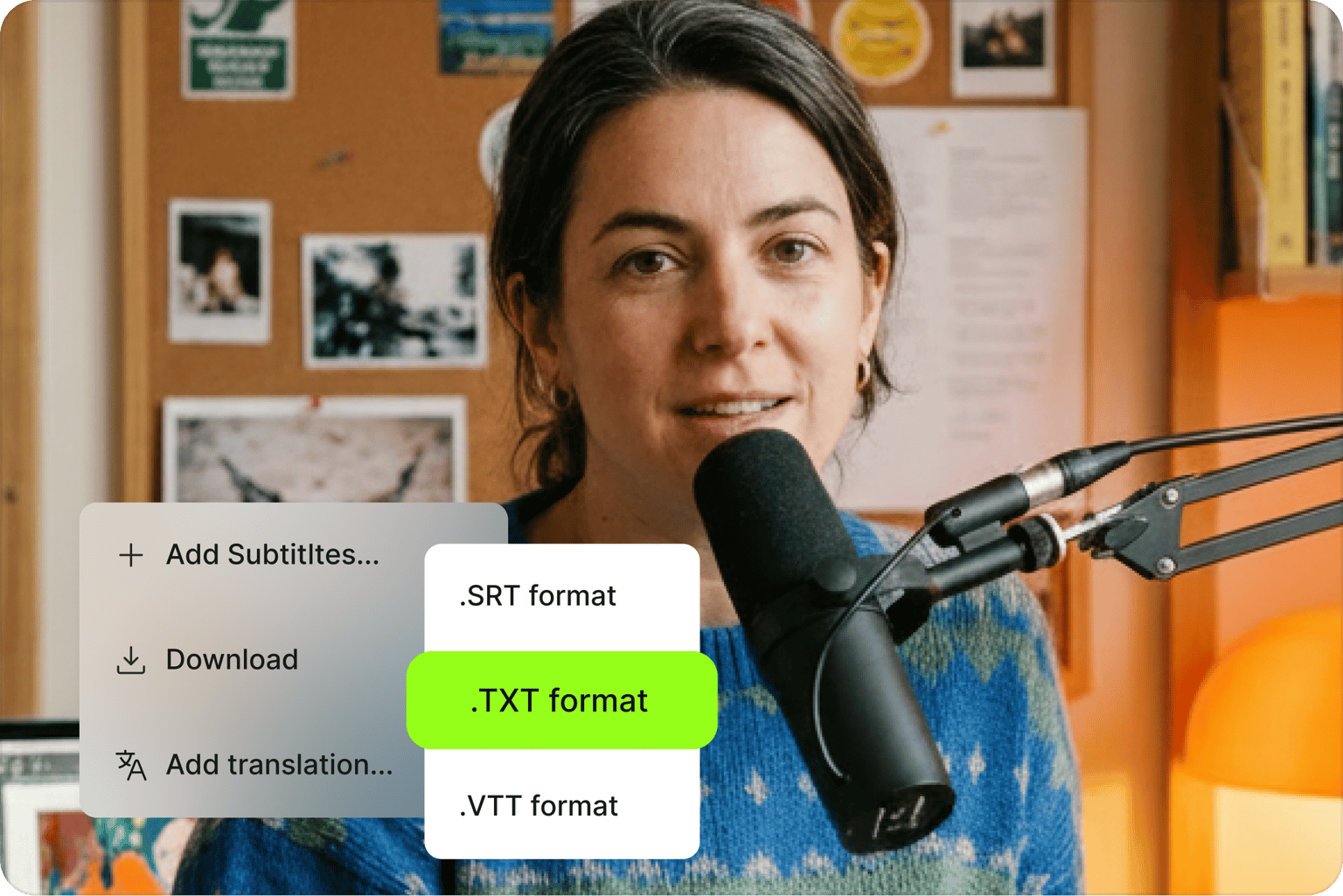
Download subtitles for efficient content repurposing
Download a transcript of your captions and translations for easy content repurposing. Hard-code subtitles into your video permanently or keep them as a downloadable file. Cross-post your video to multiple platforms. Localized subtitles help your content reach more viewers on YouTube, Google, and social platforms.
FAQ
Use the instant AI video translator.
- Upload your video to the editor, then click on Subtitles on the left menu.
- Click on ‘Auto Transcribe,’ and AI will automatically generate the subtitles. Or you can type manually.
- Select ‘Translate’ and choose a language.
- Click the Translate button and watch the translation appear on the video.
If you want a painless translation process, use VEED. Our video translator app is accessible online, no need to download software. You can save your projects online and access them anytime, anywhere.
VEED delivers up to 99.9% accurate subtitles. Results may vary depending on the language, audio quality, and speech clarity. To improve accuracy, use the Dictionary feature to add custom vocabulary — brand names, proper nouns, and industry terms. This way, VEED recognizes them correctly in future transcriptions. Low-confidence words are automatically flagged, making it easy to spot and correct any errors.
Click on Options while you’re on the Subtitles page, select a language, and click on the Download button. It only takes a few clicks. You can export your translated subtitles in different formats: TXT, VTT, or SRT.
Yes, you can! You can upload an audio file to the editor, use the auto translator, and download the text file.
You can also use the voice dubber to translate your original spoken audio. It will be replaced with a translated speech with natural-sounding AI voices.
With a premium subscription, not only will you be able to translate and transcribe videos, but you will also have access to VEED’s full suite of tools and cloud storage. Download videos in 4K quality, add custom fonts and custom watermarks, and more.
Loved by creators.
Loved by the Fortune 500
“
With VEED I didn't need 15 tutorials - I jumped straight in and started editing.

Gwenne Wilcox
Founder,
Brand Brainery
“
You can go beyond choppping things. VEED actually makes my videos look great.

Michael Glover
Demand Gen Manager,
ConvertFlow
“
The first four videos i created with VEED got over 40,000 impressions on LinkedIn.

Travis Tyler
Senior Content Producer,
PandaDoc
“
I found VEED at the right time: if you're making UGC ads and not using Eye Contact Correction and Noise Reduction on VEED you're missing out on ROI.

Sebastian Schurgers
Head of Growth Marketing,
Gronda
“
With VEED I didn't need 15 tutorials - I jumped straight in and started editing.
Gwenne Wilcox
Founder,
Brand Brainery
“
You can go beyond choppping things. VEED actually makes my videos look great.
Michael Glover
Demand Gen Manager,
ConvertFlow
“
The first four videos i created with VEED got over 40,000 impressions on LinkedIn.
Travis Tyler
Senior Content Producer,
PandaDoc
“
I found VEED at the right time: if you're making UGC ads and not using Eye Contact Correction and Noise Reduction on VEED you're missing out on ROI.
Sebastian Schurgers
Head of Growth Marketing,
Gronda
“
The first four videos i created with VEED got over 40,000 impressions on LinkedIn.
Travis Tyler
Senior Content Producer,
PandaDoc
“
I found VEED at the right time: if you're making UGC ads and not using Eye Contact Correction and Noise Reduction on VEED you're missing out on ROI.
Sebastian Schurgers
Head of Growth Marketing,
Gronda
“
With VEED I didn't need 15 tutorials - I jumped straight in and started editing.
Gwenne Wilcox
Founder,
Brand Brainery
“
You can go beyond choppping things. VEED actually makes my videos look great.
Michael Glover
Demand Gen Manager,
ConvertFlow
Discover more
- English to Amharic Translation with Sound
- English to Hindi Video
- English to Mandarin
- German Video Translation
- Italian to English
- Latvian to English Translation
- Polish to English
- Russian to Spanish
- Spanish to English Video
- Translate Arabic Video to English
- Translate Chinese Video to English
- Translate French to Dutch
- Translate Italian to French
- Translate Japanese to Spanish
- Translate Korean Video to English
- Translate MP3
- Translate Russian Video to English
- Translate Spanish to Dutch
- Translate Turkish Video to English
- Video Japanese Translation
Explore related tools
More from VEED

Best Video Translation Software to Try in 2025
Translate your videos like a pro! Check out the best video translation software of 2025 to boost engagement worldwide.

How To Translate a YouTube Video to English (and Any Other Language)
Knowing how to translate YouTube videos online can be one of the most useful things in a bilingual content creator’s arsenal.
How to Translate YouTube Subtitles: A Complete 2026 Guide for Viewers and Creators
This guide explains how to translate YouTube subtitles for both viewers watching foreign-language videos and creators publishing in multiple languages.
Trusted by 1M+ creators
When it comes to amazing videos, all you need is VEED
No credit card required
More than a video translator
Translation is one way to grow your audience. VEED is an AI video creation platform that lets you do more. Generate videos with AI, add subtitles in 125+ languages, clean your audio, and repurpose content for any platform. With AI voice cloning, you can also dub and localize your content in 29 languages without re-recording. From translation to full video creation, all the tools you need are in one place. Sign up for VEED now.